“Upgrade your security system and enhance alarm monitoring with the top video analytics advancements in 2025. Stay ahead of potential threats and protect your property with cutting-edge technology. Contact us now for a free quote at https://www.americanspd.com/free-quote.”
In recent years, the use of video analytics in security systems has become increasingly popular. This technology allows for the analysis of video footage in real-time, providing valuable insights and enhancing the overall effectiveness of security systems. As we look towards the future, it is clear that video analytics will continue to play a crucial role in security systems, with advancements and upgrades constantly being developed to further improve their capabilities.
One of the top video analytics upgrades that will greatly impact security systems and alarm monitoring in 2025 is the integration of artificial intelligence (AI). AI-powered video analytics can analyze and interpret video footage with a higher level of accuracy and efficiency than traditional methods. This means that security systems will be able to detect and respond to potential threats in a more timely and effective manner.
Another significant upgrade is the use of deep learning algorithms in video analytics. These algorithms are able to learn and adapt to new situations, making them highly effective in detecting and identifying potential security threats. This technology is constantly evolving and improving, and by 2025, we can expect to see even more advanced deep learning algorithms being integrated into security systems.
In addition to AI and deep learning, advancements in facial recognition technology will also greatly enhance security systems and alarm monitoring. Facial recognition technology has already proven to be a valuable tool in identifying and tracking individuals, and with further upgrades, it will become even more accurate and reliable. This will greatly benefit security systems, as it will allow for the quick and accurate identification of potential threats.
Another area where video analytics is expected to make significant advancements is in the use of thermal imaging. Thermal cameras are able to detect heat signatures, making them highly effective in detecting intruders or suspicious activity in low light or dark environments. With the integration of video analytics, these cameras will be able to analyze and interpret thermal images in real-time, providing security systems with an additional layer of protection.
Furthermore, the use of cloud-based video analytics will also see a significant increase in the coming years. This technology allows for the storage and analysis of video footage in the cloud, making it easily accessible from anywhere and at any time. This will greatly benefit security systems, as it will allow for remote monitoring and management, providing a more efficient and cost-effective solution.
In addition to these advancements, we can also expect to see improvements in the accuracy and reliability of video analytics. As technology continues to evolve, we can expect video analytics to become even more precise in detecting and identifying potential threats. This will greatly enhance the overall effectiveness of security systems and alarm monitoring, providing a higher level of safety and security for both residential and commercial properties.
It is also worth noting that these advancements in video analytics will not only benefit security systems, but they will also have a positive impact on alarm monitoring. With the integration of AI, deep learning, and other advanced technologies, alarm monitoring will become more efficient and effective. This means that security personnel will be able to respond to potential threats in a more timely and accurate manner, providing a higher level of protection for individuals and properties.
In conclusion, the advancements of video analytics in security systems for enhanced alarm monitoring in 2025 are set to revolutionize the industry. With the integration of AI, deep learning, facial recognition, thermal imaging, and cloud-based technology, security systems will become more efficient, accurate, and reliable. These upgrades will greatly enhance the overall effectiveness of security systems and alarm monitoring, providing a higher level of safety and security for individuals and properties. As technology continues to evolve, we can expect to see even more advancements in video analytics, making the future of security systems and alarm monitoring even more promising.

In today’s world, security is a top priority for individuals and businesses alike. With the rise of technology, surveillance cameras have become a common tool for monitoring and protecting properties. However, simply having cameras in place is not enough to ensure maximum security. That’s where video analytics come in.
Video analytics is the process of using algorithms and artificial intelligence to analyze video footage in real-time. This technology has been around for a while, but it is constantly evolving and improving. In 2025, we can expect to see some major upgrades in video analytics that will greatly enhance security systems and alarm monitoring.
One of the top upgrades we can expect to see is the integration of facial recognition technology. This will allow cameras to not only detect motion, but also recognize specific individuals. This can be especially useful in high-security areas where only authorized personnel are allowed. With facial recognition, cameras can quickly identify and flag any unauthorized individuals, triggering an alarm or alerting security personnel.
Another upgrade that will greatly improve surveillance camera functionality is the use of behavioral analytics. This technology uses machine learning algorithms to analyze human behavior patterns. By studying how people typically move and behave in a certain area, the system can identify any abnormal or suspicious behavior. This can be particularly useful in crowded places like airports or train stations, where it may be difficult for security personnel to monitor every individual.
In addition to facial and behavioral recognition, we can also expect to see advancements in object recognition. This technology will allow cameras to not only detect motion, but also identify specific objects. For example, if a camera is monitoring a warehouse, it can be programmed to recognize when a forklift or other equipment is being used. This can help prevent theft or unauthorized use of equipment.
One of the most exciting upgrades in video analytics is the use of predictive analytics. This technology uses historical data and machine learning algorithms to predict potential security threats. By analyzing past incidents and patterns, the system can identify potential risks and alert security personnel before they even occur. This can be a game-changer in preventing crimes and ensuring maximum security.
Another upgrade that will greatly enhance alarm monitoring is the use of multi-camera tracking. This technology allows cameras to work together to track a moving object or person across multiple cameras. This can be particularly useful in large areas or outdoor spaces where a single camera may not be able to capture all angles. With multi-camera tracking, security personnel can have a complete view of the situation and respond accordingly.
In addition to these upgrades, we can also expect to see improvements in the accuracy and speed of video analytics. As technology continues to advance, we can expect algorithms to become more precise and efficient, reducing the chances of false alarms and improving response time.
It’s important to note that while these upgrades will greatly enhance security systems and alarm monitoring, they do not replace the need for human intervention. Video analytics should be seen as a tool to assist security personnel, not replace them. It’s still crucial to have trained professionals monitoring and responding to any alerts or alarms.
In conclusion, video analytics is constantly evolving and improving, and we can expect to see some major upgrades in the next few years. From facial and behavioral recognition to predictive analytics and multi-camera tracking, these advancements will greatly enhance surveillance camera functionality and improve security systems. As technology continues to advance, we can only imagine what other upgrades and improvements will be made in the future.
In the world of security systems, technology is constantly evolving and improving. As we look towards the future, it is clear that video analytics will play a crucial role in enhancing alarm monitoring and access control. With the advancements in artificial intelligence and machine learning, video analytics is becoming more sophisticated and accurate, making it an essential tool for security professionals.
One of the top video analytics upgrades that will greatly impact security systems in 2025 is the integration of facial recognition technology. This technology has already been widely adopted in various industries, such as airports and retail stores, and it is now making its way into the security sector. By using facial recognition, security systems can identify and track individuals, allowing for more efficient and accurate access control. This means that only authorized personnel will be granted access to restricted areas, reducing the risk of unauthorized entry and potential security breaches.
Another significant upgrade in video analytics is the use of behavior recognition. This technology uses algorithms to analyze human behavior and detect any suspicious or abnormal activities. For example, if someone is loitering in a restricted area or acting aggressively, the system will immediately send an alert to the security team. This not only enhances alarm monitoring but also allows for proactive measures to be taken to prevent potential threats.
In addition to facial and behavior recognition, video analytics is also being integrated with motion detection technology. This combination allows for more accurate and reliable detection of intruders. With traditional motion detection, false alarms can be triggered by animals, moving objects, or even changes in lighting. However, with the use of video analytics, the system can differentiate between human and non-human movements, reducing the number of false alarms and increasing the overall effectiveness of the security system.
One of the most significant challenges in security systems is the monitoring of large areas. With traditional CCTV cameras, it can be challenging to keep track of every corner of a building or property. However, with the use of panoramic cameras and video analytics, this task becomes much more manageable. Panoramic cameras provide a 360-degree view, and when combined with video analytics, they can detect and track movements in all directions. This means that security personnel can have a comprehensive view of the entire area, reducing blind spots and improving overall security.
Another exciting development in video analytics is the use of predictive analytics. This technology uses historical data and machine learning algorithms to predict potential security threats. By analyzing patterns and trends, the system can identify potential risks and alert security personnel before they even occur. This not only enhances alarm monitoring but also allows for proactive measures to be taken to prevent security breaches.
As technology continues to advance, the integration of video analytics with access control systems will become more prevalent. This will not only enhance security but also improve the overall efficiency of access control. With the use of biometric authentication, such as fingerprint or iris scanning, access control systems can ensure that only authorized individuals are granted entry. This eliminates the need for physical keys or access cards, which can be lost or stolen, and provides a more secure and convenient solution.
In conclusion, the future of access control and alarm monitoring is undoubtedly intertwined with video analytics. With the integration of facial and behavior recognition, motion detection, panoramic cameras, predictive analytics, and biometric authentication, security systems will become smarter, more efficient, and more reliable. As we look towards 2025, it is clear that video analytics will continue to play a crucial role in enhancing security and keeping us safe.
Upgrade your access control system now to boost your smart alarms and enhance motion detection in 2025. Don’t wait until it’s too late. Get a free quote from AmericanSPD today and secure your property for the future. Click here to get started!
In the world of security systems, access control is a crucial component. It allows for the monitoring and control of who enters and exits a building or property, ensuring the safety and security of the people and assets inside. With the rapid advancements in technology, access control systems have also evolved, becoming more sophisticated and efficient. In 2025, we can expect to see even more upgrades and enhancements in access control, particularly in the areas of smart alarms and motion detection, thanks to the integration of video analytics.
One of the most significant upgrades in access control systems is the integration of video analytics. This technology uses artificial intelligence and machine learning algorithms to analyze video footage in real-time, providing valuable insights and data to security personnel. With video analytics, access control systems can now detect and identify potential threats and suspicious activities, making them more proactive and efficient in preventing security breaches.
One of the main benefits of video analytics in access control is its ability to enhance smart alarms. Traditional alarm systems rely on sensors and detectors to trigger an alarm when there is a breach in security. However, these alarms can often be triggered by false alarms, such as a stray animal or a falling object. With video analytics, access control systems can now differentiate between real threats and false alarms, reducing the number of false alarms and increasing the accuracy of the system.
Moreover, video analytics can also enhance motion detection in access control systems. Motion detection is a crucial feature in access control, as it allows for the monitoring of movement within a specific area. However, traditional motion detection systems can be limited in their capabilities, often only detecting movement within a specific range or direction. With video analytics, access control systems can now detect and track movement in multiple directions and ranges, providing a more comprehensive and accurate view of the area.
Another significant upgrade in access control systems is the use of facial recognition technology. With facial recognition, access control systems can now identify and verify individuals entering a building or property, eliminating the need for physical keys or access cards. This not only enhances security but also provides a more convenient and efficient way of managing access. In 2025, we can expect to see even more advancements in facial recognition technology, making it even more accurate and reliable.
In addition to facial recognition, biometric technology is also expected to play a significant role in access control systems in 2025. Biometric technology uses unique physical characteristics, such as fingerprints or iris scans, to identify and verify individuals. This technology is already being used in some access control systems, but in 2025, we can expect to see more widespread adoption and integration of biometric technology, making access control systems even more secure and efficient.
Furthermore, the integration of access control systems with other smart devices and systems is also expected to be a significant trend in 2025. With the rise of the Internet of Things (IoT), access control systems can now be connected to other devices, such as smart locks, cameras, and lighting systems. This integration allows for a more comprehensive and interconnected security system, providing a more holistic approach to access control.
In conclusion, the future of access control is undoubtedly exciting, with the integration of video analytics, facial recognition, biometric technology, and IoT. These upgrades and enhancements will not only boost the efficiency and accuracy of access control systems but also revolutionize the way we think about security. In 2025, we can expect to see a more proactive, intelligent, and interconnected approach to access control, making our buildings and properties safer and more secure than ever before.

In today’s world, security is a top priority for both residential and commercial properties. With the advancements in technology, access control systems have become an essential part of any security plan. These systems not only restrict unauthorized access but also provide valuable data and insights for better security management. As we look towards the future, it is crucial to stay updated with the latest access control upgrades to maximize security and enhance motion detection. In this article, we will discuss the top access control upgrades that will boost smart alarms and enhance motion detection in 2025.
One of the most significant upgrades in access control systems is the integration of biometric technology. Biometric access control systems use unique physical characteristics such as fingerprints, facial recognition, or iris scans to verify a person’s identity. This technology eliminates the need for traditional access methods like key cards or PIN codes, which can be easily lost or stolen. With biometric access control, only authorized individuals can gain access, making it a highly secure option. In 2025, we can expect to see more properties adopting biometric access control systems to enhance their security measures.
Another upgrade that will revolutionize access control systems is the use of artificial intelligence (AI). AI-powered access control systems can analyze data and detect patterns to identify potential security threats. This technology can also learn and adapt to different environments, making it more efficient in detecting suspicious activities. With AI, access control systems can also integrate with other security systems, such as CCTV cameras, to provide a comprehensive security solution. In 2025, we can expect to see more advanced AI-powered access control systems that will enhance motion detection and provide real-time alerts for any security breaches.
The use of mobile devices for access control is also gaining popularity. With the rise of smartphones, many access control systems now offer mobile-based solutions. This allows users to use their smartphones as access credentials, eliminating the need for physical cards or fobs. Mobile-based access control systems also offer remote access, allowing users to grant or revoke access from anywhere. In 2025, we can expect to see more properties adopting mobile-based access control systems, making access more convenient and secure.
Another upgrade that will enhance motion detection is the use of video analytics. Video analytics use advanced algorithms to analyze video footage and detect any unusual activities. This technology can differentiate between normal movements and suspicious behavior, providing more accurate motion detection. With video analytics, access control systems can also generate real-time alerts for any potential security threats. In 2025, we can expect to see more properties integrating video analytics with their access control systems to enhance their security measures.
The use of cloud-based access control systems is also on the rise. With cloud-based systems, all the data and settings are stored on a remote server, making it easily accessible from anywhere. This allows for more efficient management of access control systems, especially for properties with multiple locations. Cloud-based systems also offer automatic software updates, ensuring that the system is always up-to-date with the latest security features. In 2025, we can expect to see more properties switching to cloud-based access control systems for better security management.
In conclusion, access control systems are continuously evolving, and it is crucial to stay updated with the latest upgrades to maximize security and enhance motion detection. The integration of biometric technology, AI, mobile-based solutions, video analytics, and cloud-based systems will revolutionize access control systems in 2025. These upgrades will not only provide better security but also make access more convenient and efficient. As we move towards a more technologically advanced future, it is essential to invest in these upgrades to ensure the safety and security of our properties.
In today’s world, security is a top priority for both individuals and businesses. With the rise of technology, access control and surveillance cameras have become essential tools in ensuring the safety and security of our homes and workplaces. However, as we look towards the future, it is clear that these systems will need to evolve and adapt to keep up with the ever-changing landscape of security threats. In this article, we will explore the power of integration and how combining access control and surveillance cameras will improve alarm monitoring in 2025.
One of the key benefits of integrating access control and surveillance cameras is the ability to enhance motion detection. Traditional alarm systems rely on sensors to detect motion and trigger an alarm. However, these sensors can often be triggered by false alarms, such as pets or moving objects. By integrating surveillance cameras, the system can verify the cause of the motion and reduce the number of false alarms. This not only saves time and resources for the monitoring team but also ensures that genuine alarms are not missed.
Moreover, with the advancements in artificial intelligence and machine learning, surveillance cameras can now be equipped with facial recognition technology. This means that the system can not only detect motion but also identify the person or object causing it. This is particularly useful in high-security areas where only authorized personnel should have access. By integrating access control with facial recognition, the system can automatically deny entry to unauthorized individuals, further enhancing the security of the premises.
Another benefit of integrating access control and surveillance cameras is the ability to track and monitor access in real-time. With traditional access control systems, it can be challenging to keep track of who is entering and exiting the premises at any given time. However, by combining access control with surveillance cameras, the system can provide a visual record of every entry and exit. This is especially useful in the case of a security breach, as the footage can be used to identify the perpetrator and aid in their apprehension.
Furthermore, the integration of access control and surveillance cameras can also improve response times in the event of an alarm. With traditional alarm systems, the monitoring team relies on the information provided by the sensors to determine the severity of the alarm. However, with the addition of surveillance cameras, the team can visually assess the situation and determine the appropriate response. This can be particularly useful in situations where there is a potential threat, as the team can quickly assess the situation and take necessary action.
In addition to enhancing security, the integration of access control and surveillance cameras can also provide valuable insights for businesses. By analyzing the data collected by the system, businesses can gain a better understanding of their operations and make informed decisions. For example, by tracking the movement of employees within the premises, businesses can identify areas that are frequently accessed and those that are not. This information can be used to optimize the layout of the premises and improve efficiency.
In conclusion, the power of integration cannot be underestimated when it comes to security systems. By combining access control and surveillance cameras, we can enhance motion detection, track and monitor access in real-time, improve response times, and gain valuable insights. As we look towards the future, it is clear that this integration will play a crucial role in boosting smart alarms and enhancing motion detection in 2025. It is an investment that will not only improve security but also provide numerous benefits for businesses.
Upgrade your alarm monitoring system and enhance your video analytics to stay ahead of the game in 2025. Don’t miss out on the latest advancements in access control technology. Contact us now for a free quote at https://www.americanspd.com/free-quote.
In today’s fast-paced world, security is a top priority for businesses and homeowners alike. With advancements in technology, security systems have become more sophisticated and efficient, providing better protection against potential threats. As we look towards the future, it is clear that alarm monitoring upgrades will play a crucial role in enhancing access control and video analytics in 2025.
One of the top alarm monitoring upgrades that will revolutionize security systems in 2025 is the integration of artificial intelligence (AI). AI has already made its mark in various industries, and the security sector is no exception. With AI-powered alarm monitoring, security systems will be able to learn and adapt to different situations, making them more efficient and accurate in detecting potential threats.
Another significant upgrade that will enhance access control and video analytics is the use of biometric technology. Biometric systems use unique physical characteristics such as fingerprints, facial recognition, and iris scans to identify individuals. This technology is already being used in some security systems, but in 2025, it is expected to become more widespread and advanced. Biometric access control will provide a higher level of security, as it is nearly impossible to replicate or fake someone’s biometric data.
In addition to AI and biometric technology, the use of cloud-based alarm monitoring systems will also see a significant increase in 2025. With cloud-based systems, security footage and data can be stored remotely, providing a more secure and reliable backup in case of system failures or tampering. This upgrade will also allow for easier access to footage and data from any location, making it more convenient for security personnel to monitor and analyze potential threats.
Furthermore, the integration of smart home technology with alarm monitoring systems will also be a game-changer in 2025. Smart home devices such as door locks, cameras, and motion sensors can be connected to the alarm monitoring system, providing a more comprehensive and interconnected security system. This integration will not only enhance access control but also improve video analytics by providing a more holistic view of the premises.
Another trend that is expected to gain traction in 2025 is the use of drones for security purposes. Drones equipped with cameras and sensors can be used to monitor large areas and provide real-time footage to the alarm monitoring system. This upgrade will be particularly useful for businesses with vast premises or outdoor areas that are difficult to monitor with traditional security cameras.
Moreover, the use of 5G technology will also have a significant impact on alarm monitoring systems in 2025. With its faster speed and lower latency, 5G will enable real-time communication between security devices, providing a more efficient and responsive security system. This upgrade will also allow for the integration of more devices and sensors, making the security system more comprehensive and effective.
Lastly, the use of predictive analytics in alarm monitoring systems will also see a rise in 2025. Predictive analytics uses historical data and machine learning algorithms to identify patterns and predict potential threats. This upgrade will not only enhance access control but also improve video analytics by providing more accurate and timely alerts to potential security breaches.
In conclusion, the future of security systems looks promising with the advancements in alarm monitoring technology. The integration of AI, biometric technology, cloud-based systems, smart home devices, drones, 5G, and predictive analytics will enhance access control and video analytics, making security systems more efficient, reliable, and comprehensive. As we move towards 2025, it is essential for businesses and homeowners to stay updated with these top alarm monitoring upgrades to ensure the safety and security of their premises.

In today’s fast-paced world, security is a top priority for both residential and commercial properties. With the rise of smart technology, alarm monitoring systems have become more advanced and efficient in detecting and preventing potential threats. As we look towards the future, it is important to stay updated on the latest advancements in alarm monitoring to maximize security and enhance video analytics.
One of the top upgrades in alarm monitoring for 2025 is the integration of smart alarms with access control systems. This combination allows for a more comprehensive approach to security by not only detecting intruders but also controlling who has access to the property. With smart alarms, property owners can remotely arm and disarm their alarms, receive real-time notifications, and even grant access to specific individuals through their smartphones.
Another upgrade that is gaining popularity is the use of motion detection technology in alarm monitoring. Traditional alarm systems rely on sensors that are triggered by doors or windows being opened. However, with motion detection, alarms can be triggered by any movement within the property, providing a more thorough and accurate detection of potential threats. This technology is especially useful for large properties or areas with multiple entry points.
In addition to smart alarms and motion detection, advancements in video analytics are also revolutionizing alarm monitoring. With the use of artificial intelligence and machine learning, video analytics can now detect and differentiate between humans, animals, and vehicles. This allows for more precise and targeted alerts, reducing the number of false alarms and providing a more efficient response to real threats.
Furthermore, video analytics can also be integrated with access control systems, providing a visual verification of individuals entering the property. This not only enhances security but also allows for better tracking and monitoring of who is entering and exiting the property at any given time. In the event of a security breach, video analytics can also provide valuable evidence for investigations.
Another key upgrade in alarm monitoring for 2025 is the use of cloud-based systems. Traditional alarm systems require physical wiring and equipment, making them vulnerable to tampering and power outages. With cloud-based systems, all data is stored remotely, providing a more secure and reliable option for alarm monitoring. Additionally, cloud-based systems allow for remote access and control, making it easier for property owners to manage their security systems from anywhere in the world.
Moreover, the use of cloud-based systems also opens up the possibility for remote monitoring services. This means that instead of relying on property owners to respond to alarms, trained professionals can monitor and respond to alerts in real-time. This not only provides a faster response to potential threats but also gives property owners peace of mind knowing that their property is being monitored 24/7.
As technology continues to advance, so does the potential for integrating alarm monitoring with other smart devices. For example, smart cameras can now be connected to alarm systems, providing live video feeds and recordings in the event of an alarm. This allows for a more comprehensive approach to security, with multiple layers of protection working together.
In conclusion, the future of alarm monitoring is looking brighter and more efficient with the latest advancements in technology. By integrating smart alarms with access control systems, utilizing motion detection and video analytics, and utilizing cloud-based systems and remote monitoring services, property owners can maximize their security and have peace of mind knowing that their property is well-protected. As we look towards 2025, it is important to stay updated on these advancements and consider implementing them to enhance the security of our properties.
In the world of security and surveillance, technology is constantly evolving and improving. As we approach the year 2025, it is expected that there will be significant upgrades in alarm monitoring systems, specifically in the areas of access control and video analytics. These upgrades will not only enhance the overall security of a property, but also provide more efficient and effective monitoring capabilities.
One of the top upgrades in access control for alarm monitoring is the integration of biometric technology. This includes fingerprint, facial recognition, and iris scanning. These methods of identification are much more secure than traditional key cards or codes, as they are unique to each individual and cannot be easily replicated. This will greatly enhance access control, as only authorized personnel will be able to enter a building or restricted area.
In addition to biometric technology, there will also be advancements in mobile access control. This will allow for remote access to a property, giving authorized individuals the ability to grant or deny access from anywhere. This is especially useful for businesses with multiple locations or for property managers who need to grant access to contractors or maintenance workers. With mobile access control, there is no need for physical keys or key cards, making it a more convenient and secure option.
Another upgrade in access control for alarm monitoring is the use of artificial intelligence (AI). AI technology can analyze and learn patterns of behavior, allowing for more accurate and efficient access control. For example, if an employee typically enters the building at 9am every day, but suddenly tries to enter at 2am, the AI system will flag this as suspicious and deny access. This can help prevent unauthorized access and potential security breaches.
Moving on to video analytics, there will be significant upgrades in this area as well. One of the top upgrades is the use of thermal imaging cameras. These cameras can detect heat signatures and can be used to identify potential intruders or suspicious activity. They are also useful in low light or no light situations, making them a valuable tool for surveillance.
Another upgrade in video analytics is the use of facial recognition technology. This can be integrated with access control systems, allowing for a more comprehensive security approach. For example, if an unauthorized individual is detected by a facial recognition camera, the system can automatically deny access and alert security personnel. This can greatly enhance the security of a property and prevent potential threats.
In addition to these upgrades, there will also be advancements in video analytics software. This software will be able to analyze and interpret data from multiple cameras, allowing for a more comprehensive view of a property. It can also detect and track suspicious behavior, such as loitering or unusual movements. This will greatly enhance the effectiveness of surveillance and provide more accurate and timely alerts to security personnel.
Overall, these upgrades in access control and video analytics will revolutionize the way alarm monitoring is conducted in the next decade. They will provide more secure and efficient methods of access control, as well as enhance the capabilities of video surveillance. With the integration of biometric technology, AI, and advanced software, properties will be better equipped to prevent and respond to potential security threats. As technology continues to evolve, we can expect even more advancements in the world of alarm monitoring and surveillance.
Apartment complex security Houston property managers face unique challenges that demand immediate attention. With over 100,000 burglaries occurring in houses last year and Houston’s multifamily market adding more than 20,000 new units, security has become a top priority for both residents and property managers.
Quick Security Solutions for Houston Apartment Complexes:
Recent incidents highlight the urgency of this issue. Tenants at The Standard Apartments in Houston filed a lawsuit against property management after a series of car thefts and vandalism incidents, while a Harris County apartment resident was forced to defend themselves during an attempted break-in.
The good news? Many apartment complexes report significant decreases in criminal activity of as much as 20 percent after only a few weeks of implementing visible security patrols. After Citywide Security took over security at The Modern Residences in Houston, the property saw a 40% decrease in incident reports.
This guide will walk you through proven strategies that combine traditional security measures with cutting-edge technology. Whether you’re managing a single property or overseeing multiple complexes, you’ll find practical solutions that protect residents while enhancing property value.
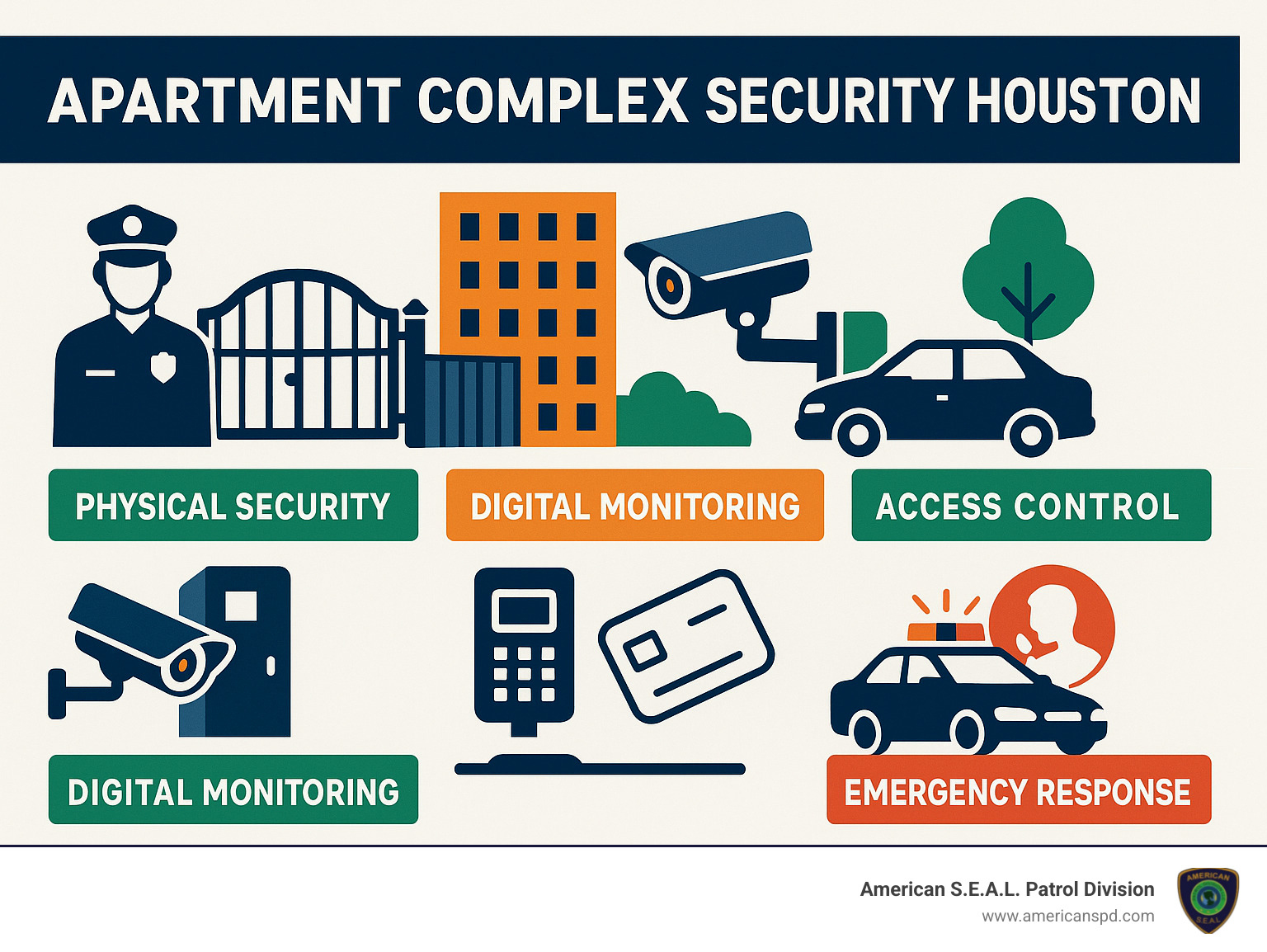
Living in Houston means dealing with some tough security realities, especially if you’re managing or living in an apartment complex. After working with Houston properties for over 15 years, we’ve seen how these challenges keep evolving – and unfortunately, they’re not getting easier.
Let’s be honest about what’s happening out there. Apartment complex security Houston managers are facing a perfect storm of problems. With more than 100,000 burglaries hitting residential properties last year alone, criminals have figured out that apartment complexes make attractive targets. Think about it – multiple entry points, lots of foot traffic, and enough people coming and going that a stranger doesn’t immediately stand out.
Houston’s incredible growth is making things even more complicated. Our metro area now has over 2 million people, with strong job growth in trade, transportation, and utilities bringing in new residents every day. More people means more opportunities for both legitimate residents and those with less honest intentions.
The incidents we respond to most often tell the story: vehicle break-ins and tire theft top the list, followed by package theft from mail areas that feel like sitting ducks. Then there’s unauthorized access to buildings and amenities, vandalism in parking lots, trespassing and loitering, and the always-frustrating property damage and graffiti.
One particularly concerning case involved a Harris County apartment where a resident shot and killed an alleged home invader. While the resident acted in self-defense, it highlights how serious these security threats have become.
| Crime Type | Houston Rate (per 100k) | U.S. Average (per 100k) |
|---|---|---|
| Property Crime | 3,247 | 2,109 |
| Burglary | 512 | 376 |
| Motor Vehicle Theft | 789 | 284 |
| Larceny-Theft | 1,946 | 1,449 |
When security fails, the consequences go way beyond just frustrated residents. Tenants at EaDo apartment complex file lawsuit over security concerns shows exactly what happens when problems pile up without proper response.
The Standard Apartments situation was a textbook example of how not to handle security. Residents documented everything – broken gates that stayed broken, cameras that didn’t work, and management that seemed to brush off their concerns. One resident’s car got hit twice in a single month. Imagine paying rent and dealing with that stress every day.
Here’s what makes property managers lose sleep: under Texas Property Code §92.056, landlords have real legal obligations when it comes to health and safety. When they don’t step up, tenants have some serious options. They can terminate their lease without penalty, fix security problems themselves and deduct costs from rent, or pursue legal action for negligence.
We’ve watched property managers learn this lesson the hard way. The legal costs are just the beginning – there’s also increased vacancy rates, terrible online reviews, and a damaged reputation that can take years to rebuild. It’s always cheaper to get security right from the start than to clean up the mess later.
Houston’s multifamily housing market is absolutely exploding, with more than 20,000 new units opening their doors. That’s great news for housing availability, but it’s created fierce competition for quality tenants.
Security has become the secret weapon that separates successful properties from struggling ones. We’ve seen properties with solid security programs enjoy higher occupancy rates, longer lease terms, reduced tenant turnover, premium rental pricing, and those golden positive online reviews that drive new leases.
Class B properties – which make up a huge chunk of Houston’s apartment landscape – feel this pressure most intensely. These properties often need to upgrade their security systems to compete with newer developments. The good news? The investment typically pays for itself through improved tenant satisfaction and reduced liability exposure.
The math is pretty simple: happy, safe residents stay longer and refer their friends. Properties that invest in comprehensive security aren’t just protecting people – they’re protecting their bottom line too.
Think of apartment complex security Houston like protecting your home – except you’ve got dozens or hundreds of “homes” to watch over. That’s why smart property managers build what we call a layered defense system. It’s like having multiple locks on your front door, a security system, and a watchful neighbor all working together.
The beauty of layered security is that when one system has a bad day (and they all do sometimes), the others keep working. We’ve learned this lesson the hard way over our 15 years in the business. A broken gate becomes much less concerning when you have cameras, guards, and access control systems all backing each other up.
Here’s how the layers work together: perimeter control keeps unwanted visitors from getting in easily, detection systems spot trouble before it grows, human presence provides the judgment call that technology can’t make, access management ensures only authorized people get through, strategic lighting eliminates dark corners where problems hide, and communication systems connect everything together for rapid response.
There’s something reassuring about seeing a uniformed security guard walking the property. It tells residents that someone cares about their safety, and it tells potential troublemakers that this isn’t an easy target. We’ve seen crime rates drop significantly just from having visible security presence.
Security personnel form the backbone of any good security program. The best guards bring law enforcement or military experience, but they also understand that they’re part of the community. They know residents by name, help with minor issues, and create that human connection that makes people feel truly safe.
Patrol strategies matter more than you might think. Random schedules keep criminals guessing – if they can’t predict when security will come around, they’re much less likely to try anything. We use GPS tracking to make sure our guards cover every corner of the property, not just the easy-to-reach areas.
Access control starts with functioning gates, but it doesn’t end there. We’ve seen too many properties where broken gates become symbols of neglect rather than security. Regular maintenance and backup systems ensure that controlled access actually controls access.
The perimeter security elements like proper fencing, motion-activated lighting, and clear sight lines work together to eliminate hiding spots. Good lighting design provides both security benefits and energy savings – modern LED systems can light up parking areas when motion is detected, then dim down to save power.
While physical security handles what you can see, digital systems watch everything else. Modern apartment security demands technology that works around the clock, in all weather conditions, providing eyes and ears where human guards can’t be.
Live video monitoring has revolutionized apartment security. High-definition cameras connected to our monitoring centers mean trained professionals are watching your property 24/7. When they spot something suspicious, they can intervene immediately through two-way audio systems – often stopping incidents before they become real problems.
License plate recognition systems automatically log every vehicle that enters and exits your property. This creates an invaluable investigative tool and helps identify vehicles that don’t belong. We’ve helped solve countless cases using LPR data to track when and how incidents occurred.
Mobile surveillance units give you flexibility that fixed cameras can’t match. These portable towers can be deployed quickly to address emerging security concerns or provide temporary coverage during events or construction. They’re particularly useful for properties that are expanding or dealing with seasonal security challenges.
Smart access control systems let residents use their phones instead of fumbling for keys, while maintaining detailed logs of who enters and when. Biometric readers add an extra security layer for sensitive areas like mail rooms or amenity centers.
Thermal imaging cameras work effectively even in complete darkness and bad weather. They detect heat signatures rather than relying on visible light, ensuring comprehensive coverage regardless of environmental conditions. This technology has proven especially valuable for monitoring large parking areas and perimeter zones during overnight hours.
The key to making all these systems work together is proper integration. When your video management system talks to your access control, and both connect to your alarm systems, you get a complete picture of what’s happening on your property in real-time.
The security landscape has changed dramatically over the past decade, and apartment complex security Houston properties that accept smart technology are seeing remarkable results. We’ve watched our clients transform their security operations by combining traditional approaches with innovative tech solutions that work around the clock.
Think of smart security technology as having a team of vigilant guards who never sleep, never get distracted, and can be in multiple places at once. These systems don’t replace human security personnel – they make them incredibly more effective.
The beauty of modern security technology lies in its ability to prevent problems before they become incidents. AI-powered analytics can spot unusual behavior patterns that might escape human notice, while two-way audio systems let security personnel intervene immediately without needing to physically rush to the scene.
Live video monitoring systems have become the backbone of effective apartment security. Professional monitoring centers provide continuous oversight of your property, with trained operators who know the difference between a resident coming home late and someone who shouldn’t be there. These aren’t just cameras recording footage for later review – they’re active security tools that enable real-time intervention.
License plate recognition technology has proven particularly valuable for Houston properties. These systems automatically capture and analyze every vehicle entering your complex, instantly flagging stolen cars, banned individuals, or vehicles connected to previous incidents. One of our clients found a vehicle involved in break-ins at a neighboring property, allowing them to alert authorities before any crimes occurred on their premises.
Mobile surveillance units offer flexibility that fixed cameras simply can’t match. When a property experiences increased criminal activity in a specific area, these deployable towers can be positioned within hours. They’re solar-powered, wireless-connected, and often deter criminal activity through their mere presence.
Modern access control systems have evolved far beyond simple key cards. Today’s solutions integrate biometric readers, mobile apps, and temporary access codes into seamless platforms. Residents can grant delivery personnel access through their smartphones while maintaining complete logs of who entered when.
When evaluating technology upgrades for your property, certain components have proven essential for comprehensive protection. High-definition IP cameras with night vision capabilities form the foundation, but they’re only as good as the storage and monitoring systems supporting them.
Cloud-based video storage ensures footage remains accessible even if on-site equipment is damaged or stolen. Mobile access allows property managers to check on their communities from anywhere, while real-time alert systems ensure immediate notification of unusual activity.
Integration with local law enforcement databases can automatically flag individuals with outstanding warrants or restraining orders. This capability has helped several of our clients prevent domestic violence incidents and other serious crimes.
Multi-factor authentication for access control adds crucial security layers without significantly inconveniencing residents. Temporary access codes eliminate the need for physical key exchanges with visitors and service personnel, while automatic lockdown capabilities can secure the entire property during emergencies.
Two-way audio systems at entry points and common areas enable immediate communication with security personnel. Emergency communication buttons in elevators and stairwells provide residents with direct lines to help when they need it most.
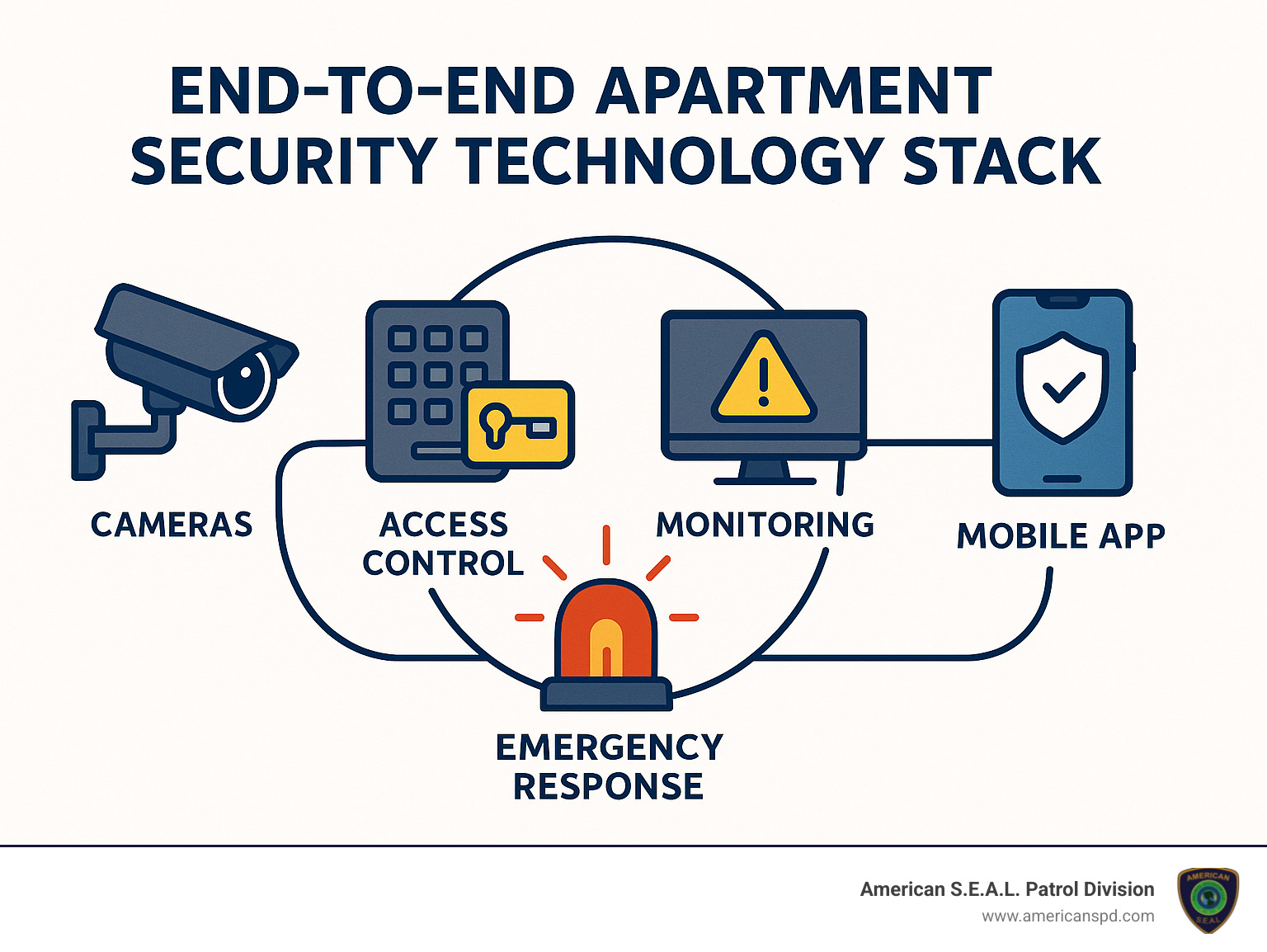
The magic happens when individual security components work together as a unified system. We’ve seen properties achieve remarkable results by ensuring their cameras, access control, alarms, and monitoring systems communicate seamlessly with each other.
Automated response capabilities represent the pinnacle of integrated security. When an alarm triggers, cameras automatically focus on the affected area while access control systems lock down specific zones. Security personnel receive comprehensive information instantly, enabling faster and more informed responses.
Streamlined management through single interfaces allows security teams to monitor all systems from one location. Instead of juggling multiple screens and applications, operators can see everything happening across the property in real-time. This comprehensive view often reveals patterns and connections that might be missed when monitoring systems separately.
Improved investigation capabilities emerge when data from multiple systems correlates automatically. Video footage, access logs, and alarm records combine to create detailed incident timelines that prove invaluable for law enforcement and legal proceedings.
The financial benefits of integration often surprise property managers. Reduced operational costs result from needing fewer personnel to monitor more comprehensive systems. Better coverage and faster response times lead to fewer incidents, which translates to lower insurance premiums and reduced liability exposure.
When implementing integrated systems, network infrastructure becomes critically important. All connected devices need reliable, high-speed connections to function properly. Clear maintenance protocols ensure systems remain operational, while comprehensive staff training maximizes the investment in technology.
The key to successful integration lies in choosing systems designed to work together from the ground up, rather than trying to force incompatible technologies to communicate.
Building a secure apartment community goes far beyond installing cameras and hiring guards. Apartment complex security Houston property managers need to understand the legal landscape, conduct regular risk assessments, and engage residents as partners in safety efforts.
We’ve learned through our 15 years in Houston that the most successful security programs combine technology and personnel with smart compliance strategies and active community involvement. When residents feel informed and engaged, they become your best early warning system.
The legal side might seem intimidating, but it’s actually straightforward once you understand the basics. Texas has clear guidelines about what property managers must do to keep residents safe, and following these rules protects everyone involved.
Texas Property Code §92.056 isn’t just legal jargon – it’s your roadmap for responsible security management. Understanding these requirements helps you avoid costly lawsuits while providing the protection your residents deserve.
Reasonable response time forms the foundation of your legal obligations. When residents report security concerns in writing, you can’t just file the complaint and forget about it. The law requires action within a reasonable timeframe, which typically means addressing urgent safety issues within days, not weeks.
Essential safety features must be maintained consistently. This includes functioning door locks, adequate lighting in common areas, and secure entry points. We’ve seen property managers face legal trouble over something as simple as burned-out light bulbs in stairwells – small problems can become big liabilities.
Incident documentation protects both you and your residents. Detailed records of security incidents, response actions, and follow-up measures demonstrate your commitment to safety. More importantly, good documentation helps identify patterns and prevent future problems.
Privacy considerations become increasingly important as surveillance technology advances. Residents need to know where cameras are located and how footage is used. Clear policies about monitoring help avoid privacy violations while maintaining security effectiveness.
When landlords fail to meet these obligations, tenants have several options under Texas property codes. They can provide written notice and reasonable repair timeframes, terminate their lease for unaddressed safety concerns, make repairs themselves and deduct costs from rent, or pursue legal remedies for negligence.
Blue-Star certification from the Houston Police Department provides official recognition of your security standards. This certification can be valuable for marketing purposes and offers some legal protection by demonstrating your commitment to professional security practices.
Regular security audits might sound like corporate busy-work, but they’re actually your best tool for staying ahead of problems. We recommend comprehensive security assessments twice annually, plus additional reviews after significant incidents or system upgrades.
Physical security assessments examine everything from lighting and fencing to access control and building security. We look for blind spots, worn equipment, and potential vulnerabilities that criminals might exploit. Sometimes the biggest security improvements come from simple fixes like trimming overgrown bushes or replacing broken gate hardware.
Technology reviews ensure your cameras, alarms, and access systems work as intended. Technology fails gradually – cameras lose focus, sensors become less sensitive, and software needs updates. Regular testing catches these issues before they compromise security.
Personnel evaluation examines guard training, patrol effectiveness, and response protocols. Even experienced security professionals benefit from regular training updates and performance reviews. We also assess whether staffing levels match your property’s actual security needs.
Policy reviews analyze security procedures, incident response plans, and resident communication strategies. As properties evolve and new threats emerge, security policies need updates to remain effective.
Community engagement transforms residents from passive observers into active security partners. Resident safety workshops teach personal safety techniques, emergency procedures, and proper use of security systems. When residents understand how security works, they’re more likely to use it correctly and report problems promptly.
Neighborhood watch programs organize resident participation in community security awareness. These programs work particularly well in Houston’s diverse communities, where residents often bring valuable cultural perspectives on safety and security.
Digital communication through security newsletters, mobile apps, and social media keeps residents informed about security updates and safety tips. Regular communication builds trust and demonstrates your ongoing commitment to their safety.
Emergency preparedness requires clear evacuation plans for various scenarios, communication protocols for alerting residents during emergencies, established relationships with local police and fire departments, and regular drills to ensure everyone understands emergency procedures.
The goal isn’t to turn your apartment complex into a fortress – it’s to create a community where residents feel safe, informed, and engaged in their own security.
The most effective first step is conducting a comprehensive security assessment to identify your property’s specific vulnerabilities. After 15 years of serving Houston apartment complexes, we’ve learned that the biggest immediate impact usually comes from implementing visible security measures like uniformed guards or marked patrol vehicles.
But here’s the thing – every property is different. What works for a downtown high-rise might not be the right solution for a suburban garden-style complex. That’s why we always start with understanding your unique challenges.
If you’re dealing with high vehicle crime, your first priority should be improved parking lot lighting and license plate recognition systems. We’ve seen properties reduce car break-ins by 60% just by upgrading their lighting and adding LPR cameras.
For properties struggling with unauthorized access, focusing on access control upgrades and entry point monitoring delivers the fastest results. One client saw trespassing incidents drop by 75% within the first month of installing proper gate controls and intercoms.
Package theft is becoming increasingly common across Houston. Installing secure package lockers and mailroom surveillance typically pays for itself within six months through reduced liability and improved resident satisfaction.
When residents express general safety concerns, deploying visible security patrols and improving perimeter lighting creates immediate peace of mind. The psychological impact of seeing uniformed security personnel can’t be overstated.
We always recommend starting with a professional security consultation. This isn’t a sales pitch – it’s about developing a prioritized action plan based on your specific risks and budget. Many property managers are surprised to learn that effective security doesn’t always require massive upfront investments.
Your security systems need regular attention to stay effective. We recommend comprehensive audits twice a year, with additional reviews following any significant incidents, technology upgrades, or changes in your local crime patterns.
Think of it like maintaining your car – regular check-ups prevent bigger problems down the road. Our maintenance protocols have evolved over 15 years of real-world experience.
Every three months, we conduct focused reviews that include system functionality testing, camera angle verification, access control database updates, and staff training refreshers. These quarterly check-ins catch small issues before they become security gaps.
Annual assessments are more comprehensive. We evaluate your complete security system, update threat assessments based on current crime trends, plan technology upgrades, and review all policies and procedures. Houston’s security landscape changes constantly, and your systems need to adapt.
Incident-triggered reviews happen whenever something goes wrong. We immediately assess what happened, analyze system performance during the emergency, integrate resident feedback, and verify legal compliance. These reviews often reveal improvements that wouldn’t be obvious during routine audits.
For technology upgrades, plan on a 3-5 year cycle for major systems like cameras and access control. Software updates and minor improvements should happen continuously. The good news is that modern systems are designed for gradual upgrades rather than complete replacements.
Houston’s rapid growth means new security challenges emerge regularly. Properties that stay ahead of these changes through regular audits consistently outperform those that take a “set it and forget it” approach.
Residents aren’t powerless when they believe their apartment complex security Houston management isn’t providing adequate protection. You have both practical and legal options, but the key is approaching the situation strategically.
Start by documenting everything. Take photos of broken gates, non-functioning lights, or damaged fencing. Keep written records of incidents with dates, times, and details. Video evidence can be particularly powerful. This documentation becomes crucial if you need to escalate your concerns.
Submit written complaints to property management with specific examples rather than general complaints. Instead of saying “security is bad,” explain that “the north parking lot gate has been broken for three weeks, and I’ve witnessed two unauthorized vehicles enter the property.” Specific problems get faster responses.
Request information about current security measures and planned improvements. Good property managers will be transparent about their security programs and timeline for addressing concerns. If management is evasive or dismissive, that’s often a red flag.
Contact other residents to gauge shared concerns. Individual complaints might get ignored, but organized resident concerns typically receive immediate attention. Property managers understand that unhappy residents lead to negative reviews and higher turnover.
Under Texas Property Code §92.056, you have specific legal rights. You can review your lease agreement for security-related provisions, understand your rights regarding safety issues, and potentially terminate your lease if the landlord fails to address documented safety concerns after proper notice.
Consider forming neighborhood watch groups or engaging with local community policing programs. These grassroots efforts often complement professional security services and demonstrate resident commitment to community safety.
If problems persist, consult with tenant rights organizations or legal counsel. Many offer free consultations and can help you understand your options without immediately escalating to litigation.
The most important thing to remember is that documentation is everything. Keep detailed records of all security incidents, your complaints, and management responses. This paper trail protects you regardless of which path you choose to pursue.
Creating effective apartment complex security Houston isn’t about choosing between high-tech gadgets or human guards – it’s about bringing them together in a way that actually works. After 15 years of protecting Houston properties, we’ve learned that the most successful security programs feel seamless to residents while being incredibly thorough behind the scenes.
Think of it like a well-orchestrated symphony. Your license plate recognition system might spot a suspicious vehicle, but it takes a trained security officer to assess the situation and decide whether to approach the driver or call for backup. Your cameras can record everything, but experienced personnel know how to position themselves to prevent incidents rather than just document them.
The beauty of a comprehensive approach is how quickly you’ll see results. Many of our clients notice immediate improvements in resident confidence once visible security measures are in place. That peace of mind translates into longer lease terms, positive reviews, and word-of-mouth referrals that make your property stand out in Houston’s competitive rental market.
Your security investment pays dividends beyond just preventing crime. Properties with robust security programs consistently command higher rents, experience lower turnover, and face fewer liability issues. When residents feel safe walking to their cars at night or receiving packages during the day, they’re more likely to renew their leases and recommend your property to friends.
The legal protection aspect can’t be overlooked either. With lawsuits like the EaDo case making headlines, property managers who take proactive security measures are much better positioned if incidents do occur. Having documented security protocols, regular audits, and professional response procedures shows courts and insurance companies that you take resident safety seriously.
Starting your security journey doesn’t have to be overwhelming. Begin with a thorough assessment of your current vulnerabilities, then prioritize improvements based on your specific challenges and budget. Whether you’re dealing with parking lot break-ins, unauthorized access, or general safety concerns, there’s always a logical first step that can make an immediate difference.
Security is an ongoing conversation with your residents. The properties that see the best results are those that keep residents informed about security improvements, listen to their concerns, and adjust their approach based on real feedback. Your security program should evolve with your community’s needs.
At American S.E.A.L. Patrol Division, we’ve seen how the right security approach transforms not just safety statistics, but the entire atmosphere of a property. Residents relax, property values increase, and management teams can focus on creating great living experiences instead of constantly reacting to security incidents.
Every Houston apartment complex deserves residents who feel truly safe coming home. Whether you’re ready to implement comprehensive security upgrades or just want to understand your options better, professional guidance can help you create a security program that protects your residents, your property, and your investment.
For more information about how we can help secure your Houston apartment complex, visit our security services page or contact our team for a comprehensive security assessment custom to your property’s unique needs.
Looking for the best home security systems in Houston? Here’s a quick overview of what to consider:
| Provider Type | Starting Price | Contract | Best For |
|---|---|---|---|
| Local Security Companies | $16.95/mo | No contract | Budget-conscious homeowners |
| Regional Monitoring Services | $19.95/mo | Flexible | Local monitoring & service |
| Same-Day Installation | Custom pricing | No contract | Quick setup needs |
| Smart Home Specialists | Custom pricing | Varies | Smart home integration |
| Professional Installation | $29.99/mo | 36 months | Comprehensive protection |
Home security systems Houston residents choose must address the unique challenges of living in Texas’s largest metro area. With over 2 million residents and a property crime rate nearly double the state average, Houston homeowners face a 1 in 24 chance of becoming victims of property crime.
When selecting a security system in Houston, you’re not just buying equipment—you’re investing in peace of mind. The right system protects your family and possessions while potentially lowering your insurance premiums by up to 20%.
Houston’s security landscape offers everything from basic door sensors to comprehensive smart home systems with AI-powered cameras and automation. American S.E.A.L. Patrol Division provides local expertise that national brands can’t match, giving homeowners the best protection possible.
What makes Houston unique is the availability of local monitoring centers staffed entirely by Texans, some offering response times as quick as 13 seconds. American S.E.A.L. Patrol Division offers specialized features designed for our climate, including flood and temperature sensors critical during hurricane season.
Whether you own a spacious suburban home in Katy or a downtown apartment, today’s security technology offers scalable solutions with or without long-term contracts. Many systems now feature dual-path connectivity (cellular and Wi-Fi) to ensure your home stays protected even during power outages.
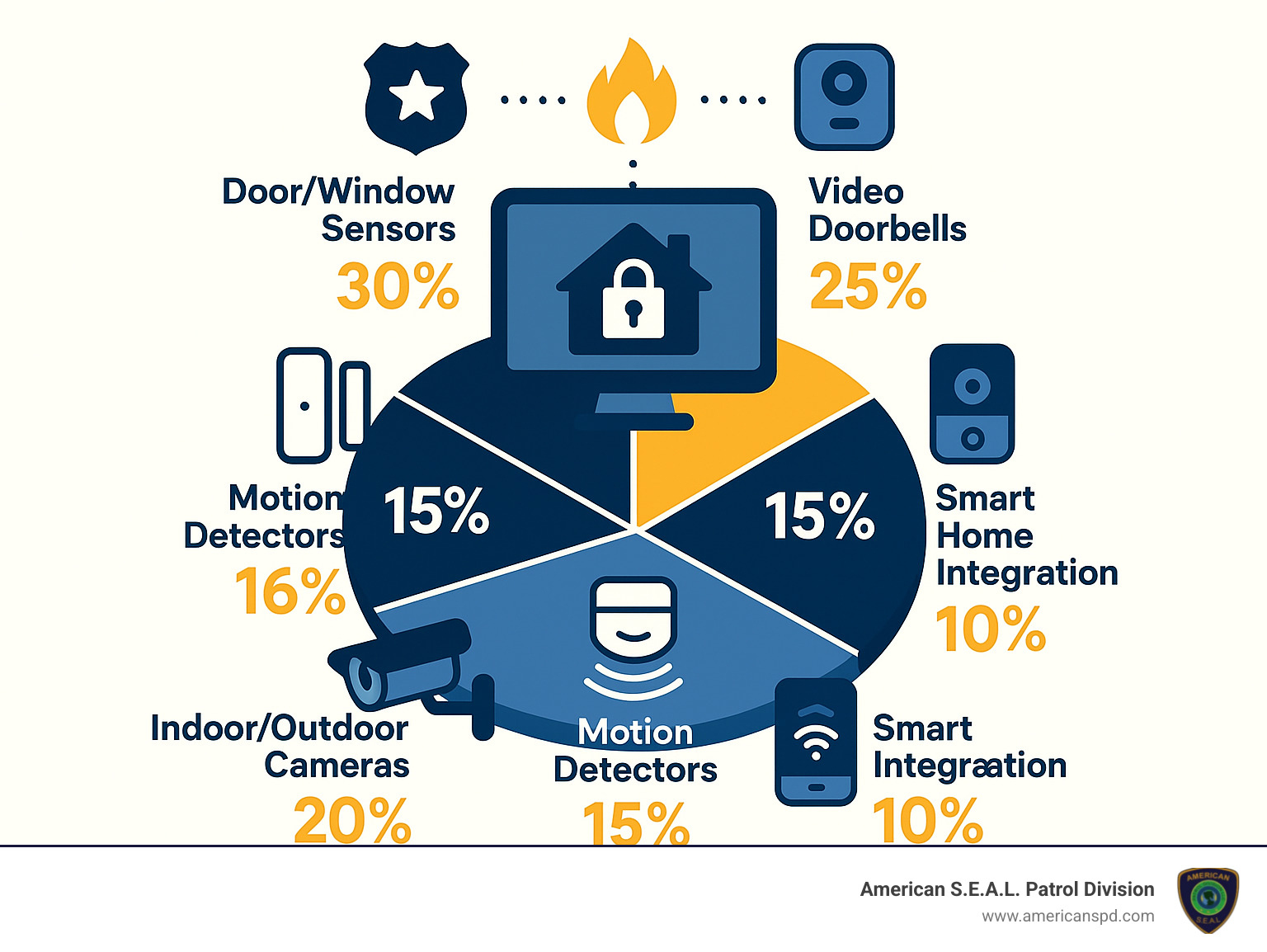
Home security systems houston word guide:
– Outdoor security cameras Houston
– Security system installation Houston
– home security camera systems houston texas
Living in Houston means enjoying all the perks of a vibrant, diverse metropolis – but it also comes with some security challenges unique to our city. As the largest metro area in Texas with over 2 million residents, Houston unfortunately sees higher property crime rates than many other parts of the state. The numbers tell a concerning story: Houston residents face a 1-in-24 chance of becoming victims of property crime—nearly double the Texas state average.
At American S.E.A.L. Patrol Division, we’ve spent over 15 years protecting Houston families, and we’ve witnessed how the right security setup makes all the difference. A proper security system doesn’t just safeguard your belongings – it creates a powerful deterrent that makes criminals think twice.
“In our experience, most burglars we’ve helped apprehend admit they actively avoid homes with visible security systems,” shares our head of residential security. “They’re looking for easy targets, and a home with cameras, motion-activated lights, and alarm signage sends them looking elsewhere.”
While violent crime might grab headlines, property crimes like burglary, theft, and vehicle break-ins remain far more common in our city. According to the latest crime facts, property crimes occur at a rate of approximately 41.2 per 1,000 residents.
The reality is that property crime doesn’t stick to just one area. From Spring Branch to Bellaire, Clear Lake to The Woodlands, Sugar Land to Downtown, Cypress to Pearland, Montrose to Katy – each neighborhood experiences its own patterns of property crime. Even upscale communities can become targets when homes lack proper protection.
Here’s the good news: homes with security systems are up to 300% less likely to be burglarized. This fact alone makes investing in a home security systems Houston residents can trust a smart decision for protecting your family and possessions.
When you install a monitored security system in your Houston home, you’re connecting to a network of professionals ready to respond when seconds count. But what does this actually look like in practice?
The best home security systems Houston providers use UL-certified monitoring centers – facilities that meet stringent standards for reliability and performance. These centers operate around the clock, every day of the year, with trained operators standing by.
If your alarm triggers – whether from a door sensor, motion detector, glass break sensor, or smoke alarm – the signal travels instantly to the monitoring center via cellular, landline, or internet connection. Top systems use dual-path technology that combines cellular and Wi-Fi connections, ensuring your system stays online even during power outages or if one communication method fails.
Once the monitoring center receives your alert, an operator quickly verifies the emergency and dispatches the appropriate response – police for a break-in, firefighters for a fire alarm, or medical services for a health emergency. With the best Houston monitoring centers, the average response time from alarm trigger to operator action is approximately 13 seconds.
At American S.E.A.L. Patrol Division, our monitoring center is staffed entirely by fellow Texans who understand local concerns and coordinate efficiently with Houston emergency services. This local expertise means faster response times when it matters most, and fewer false alarms that waste resources.
When shopping for a home security system Houston homeowners often feel overwhelmed by all the options. But finding the right system doesn’t have to be complicated. Today’s security technology offers amazing protection that goes far beyond the basic door sensors and keypads of yesterday.

The foundation of any good security system starts with reliable door and window sensors. These small but mighty devices alert you the moment someone tries to enter your home uninvited. Look for wireless sensors with long battery life that won’t leave you constantly replacing batteries.
Motion detectors have come a long way too. The best ones can now tell the difference between your Great Dane and an actual intruder, dramatically reducing those middle-of-the-night false alarms that used to plague older systems.
When it comes to keeping an eye on things, nothing beats high-quality security cameras. Today’s models offer crystal-clear HD video (at least 1080p) that lets you see exactly what’s happening inside and outside your home. The best cameras include night vision (some even in color!), two-way audio so you can speak to visitors, and weather resistance for our sometimes harsh Houston climate.
Video doorbells have become must-haves for Houston homes, especially with the rise in package deliveries. They let you see and speak with anyone at your door, whether you’re upstairs or across town. Most homeowners love being able to check who’s knocking without opening the door.
At the heart of your system is the control panel or hub. Modern touchscreen panels are intuitive and serve as command central for your entire system. The best ones include backup batteries for those inevitable Houston power outages and cellular connectivity so your home stays protected even when internet service goes down.
Given Houston’s unique weather challenges, environmental sensors are particularly valuable additions. Smoke and carbon monoxide detectors are essential, but flood sensors can be lifesavers during hurricane season when water damage threatens Houston homes.
For complete protection, consider adding glass break detectors that recognize the specific sound frequency of breaking glass, and panic buttons that allow immediate connection to monitoring centers during emergencies.
At American S.E.A.L. Patrol Division, we’ve seen how commercial-grade equipment stands up to Houston’s climate year after year, which is why we never cut corners on component quality.
The home security systems Houston residents love most often do double-duty as smart home hubs. Your security system can now be the brain that controls your entire home.
With smartphone control, you can arm or disarm your system, check camera feeds, and receive alerts from anywhere. Imagine getting a notification that your teenager arrived home safely from school or being able to let in a repair person remotely while you’re at work.
Smart locks eliminate the need for physical keys, allowing you to create temporary access codes for visitors or the dog walker. They can automatically lock when you arm your system, ensuring you never accidentally leave a door open uped.
Smart lighting does more than just save energy—it creates the impression someone’s home even when you’re away. Lights that turn on automatically when motion is detected eliminate dark spots around your property where intruders might hide.
During Houston’s brutal summers, smart thermostats can alert you to dangerous temperature changes that might indicate AC failure—potentially saving pets or preventing damage to temperature-sensitive items.
The convenience of voice assistant integration means you can simply say “Alexa, arm my security system” as you head to bed. And geofencing technology uses your smartphone’s location to trigger automated actions—like turning on lights when you pull into the driveway.
With all this connectivity comes important questions about privacy. The best home security systems Houston providers take data protection seriously, using bank-grade 128-bit AES encryption and two-factor authentication to keep your information safe.
At American S.E.A.L. Patrol Division, we understand both the security and privacy concerns of Houston homeowners. That’s why we use encrypted Z-Wave technology that functions even without internet connectivity and implement strict data protection protocols that follow the Houston city safety tips for digital security.
When your home security system includes these key features, you’re not just buying equipment—you’re investing in real peace of mind for your family and property.
When it comes to choosing home security systems Houston homeowners and renters have three main paths to consider: professional installation with contracts, DIY systems with professional monitoring, or no-contract options. Each approach offers something different depending on your needs, budget, and living situation.
| Feature | Professional Installation | DIY Installation | No-Contract Options |
|---|---|---|---|
| Upfront Cost | $0-499 | $200-600 | $200-800 |
| Monthly Fee | $19.95-64.95 | $10-30 | $15.95-29.95 |
| Installation | Expert setup & placement | Self-guided | Self or pro options |
| Equipment | Commercial grade | Consumer grade | Varies by provider |
| Contract | 24-36 months typical | 0-36 months | None |
| Moving | Relocation services | Take it with you | Take it with you |
| Support | 24/7 professional | Limited/business hours | Varies by provider |
| Best For | Homeowners wanting hassle-free setup | Tech-savvy DIYers | Renters or temporary residents |
Think of it this way: professional installation is like hiring a personal chef – everything’s handled for you, but at a premium price. DIY is more like a meal kit – you’ll save money but need to put in some work. No-contract options give you the freedom to walk away anytime, perfect if you’re not ready for a long-term commitment.
Houston’s vibrant rental market means many residents need security without the permanence. If you’re renting in the Heights, Montrose, or anywhere else in the city, no-contract home security systems Houston options offer several advantages that make perfect sense for your lifestyle.
Portable protection means your security moves when you do. Most wireless systems can be easily removed and reinstalled at your next place without damaging walls or losing your investment.
Renter-friendly installation uses adhesive mounts rather than screws or drilling, keeping your security deposit safe while keeping you secure. These systems install in about an hour and come down just as quickly when it’s time to move.
Financial flexibility is another huge benefit. Without long-term contracts, you can adjust your security spending as your situation changes. Starting at just $15.95 per month for professional monitoring, these systems provide peace of mind without breaking your budget.
Customizable coverage lets you start with basic protection for your entry points and add components as needed. Maybe you’ll want a doorbell camera to watch for package deliveries at your Midtown apartment, or extra motion sensors for your garden-level unit in the Museum District.
At American S.E.A.L. Patrol Division, we understand Houston’s rental market and offer specialized packages designed for apartments and rental homes. Our systems use cellular connections, so you don’t need a landline or permanent internet service – perfect for today’s mobile lifestyles.
Many Houston homes come with older security hardware that’s begging for an update. The good news? You don’t have to start from scratch. Upgrading an existing system often saves you hundreds of dollars while delivering modern protection.
Panel replacement is often the most cost-effective approach. For $200-400, you can keep your existing door/window sensors but upgrade to a smart control panel with mobile app access, voice control, and automation features. It’s like giving your reliable old car a brand new engine and dashboard.
Sensor reuse makes perfect sense when your door/window contacts still work perfectly. Why replace what isn’t broken? At American S.E.A.L. Patrol Division, we can assess your existing equipment and integrate compatible components with your new system, saving you significant money on hardware.
Hybrid systems combine the best of both worlds – your existing hardwired components with new wireless devices. This approach is particularly popular in older Houston neighborhoods like Memorial and River Oaks, where homes often have hardwired systems that just need modernizing.
Monitoring takeovers let you switch to better service while keeping your existing equipment. We’ve helped countless Houston families reduce their monthly monitoring costs by 30-50% while actually improving their protection.
“We thought we’d need to replace everything,” shares Maria from Spring Branch, “but American S.E.A.L. was able to use our existing door sensors and just upgrade the panel. We got all the smart features we wanted for half what we expected to pay.”
Our technicians specialize in these transitions, making them smooth and affordable. We’ll evaluate your current setup and recommend the most cost-effective path to modern security that works with your lifestyle and budget.
Let’s talk dollars and cents – what will a home security systems Houston solution really cost you? Understanding the true price tag means looking beyond those flashy “$19.99/month!” advertisements you see everywhere.
The reality is that a comprehensive home security system is an investment with several cost components. For basic equipment (a control panel, a few door sensors, and a motion detector), expect to pay between $200-500. Want to add more protection? Each additional door sensor runs about $20-40, while cameras range from $100-300 depending on whether they’re indoor or outdoor models.
“Many of our clients are surprised by how affordable modern security can be,” explains our installation team leader at American S.E.A.L. Patrol Division. “Today’s wireless technology has dramatically reduced installation costs compared to even five years ago.”
Speaking of installation, professional setup typically runs $0-199, though many companies (including ours) waive this fee with monitoring agreements. If you’re handy and tech-savvy, DIY installation costs nothing but your time and patience.
Monthly monitoring is where you’ll find the most variation. Basic monitoring starts around $15.95 and can range up to $64.95 for premium packages with video verification and advanced features. The sweet spot for most Houston families tends to be in the $29.95-49.95 range, which includes smart home features and app control.
Don’t forget about Houston’s permit requirements – you’ll need to budget $37.06 initially and $30.57 annually for renewal. False alarm fees can add up too, starting at $50 and climbing to $500 for repeat offenders, so proper system setup is crucial.
Many providers advertise tempting “$0 down” deals, but read the fine print – these typically require longer monitoring commitments. At American S.E.A.L. Patrol Division, we believe in transparent pricing with no hidden fees or surprises.
You don’t need to break the bank for quality protection. Here are some insider tips to keep costs manageable:
Bundling services is a smart move – combining security with home automation often costs less than purchasing separately. Plus, those smart thermostats and automated lights can actually offset security costs through energy savings. Many of our Houston clients report saving $20-30 monthly on utilities – enough to cover a significant portion of their monitoring fees.
Don’t forget to call your insurance agent! Most Houston insurance providers offer 5-20% discounts for homes with monitored security systems. On a typical $1,500 annual premium, that’s $75-300 back in your pocket each year.
Timing matters too. Security providers (ourselves included) often run special promotions during high-crime periods like summer months and holidays. Planning your purchase around these sales can save hundreds on equipment.
If you’re moving into a home with existing security equipment, don’t rip it out! We can often reuse sensors and wiring, significantly reducing your upfront costs. Just text us a photo of your existing equipment, and we’ll check compatibility.
The most overlooked savings opportunity? Simply asking for a better deal. Local Houston providers typically have more flexibility on pricing than national chains. Don’t hesitate to negotiate for better terms or additional equipment – the worst they can say is no.
“We’re homeowners too, so we understand budget constraints,” says our customer service director. “At American S.E.A.L. Patrol Division, we work with families to design systems that balance protection with what they can afford. Our relationships with equipment manufacturers allow us to pass savings directly to our customers.”
The most expensive security system isn’t necessarily the best one for your home. What matters is getting the right coverage for your specific needs and neighborhood risks.
The home security systems Houston landscape is changing faster than our Texas weather. Today’s cutting-edge features become tomorrow’s standard offerings, which is why thinking ahead when choosing your system makes good sense for your family’s long-term protection.

When we talk with Houston homeowners at American S.E.A.L. Patrol Division, we often hear concerns about investing in technology that might become outdated quickly. That’s a valid worry! Nobody wants to spend hundreds on equipment that feels obsolete in a year or two.
The good news? Today’s smart security systems are designed with future expansion in mind. The best systems grow with your needs through software updates rather than hardware replacements.
Consider AI-powered analytics, for example. Modern cameras don’t just record—they understand what they’re seeing. They can tell the difference between your teenager coming home late and a stranger lurking in your yard. They’ll alert you when a package arrives but ignore the neighborhood cat wandering across your driveway. This intelligence reduces false alarms while ensuring you never miss important events.
Dual-path connectivity has become especially crucial for Houston homes. When hurricane season hits and the power goes out, systems with both cellular (4G/LTE) and Wi-Fi connections keep working when you need them most. We’ve seen too many Houston families learn this lesson the hard way during our recent weather challenges.
Voice control integration has moved beyond novelty to genuine convenience. Being able to say “Alexa, arm my security system” while you’re rushing out the door with hands full of groceries isn’t just cool—it’s the kind of feature that ensures you’ll actually use your system consistently.
Beyond break-ins, Houston homes face environmental threats that smart systems can monitor. Smoke detectors, carbon monoxide sensors, and especially water leak detectors provide crucial early warnings. Given Houston’s flood-prone geography, water sensors placed in basements, near water heaters, or under sinks can prevent thousands in damage during our famous Gulf Coast downpours.
For larger Houston homes, mesh network technology ensures every sensor maintains reliable communication regardless of distance from your main panel. No more dead zones or missed alerts from that back door sensor that’s just a bit too far away.
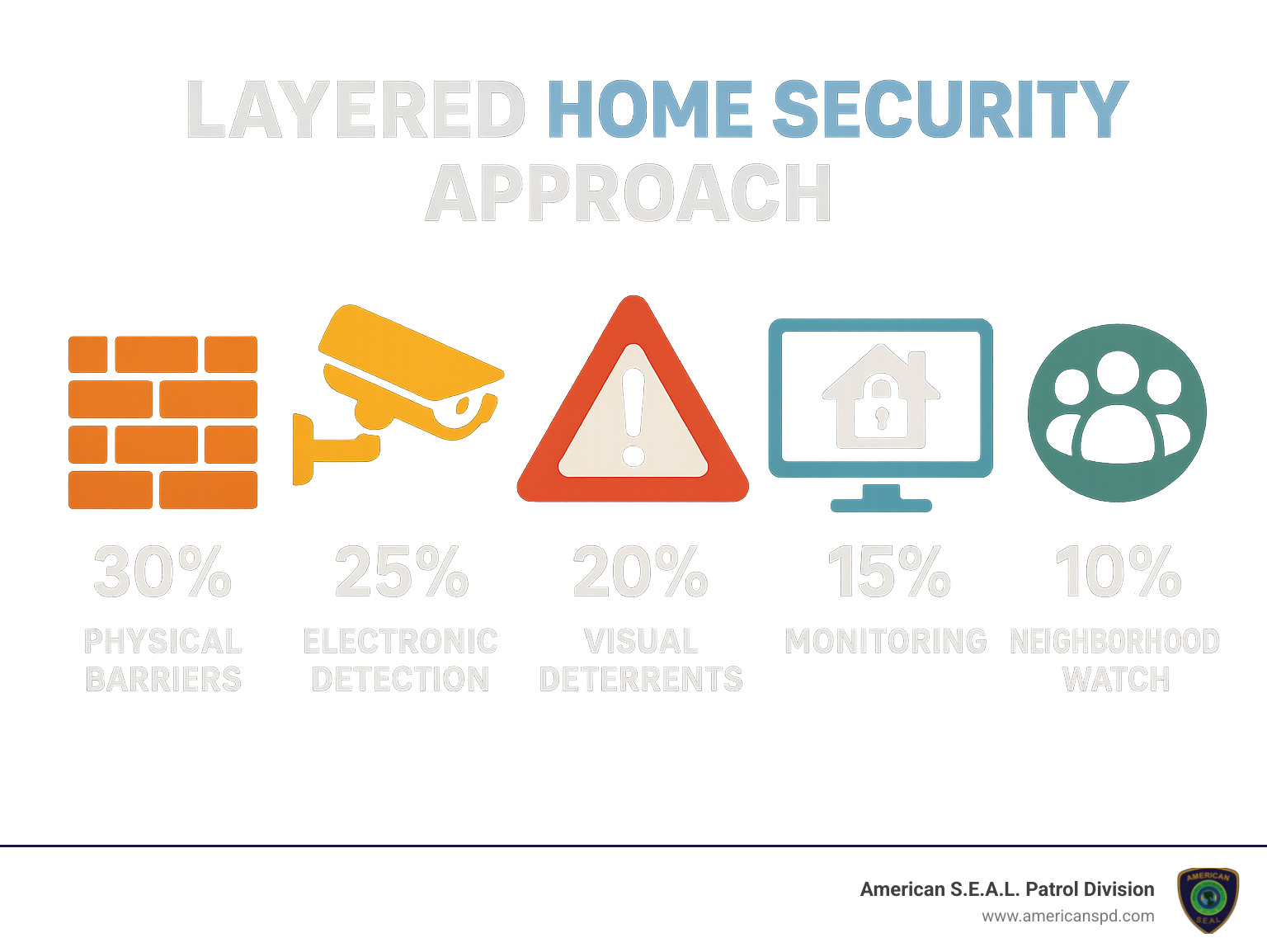
What’s on the horizon for Houston home security? Several exciting technologies are already making their way into local homes:
Edge computing is changing how security cameras work. Rather than sending every second of footage to the cloud, cameras with built-in processing analyze video locally. This means faster notifications, better privacy, and less internet bandwidth usage—something many Houston suburbs with limited internet options appreciate.
Solar-powered devices are gaining traction in our sunshine-rich climate. Outdoor cameras and sensors that harness solar energy eliminate battery changes and continue working during power outages. After Hurricane Harvey, we saw a significant uptick in Houston families requesting these self-sufficient options.
Network security integration represents perhaps the most important emerging trend. As our homes become more connected, the line between physical and digital security blurs. Advanced systems now monitor your home network for suspicious activities, protecting against hackers as diligently as they guard against break-ins.
The future of home security systems Houston residents can expect will include more proactive protection through artificial intelligence. Instead of simply reacting to break-ins, next-generation systems analyze patterns to predict and prevent problems before they occur. For example, they might notice unusual activity around your home in the days before an attempted break-in and increase surveillance automatically.
Cross-platform compatibility is becoming non-negotiable as well. Newer systems work seamlessly across multiple ecosystems—Apple HomeKit, Google Home, Amazon Alexa—rather than locking you into a single platform. This flexibility ensures your security investment remains valuable regardless of which smart home ecosystem you prefer.
At American S.E.A.L. Patrol Division, we constantly evaluate these emerging technologies through real-world testing in Houston homes. Our approach focuses on modular, upgradeable systems that can incorporate new features through software updates and selective hardware additions. This protects your investment while ensuring you always have access to the latest protective technologies.
According to scientific research on smart deterrence, burglars specifically avoid homes with visible cameras and smart security features. In interviews with convicted burglars, 83% said they would attempt to determine if a security system was present before attempting a break-in, and 60% would abandon the target if they found one. That’s powerful peace of mind for Houston families.
When seconds count, you want to know help is on the way. The best home security systems Houston monitoring centers spring into action quickly, with operators typically responding within 13-30 seconds after your alarm triggers. Once they verify the emergency, dispatch to local authorities usually takes just 1-2 minutes.
After that, police response times in Houston average 10-20 minutes, depending on how busy they are and where you live. It’s worth noting that monitoring centers staffed by fellow Texans who know Houston’s neighborhoods often provide faster verification and dispatch than distant national call centers.
At American S.E.A.L. Patrol Division, we’re proud of our monitoring center’s swift 15-second average response time. Plus, during high-volume periods when police might be stretched thin, our private security teams can often reach your property faster, giving you an extra layer of protection when you need it most.
Let’s be honest – DIY systems have come a long way, and when set up correctly, they can provide solid protection. But there’s still something reassuring about having a professional handle your installation.
When professionals install your home security systems Houston residents trust, you benefit from their experience with thousands of homes. They know exactly where to place sensors for maximum coverage and minimum false alarms. They’ll properly integrate everything with your existing home systems and thoroughly test every component to ensure everything works together seamlessly.
Professionals also spot security vulnerabilities you might miss – like that window with the faulty lock or the blind spot your camera setup doesn’t quite catch. Plus, many equipment warranties require professional installation to remain valid.
While the reliability gap between DIY and professional systems has narrowed considerably in recent years, professional installation still gives you greater peace of mind that your system will work flawlessly when you need it most. For Houston homes with complex layouts or special security concerns (like multiple entry points or large properties), professional installation remains your best bet.
Good news! In many cases, you can keep your existing equipment when switching providers, saving you significant money. Most home security systems Houston providers can work with your current door/window sensors (especially wired contacts), motion detectors, and glass break sensors, though some might need firmware updates for compatibility.
Camera integration is possible too, particularly for systems that support the standard ONVIF protocol. However, you’ll almost always need to replace your control panel or hub to connect with a new provider’s monitoring service.
Be aware that some proprietary systems from the big national brands can be trickier to integrate. Before making any decisions, ask potential providers to assess your current equipment. Many local Houston companies offer free evaluations to check compatibility.
At American S.E.A.L. Patrol Division, we specialize in creating hybrid systems that blend your existing equipment with new components when needed. This approach maximizes your investment while ensuring reliability – no need to start from scratch when you can build on what you already have.
Choosing the right home security system Houston families can trust isn’t just about buying equipment—it’s about creating a shield of protection around everything you value most. In a city where property crime rates nearly double the state average, that protection isn’t a luxury—it’s a necessity.
The good news? Houston’s competitive security market gives you plenty of options that won’t break the bank. Whether you’re a first-time homeowner in Katy or renting an apartment downtown, there’s a security solution designed with you in mind.
What we’ve learned matters most for Houston homeowners is local monitoring expertise. When seconds count during an emergency, having Texans who know our neighborhoods manning the monitoring center makes a real difference in response times. These professionals understand the unique challenges we face, from hurricane season vulnerabilities to neighborhood-specific concerns.
Technology keeps advancing at lightning speed, and the best systems grow with you. Look for providers offering clear upgrade paths so your investment stays current as new features emerge. Today’s cutting-edge facial recognition might seem impressive, but what about the innovations coming next year? The right company helps you steer these changes without starting from scratch.
For Houston’s large rental community, no-contract options provide the flexibility you need. These systems move when you do, install without damaging walls, and protect without locking you into lengthy commitments. Perfect if you’re not sure where life might take you next.
While DIY installation might save a few dollars upfront, professional installation ensures your system works exactly as intended. There’s real peace of mind knowing an expert has strategically placed each sensor and camera for maximum coverage without blind spots or vulnerabilities.
Today’s best security systems do more than just protect—they make life easier through smart home integration. Imagine checking that you closed the garage door from your office downtown, or letting in a repair person remotely while you’re stuck in traffic on I-10. These conveniences transform security from something you only think about during emergencies into a daily lifestyle improvement.
At American S.E.A.L. Patrol Division, we’ve spent over 15 years protecting Houston families. We’ve seen how the right security approach combines technology with human expertise. Our team understands that every home has different needs—a high-rise condo downtown faces different risks than a single-family home in The Woodlands.
We’d love to offer you a free security assessment to identify your home’s specific vulnerabilities and recommend solutions custom to your lifestyle and budget. Our experts will walk your property, discuss your concerns, and design protection that gives you genuine peace of mind.
For more information about our comprehensive protection services, visit American S.E.A.L. Patrol Division or give our Houston office a call today.
The best security system isn’t necessarily the most expensive or the one with the most gadgets—it’s the one that’s thoughtfully installed, regularly maintained, and actively monitored. Don’t wait until after something happens to protect what matters most. In Houston’s security landscape, being proactive makes all the difference.
Apartment surveillance cameras have become a necessity, not a luxury, for today’s renters. With residential properties accounting for 62.8% of all burglaries according to FBI data, protecting your home has never been more critical.
Top apartment surveillance cameras for 2024:
Modern apartment cameras offer 2K-4K resolution, AI-powered person detection, and local microSD storage up to 512GB. This means you can record weeks of footage without paying monthly subscription fees that range from $3.50 to $13 per camera.
The key is choosing cameras that work within your lease agreement. Indoor cameras are almost always permitted, while outdoor installations may require landlord approval. Battery-powered and adhesive-mount options let renters install security without drilling holes or making permanent changes.
Whether you’re concerned about package theft, want to monitor your front door, or simply need peace of mind while traveling, the right camera setup can deter criminals and provide crucial evidence if needed.
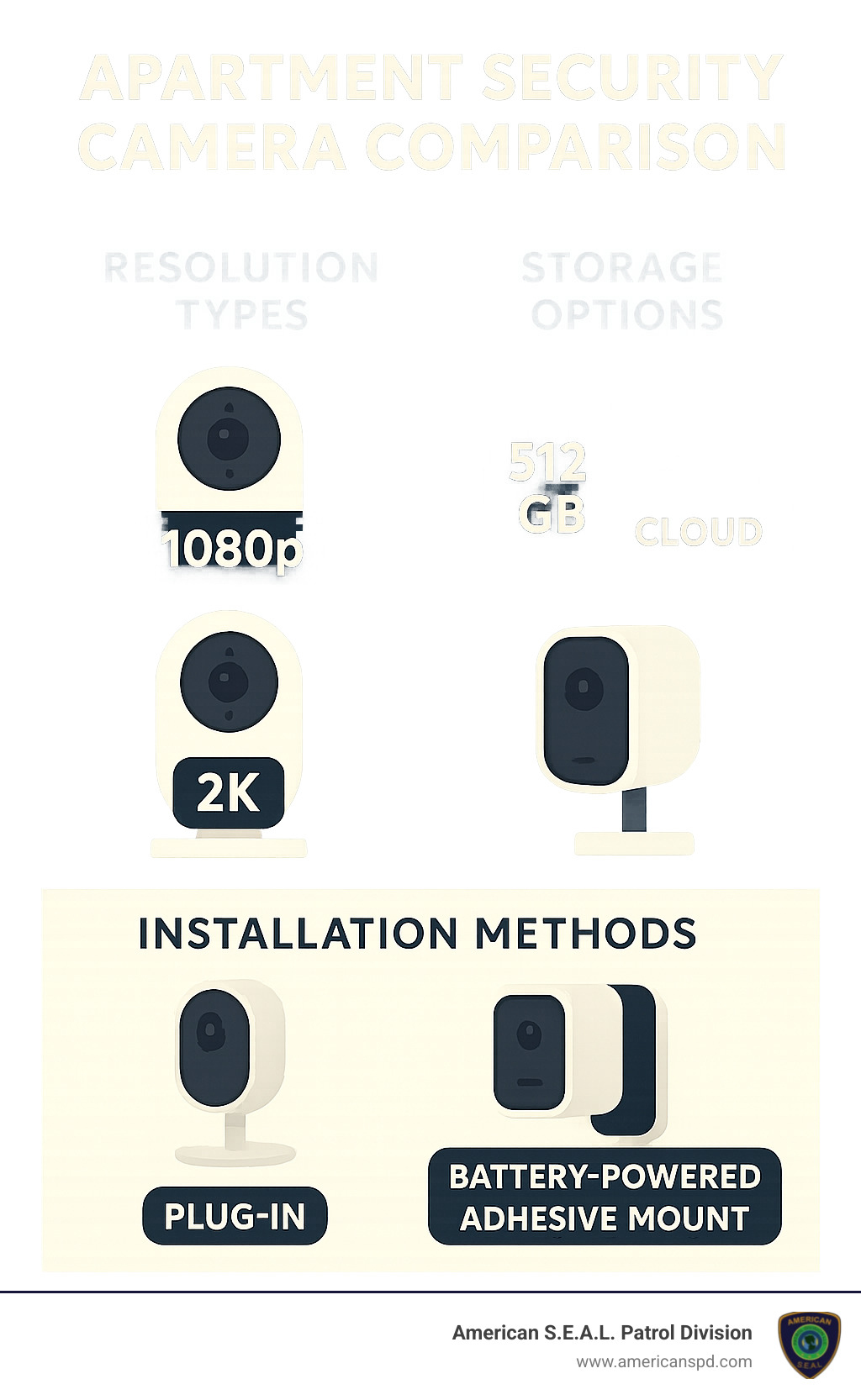
Know your apartment surveillance cameras terms:
In this comprehensive guide, we’ll walk you through everything you need to know about apartment surveillance cameras. You’ll find the key features that matter most for renters, our top 2024 picks across different budgets and needs, and crucial legal tips to keep you compliant with your lease and local laws. By the end, you’ll know exactly which camera system will give you the security and peace of mind you deserve.
Let’s be honest—living in an apartment can sometimes feel like you’re rolling the dice with your security. But here’s some encouraging news: research from the University of North Carolina found that 60% of burglars avoid properties with visible cameras, making apartment surveillance cameras one of your strongest allies in staying safe.
Think about it this way—when a would-be intruder sees a camera, they’re essentially looking at their own mugshot being taken. Most criminals simply aren’t willing to take that risk, especially when there are easier targets nearby. This psychological deterrent effect works around the clock, even when you’re fast asleep or away on vacation.
But deterrence is just the beginning. Evidence collection becomes crucial if something does happen. Today’s high-definition cameras capture details so crisp you can read license plates and identify faces clearly. This footage often makes the difference between a case going cold and law enforcement actually catching the perpetrator. Police departments report that clear video evidence increases conviction rates by over 40% compared to cases without visual proof.
Package theft has become a real headache for apartment dwellers, with over 23% of Canadians experiencing this frustrating crime. The problem has exploded with the rise of online shopping—delivery drivers leave packages in hallways, lobbies, or doorsteps where they become easy targets for opportunistic thieves. A simple doorbell camera or hallway-facing device often stops these “porch pirates” in their tracks. There’s something about knowing they’re being recorded that makes stealing a lot less appealing.
The financial impact of package theft extends beyond the stolen items themselves. Victims spend an average of 3-4 hours dealing with police reports, insurance claims, and replacement orders. Many people end up paying for expedited shipping to replace stolen items, or they’re forced to take time off work to ensure someone’s home for deliveries. A $50 camera can eliminate these hidden costs entirely.
Visitor verification gives you superpowers at your front door. With two-way audio, you can chat with delivery drivers, screen unexpected visitors, or even tell that persistent salesperson you’re not interested—all without opening your door. This feature is especially valuable if you live alone or have elderly family members who might be vulnerable to scams or aggressive sales tactics.
The remote monitoring capability really seals the deal for most people. Whether you’re stuck in traffic wondering if your package arrived, or you’re on vacation wanting to check that everything’s okay back home, your smartphone becomes a window into your apartment. Over 60% of users say this instant access is their main reason for installing cameras. Parents particularly appreciate being able to check on teenage children or elderly relatives without being intrusive.
Modern cameras also offer smart notifications that learn your routines. Instead of getting alerts every time your cat walks by, advanced AI can distinguish between family members, strangers, and pets. Some systems even recognize regular visitors like cleaning services or dog walkers, sending different types of alerts based on who’s detected.
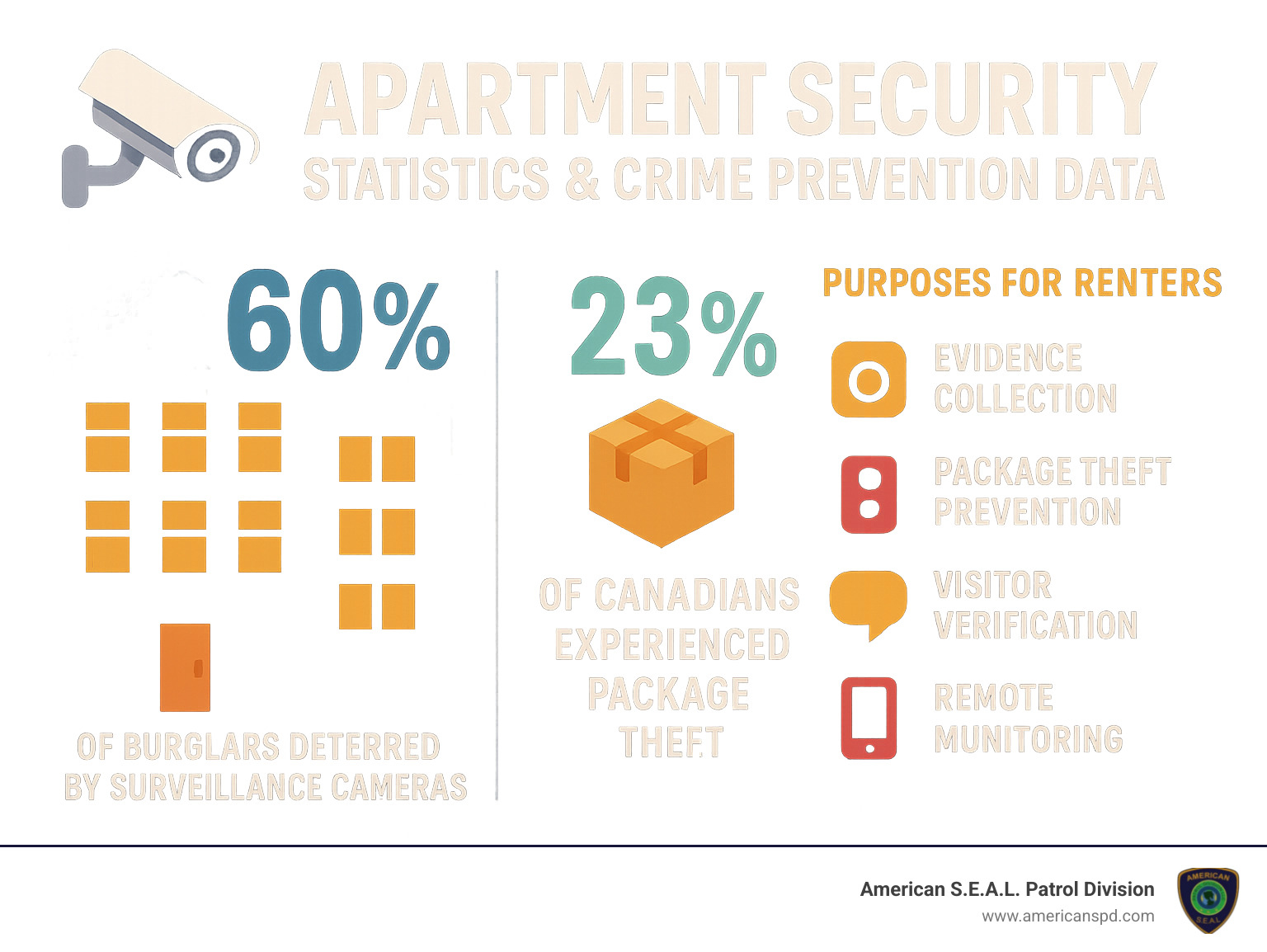
Here’s a sobering reality check: FBI data shows that 62.8% of all burglary offenses target residential properties. Apartments face unique challenges with multiple entry points, shared hallways, and strangers coming and going regularly. Unlike single-family homes with clear property boundaries, apartments create natural camouflage for criminals who can blend in with legitimate visitors, delivery personnel, or maintenance workers.
The statistics become even more concerning when you consider timing patterns. Most apartment break-ins occur between 10 AM and 3 PM on weekdays, when residents are typically at work or school. Criminals specifically target these hours because they’re less likely to encounter resistance or witnesses. Weekend break-ins tend to happen during evening hours when residents might be out socializing.
But here’s where apartment surveillance cameras change the game entirely. Properties with visible security cameras experience 67% fewer break-in attempts compared to unprotected buildings. Even fake cameras provide some deterrent effect, though we never recommend relying on decoys—real criminals can often spot the difference, and fake cameras provide zero evidence if something does happen.
The good news? You don’t need to break the bank to protect yourself. While subscription-based cloud storage can drain your wallet at $8-13 monthly per camera, local storage options offer a smarter approach. A simple 32GB microSD card stores several days of HD video, while premium cameras support up to 512GB—that’s weeks of footage without any monthly fees.
This local storage approach means significant savings over time. Instead of paying $96-156 annually for cloud storage, you make a one-time investment in a memory card and you’re done. It’s like buying your security system instead of renting it forever. Over a typical 3-year apartment lease, local storage can save you $300-500 per camera compared to cloud subscriptions.
Consider the insurance benefits too. Many renters insurance policies offer discounts for properties with security systems, and having clear video evidence can expedite claims processing if theft does occur. Some insurers reduce premiums by 5-15% when comprehensive security measures are in place, which can offset your camera investment within the first year.
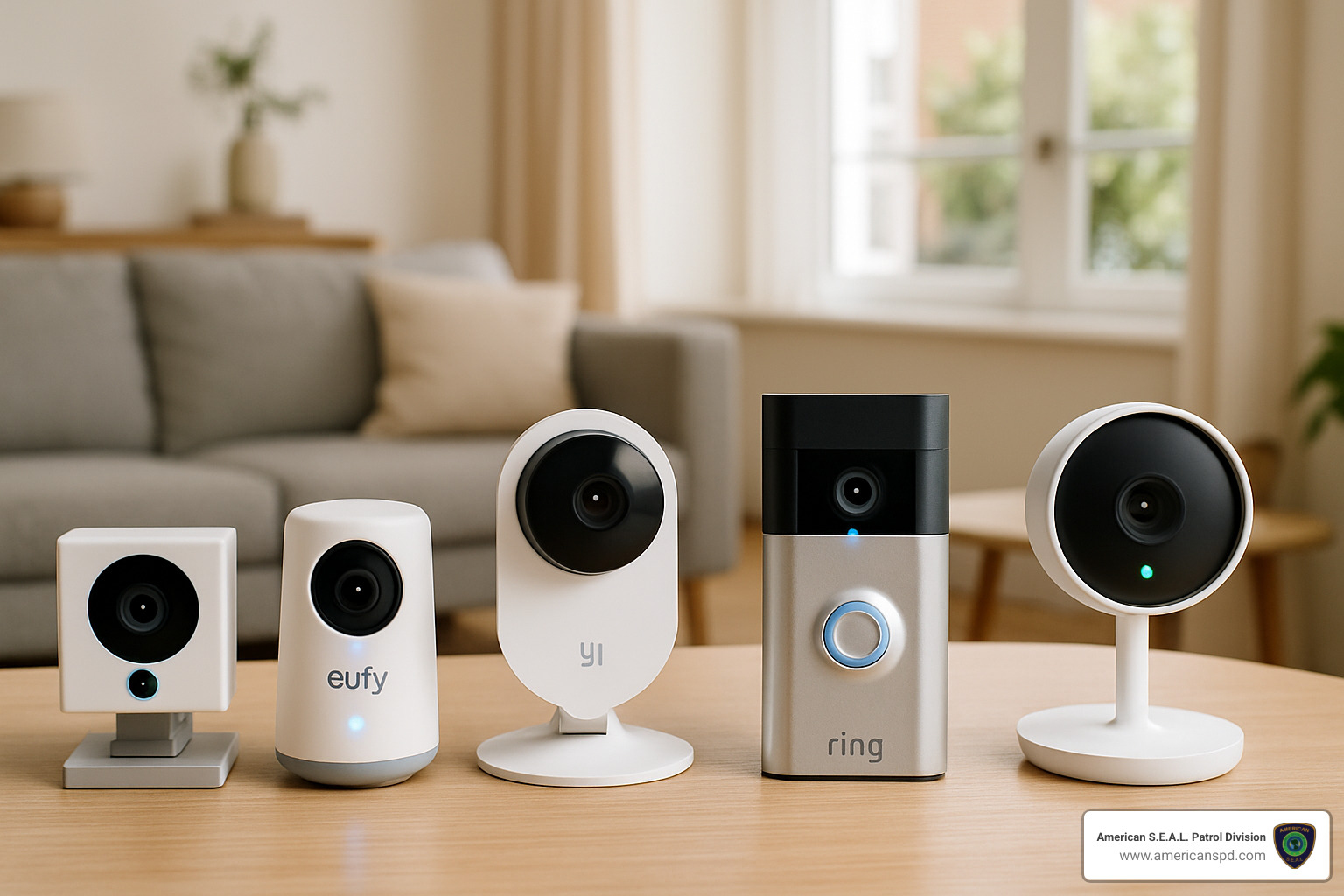
Finding the perfect apartment surveillance cameras doesn’t have to feel overwhelming. After countless hours of testing and real-world use, we’ve finded five cameras that truly shine for apartment living. Each one tackles different needs—whether you’re penny-pinching, privacy-focused, or building a smart home empire.
Think of this as your personal shopping guide, where every recommendation has been put through its paces by actual renters dealing with real apartment challenges.
The TP-Link Tapo C120 wins our hearts (and our top spot) because it simply gets everything right. This little powerhouse delivers stunning 2K resolution that makes faces crystal clear, even when zoomed in on footage later.
What makes this camera special? The AI-powered detection actually works. No more frantic phone alerts because a shadow moved across your wall. This smart cookie recognizes the difference between your cat, an actual person, and that annoying tree branch outside your window.
The 512GB microSD support means you can store weeks of footage without paying a monthly subscription. Your privacy stays yours, and your wallet stays happy. The built-in privacy shutter is pure genius—flip it closed when you’re home, and you’re completely off-camera.
Setup takes about five minutes, and the two-way audio lets you chat with delivery drivers or scare off suspicious visitors. It’s like having a security guard who never takes a coffee break.
The Amazon Blink Mini 2 proves that good security doesn’t require a second mortgage. This tiny camera has become the darling of budget-conscious renters everywhere—over 10,000 people snagged one just last month.
Don’t let the low price fool you. The 1080p video quality captures clear details, and the plug-and-play setup means you’ll be monitoring your space before your coffee gets cold. The motion alerts hit your phone instantly, so you’re always in the loop.
The wireless version runs for two years on a single set of batteries. That’s longer than most apartment leases! While it doesn’t have fancy AI features, sometimes simple is exactly what you need. Plus, it plays nice with Alexa if you want to check your feed with voice commands.
The Eufy Indoor Cam S350 is perfect for folks who want their privacy to stay private. This camera keeps everything local—no cloud uploads, no monthly fees, no corporate servers storing your footage.
The 4K resolution with 3x optical zoom delivers incredible detail, while the dual-lens system gives you both wide shots and close-ups from the same device. The 360-degree pan and tilt means one camera can watch your entire living space.
Here’s the clever part: all the AI processing happens right inside the camera. It recognizes people and pets without sending your data anywhere. Even if your internet goes down, the camera keeps working and recording. Your footage stays on your microSD card, in your apartment, under your control.
If your apartment already speaks to Alexa, Google Assistant, or works with HomeKit, the Google Nest Cam Indoor becomes the conductor of your smart home orchestra. This camera doesn’t just record—it orchestrates.
The 1080p HDR video looks fantastic, but the real magic happens with automation. Motion detected? Your smart lights can flip on automatically. Familiar face recognized? Different family members can trigger unique welcome routines.
The intelligent alerts learn your patterns and stop bothering you about the neighbor’s cat that likes to wander past your window. With a subscription, it even learns to recognize family members by face. The end-to-end encryption keeps your cloud storage secure, though you’ll pay monthly for the privilege.
The Ring Peephole Cam solves every renter’s biggest headache: getting security without angering your landlord. This brilliant device simply replaces your existing peephole—no drilling, no permanent changes, no lease violations.
Installation takes less time than making instant ramen. Unscrew your old peephole, pop this in, and you’re done. The battery lasts 3+ months, and the 1080p video with 155-degree view shows you everything happening in your hallway.
The two-way talk feature lets you chat with visitors without opening your door—perfect for late-night deliveries or unexpected guests. When you move out, just swap back to the original peephole. Your deposit stays safe, and your new place gets instant security.
Each of these apartment surveillance cameras tackles apartment living from a different angle. Whether you’re protecting packages, monitoring pets, or just want peace of mind while traveling, there’s a perfect camera waiting to become your digital security guard.
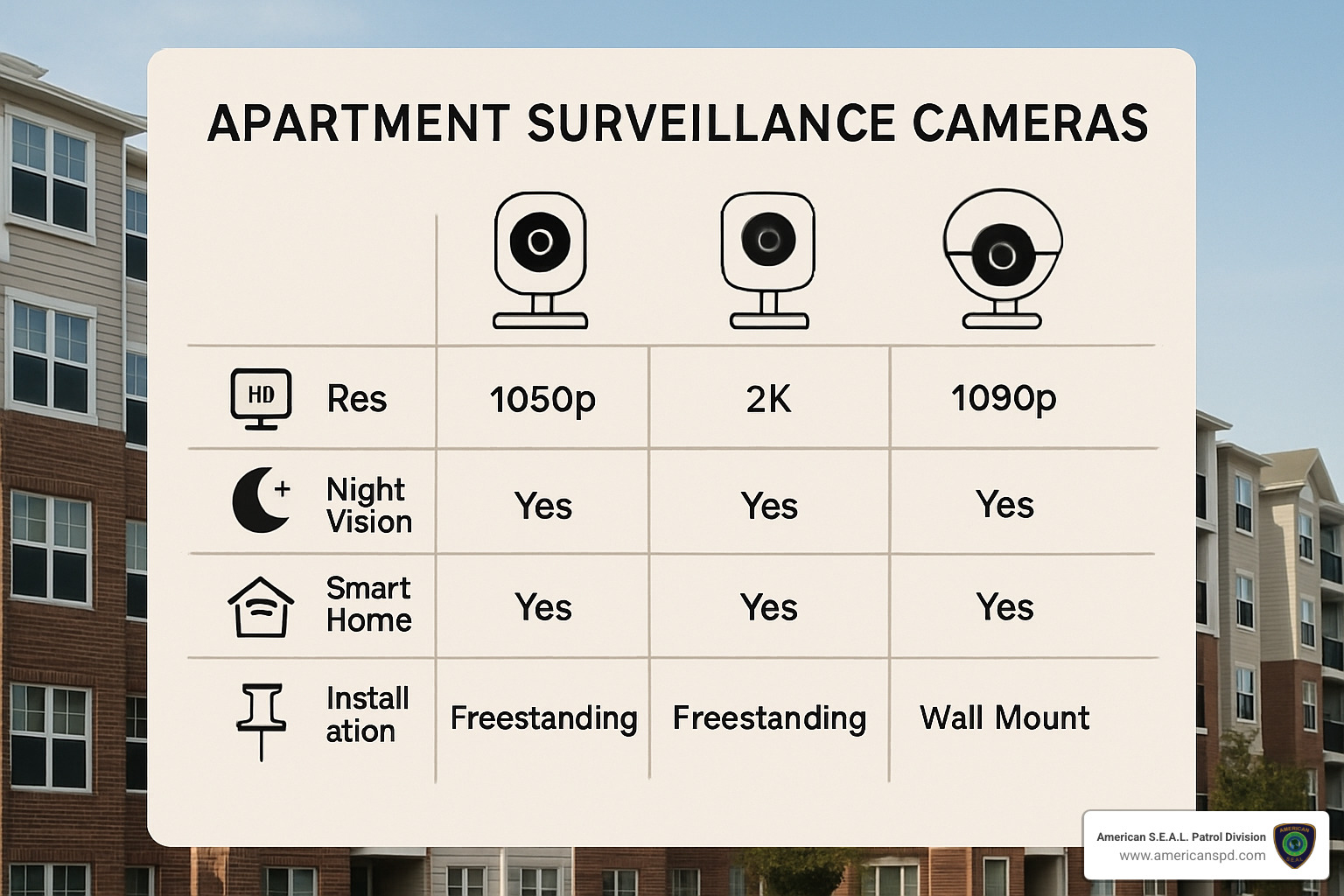
Too many renters buy on hype alone and end up either overspending or buying cameras that don’t do what they really need. Keep these streamlined criteria in mind and you’ll get the perfect fit without wasting money or storage space.
• 1080p is fine for small rooms, but 2K is the sweet spot for identifying faces from 10–15 ft away. 4K often doubles file sizes without doubling real-world usefulness in tight apartment spaces.
• Look for infrared night vision up to 30 ft; “color night vision” is great but only if the sensor is good enough to avoid grainy footage.
Basic motion detection throws notifications every time curtains move. AI person detection (or better, familiar-face recognition) keeps you focused on real threats instead of false alarms.
Cloud plans ($3.50–$13 month) protect footage if a thief steals the camera, but they add up fast. Local microSD (Class 10/U3) avoids ongoing fees and keeps data private—32 GB ≈ 2 days continuous 2K, 128 GB ≈ 1 week, motion-only extends this 3–5×. Many renters use hybrid storage: local for everyday recording, cloud only at the front door.
• Plug-in cams give unlimited runtime but require outlets and cable management.
• Battery models last 2–6 months, perfect for no-drill installs—just remember to recharge.
• Adhesive, magnetic or clamp mounts avoid holes in walls and keep landlords happy.
• Two-factor authentication (2FA) and WPA3 Wi-Fi lock out hackers.
• Vendors that push regular firmware updates stay one step ahead of exploits.
• Privacy zones or physical lens shutters let you block neighbor windows and comply with strict apartment policies.
A sluggish app equals a camera you stop using. Test that live view loads quickly on LTE and that clips are easy to scrub. Bonus points for Alexa/Google routines, HomeKit Secure Video, RTSP or ONVIF—standards that keep your system useful as tech evolves.
Memorize these six points and you’ll bypass the marketing fluff, land on a camera that works, and keep total cost of ownership under control.
Installing apartment surveillance cameras is simpler than most people think—you just need to respect privacy lines and your lease agreement.
• Indoors: It’s your unit, so video is almost always legal.
• Audio: Check state rules. “One-party consent” states let you record if you’re part of the conversation; “all-party” states do not. When unsure, disable audio.
• Shared areas: Pointing a lens into hallways or toward a neighbor’s window can cross a line. Keep views tight on your own doorway.
• The Federal Wiretap Act sets the national floor—no recording where people expect privacy (bathrooms, bedrooms you don’t control, etc.).
Most leases forbid permanent alterations, not cameras themselves. Battery-powered or adhesive setups avoid drilling, so a quick FYI to the property manager is usually enough. Frame it as additional protection for their building—landlords appreciate less liability.
• 3M Command strips or manufacturer adhesive plates support most mini cams—clean the wall with alcohol first.
• Magnetic bases snap onto metal doorframes for a no-trace peephole cam.
• Clamp mounts on bookshelves or furniture give perfect angles without touching drywall.
• Need a temporary exterior view? Use a window suction mount and remove it when you move.
Following these quick steps keeps both your landlord and local laws on your side while protecting your apartment 24/7.
Your apartment surveillance cameras become truly powerful when they work together with other smart devices. Think of them as the eyes of a connected home that responds intelligently to what’s happening around you.
Picture this: motion detected at your front door automatically turns on your hallway lights, making visitors clearly visible while giving the impression someone’s home. Smart lighting integration with systems like Philips Hue transforms basic motion alerts into sophisticated security responses that actually deter intruders.
Voice assistant control brings convenience to a whole new level. Instead of fumbling with your phone, simply say “Alexa, show me the front door camera” and instantly see who’s there. It’s especially handy when you’re cooking dinner or your hands are full with groceries.
The real magic happens with automation platforms like IFTTT (If This Then That). These create custom triggers that make your cameras smarter over time. Your camera can automatically start recording when you leave home, send emergency alerts to family members, or even adjust your thermostat when no motion is detected for hours.
For privacy-conscious renters, HomeKit Secure Video processes all video analysis right on your Apple devices. Your footage never leaves your apartment, yet you still get intelligent alerts that distinguish between delivery drivers and potential intruders.
Future-proofing your setup means choosing cameras with RTSP streams and ONVIF compatibility. These technical standards ensure your cameras will work with tomorrow’s smart home systems, not just today’s apps. It’s like buying a car that can run on different types of fuel—you’re not locked into one manufacturer’s ecosystem.
Edge processing and AI analytics are becoming standard features that make cameras smarter without requiring cloud subscriptions. Your camera learns the difference between your cat wandering around and an actual security concern, reducing false alerts while keeping you informed about what matters.
That old smartphone collecting dust in your drawer? It’s actually a capable security camera waiting to be activated. We’ve seen renters create surprisingly effective monitoring setups using nothing more than a retired phone and a free app.
Getting started is refreshingly simple. Download an app like Alfred on both your old phone (which becomes the camera) and your current phone (your viewer). Position the old device where you want coverage, plug it in, and you’re monitoring within minutes.
The biggest challenge is keeping it powered continuously. Most people create makeshift charging stations using phone stands and extra-long cables. Some creative renters even build custom mounts that hold both the phone and charger in the perfect position.
What you’ll get depends on your phone’s age, but even older devices typically offer motion detection, two-way audio, and basic cloud storage. The video quality might not match a dedicated 2K camera, but it’s often good enough to identify faces and monitor your front door.
The main limitations are practical ones. Constant charging can degrade your phone’s battery over time, and mounting options are limited compared to purpose-built cameras. But as a temporary solution or way to test camera placement before investing in dedicated equipment, repurposed phones are hard to beat.
This approach works particularly well for renters who want to try apartment surveillance cameras without any upfront investment. You can experiment with different locations, learn what features you actually use, and make smarter purchasing decisions when you’re ready to upgrade to professional equipment.
Let’s tackle the most common questions we hear from renters looking to add apartment surveillance cameras to their homes. These answers come from years of helping tenants steer the sometimes tricky world of apartment security.
Here’s the good news: you typically don’t need permission for indoor cameras within your own apartment. Think of it like hanging a picture or setting up a TV—it’s your personal space and your personal property.
The situation gets a bit more complex when cameras point toward shared spaces like hallways or might capture your neighbors’ activities. Some lease agreements have specific clauses about recording devices, so it’s worth taking a quick look at yours.
Our recommendation? Give your landlord a friendly heads-up, especially if you’re installing a doorbell camera that might capture hallway foot traffic. Most landlords actually appreciate tenants taking security seriously—it protects their property too. This courtesy call can save you headaches later and shows you’re being thoughtful about everyone’s privacy.
Storage math is simpler than you might think. A 32GB Class 10 microSD card handles about 2-3 days of continuous 2K recording, while stepping up to 128GB gives you roughly a week of footage.
But here’s where it gets interesting: most people don’t actually need continuous recording. Motion-triggered recording dramatically extends your storage life—we’re talking weeks or even months depending on how busy your apartment entrance gets.
We’ve found that 64GB cards hit the sweet spot for most renters. They’re affordable, provide plenty of storage for motion events, and give you enough continuous recording time to catch anything important. Just remember to format your card in the camera before first use—it prevents those annoying compatibility issues that can crop up later.
This might be the most important question for your sanity! Basic motion detection is like having an overly enthusiastic security guard who alerts you about everything—shadows moving across the wall, your cat walking by, even curtains swaying from the air conditioning.
Person detection uses AI to actually analyze what’s moving and determine if it’s human-shaped. The difference in daily life is dramatic: instead of getting 50 alerts about random movement, you might get 2-3 meaningful notifications about actual people.
Advanced person detection can even learn to recognize family members versus strangers. Some cameras will send you a “Sarah arrived home” notification instead of a generic “person detected” alert.
For apartment living, person detection is absolutely worth the extra investment. The peace of mind from relevant alerts—instead of notification fatigue from false alarms—makes it one of the best features you can get in apartment surveillance cameras.
Installing apartment surveillance cameras isn’t just about following the latest tech trend—it’s about taking control of your safety in a world where 62.8% of burglaries happen in residential spaces just like yours. After months of testing cameras and talking with renters across the country, one thing became crystal clear: the right security setup transforms worry into confidence.
Think about it this way—you lock your door every night, so why not extend that same protection when you’re away? The TP-Link Tapo C120 emerged as our top pick because it delivers 2K crystal-clear footage, smart AI detection that actually works, and local storage up to 512GB without those pesky monthly fees. It’s like having a reliable friend watching your place 24/7.
But here’s what we love most about today’s camera technology: there’s truly something for every renter’s situation. Tight budget? The Blink Mini 2 proves you don’t need to spend a fortune for solid peace of mind. Worried about privacy? The Eufy Indoor Cam S350 keeps everything local—no cloud, no subscriptions, no strangers accessing your footage.
The best part? You probably don’t even need your landlord’s permission for indoor cameras. Battery-powered options mean no drilling, no permanent changes, and no awkward conversations about security deposits. When you move out, everything comes with you.
Remember to keep your setup secure with strong passwords and regular updates—because the last thing you want is someone else peeking into your private space. Think of it as locking your digital front door too.
Whether you’re protecting packages from porch pirates, checking on your cat during lunch breaks, or simply wanting to sleep better at night, the right camera system adapts to your rental lifestyle without breaking the bank or your lease agreement.
For those times when you need more than cameras can provide, professional monitoring takes security to the next level. More info about residential security services from American S.E.A.L. Patrol Division offers 24/7 monitoring with real people ready to respond when it matters most—because sometimes you need backup that goes beyond smartphone alerts.
Your safety isn’t something to put off until tomorrow. Start protecting what matters today, because you deserve to feel secure in the place you call home.
Home security cameras systems are now essential for property protection, providing both deterrence and evidence collection capabilities. Here’s what you need to know:
Home security has evolved dramatically in recent years. No longer just recording devices, modern security camera systems combine AI-powered analytics, real-time alerts, and remote monitoring to create a powerful shield around your property.
“If you want to protect your home and keep burglars away, having security cameras is mission critical,” notes one security expert. This sentiment is backed by hard data: visible security cameras serve as one of the most effective deterrents against property crime.
For property managers like you, the right camera system doesn’t just capture footage—it actively prevents incidents before they happen. Whether you’re managing residential units or commercial spaces, today’s systems offer unprecedented control and awareness.
The average security camera costs about $168, but prices range from $30 for basic indoor models to over $200 for advanced outdoor systems with AI features. Most modern systems offer remote viewing through smartphone apps, motion detection, and night vision capabilities.
What sets today’s systems apart is their intelligence. Unlike older systems that simply recorded, newer cameras can distinguish between people, vehicles, and animals—eliminating false alarms while ensuring you’re alerted to genuine concerns.
When selecting a system for your properties, consider these key factors: resolution quality, storage options (local vs. cloud), power source (wired vs. wireless), and whether you want to avoid monthly subscription fees.
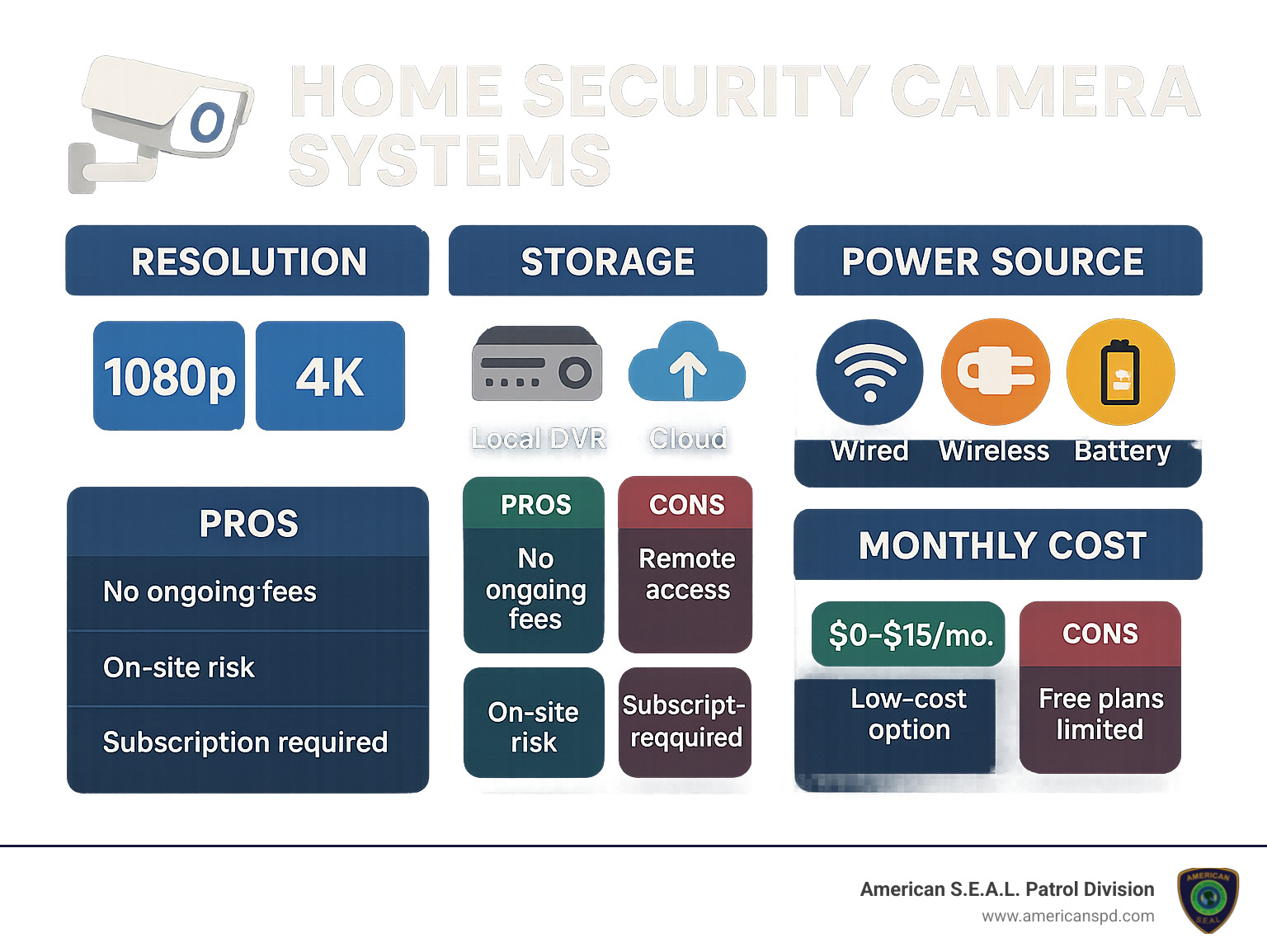
Glossary for home security cameras systems:
– hidden cameras
– smart home security
– wireless security cameras for apartment buildings
Let’s talk about what really happens when you install home security cameras systems around your property. They don’t just hang there looking pretty – they create an invisible shield that works 24/7 to keep what matters most to you safe and sound.
Ever wonder what goes through a burglar’s mind? Researchers did too, which is why they interviewed 86 convicted burglars about what stops them in their tracks. The answer was clear: visible security cameras make them walk right on by. Most admitted they’d skip a house with cameras altogether.
“Many manufacturers try to make their cameras blend in, but that’s not our approach,” says our security team at American S.E.A.L. Patrol Division. “Our recommended systems are designed to be noticed. When potential intruders see them, they think twice.” It’s like having a guard dog that never sleeps!
Remember the old days when security cameras just recorded footage you’d review after something bad happened? Those days are gone. Today’s home security cameras systems are like having a vigilant friend watching your property who texts you the moment something seems off.
When your camera detects motion, you’ll get an instant alert on your phone. From there, you can check the live feed, use the two-way audio to speak to whoever’s there (nothing scares off package thieves like a voice from nowhere saying “I can see you!”), trigger lights or alarms, or call for help if needed. Many of our Houston clients have stopped break-ins before they happened just by responding to these alerts.
If something does happen, having crystal-clear footage makes all the difference. Modern cameras with 2K or 4K resolution capture details that older systems simply couldn’t – faces, license plates, clothing details – even at night or in poor lighting.

One client told us how his home security cameras system captured such clear footage of someone stealing a package that police identified and arrested the thief within days. That’s the power of high-resolution evidence.
For complete peace of mind, we at American S.E.A.L. Patrol Division offer professional monitoring for our Texas neighbors. Think of it as having a security team on standby all day, every day. Whether you’re asleep, at work, or lying on a beach somewhere, our team is watching your property and ready to respond to any suspicious activity.
The smartest thing about modern home security cameras systems is, well, how smart they are! Today’s cameras use artificial intelligence to tell the difference between your teenager coming home late and an actual intruder. They can distinguish between a curious raccoon and a person trying to break in.
These systems can recognize faces, detect packages, identify vehicles, and monitor specific zones you care about. This intelligence means fewer false alarms waking you up at 2 AM because a leaf blew past your camera, and more reliable alerts when something truly concerning happens.
At their core, home security cameras systems are networks of video cameras working together to keep an eye on your property. Unlike standalone cameras, these systems communicate with each other through a central hub for complete coverage.
A typical system includes cameras (both indoor and outdoor), a recording hub (either a physical device in your home or a cloud-based platform), storage for your footage, a way to watch your feeds (usually a smartphone app), and the connections that tie everything together.
Recording hubs come in two main flavors: DVRs (Digital Video Recorders) work with traditional analog cameras using coaxial cables, while NVRs (Network Video Recorders) connect to modern IP cameras through your home network. Both have their place, depending on your needs and existing setup.
As for wired versus wireless, each has its advantages. Wired systems never need battery changes and provide rock-solid reliability, but installation can involve drilling holes and running cables. Wireless systems are much easier to set up and move around but may require occasional battery changes and can sometimes face interference issues.
“I always tell my clients to think about their property’s specific needs,” explains our security expert. “A large property with outbuildings might benefit from a wired system’s reliability, while a renter might prefer the flexibility of wireless cameras they can take with them when they move.”
Installing home security cameras systems brings a wealth of benefits beyond just catching bad guys:
The numbers don’t lie – homes without security systems are 300% more likely to be targeted by burglars. Simply having visible cameras dramatically reduces your chances of becoming a victim of break-ins, package theft, or vandalism. It’s like having a “not worth the trouble” sign on your property.
Here’s a benefit many people don’t know about: your insurance company will often reward you for installing security cameras. Research on insurance savings shows that discounts typically range from 5% to 20% off your homeowner’s policy. For many of our clients, these savings alone offset much of the system’s cost over time.
For parents and caregivers, home security cameras systems provide invaluable peace of mind. You can check that your kids arrived home safely from school, keep an eye on the babysitter, or monitor elderly parents or grandparents.
One Houston mom told us, “Getting that notification with a video clip of my children walking in the door after school is the highlight of my workday. I can relax knowing they’re safe at home.”
With online shopping becoming the norm, package theft has exploded. A well-placed doorbell camera or porch camera does double duty – deterring would-be thieves and capturing evidence if someone does take your packages. Many of our clients report that package theft stopped completely once their cameras went up.
For anyone with vacation homes, rental properties, or business locations, camera systems allow you to keep an eye on things from anywhere. Whether you’re checking that your vacation cabin is secure during a storm or making sure your rental property isn’t hosting unauthorized parties, remote monitoring brings tremendous peace of mind.
With the right home security cameras system, you’re not just buying equipment – you’re investing in protection, peace of mind, and the confidence that comes from knowing your property is secure, even when you’re not there to watch over it yourself.
Shopping for home security cameras systems can feel overwhelming with all the technical jargon and feature lists. Let’s break down what really matters in language that makes sense, so you can make smart choices for your home’s protection.
Think of resolution as your camera’s vision quality. Just like your eyes, better vision means seeing more details.
Standard 1080p HD cameras provide good basic clarity for most homes. If you want to clearly identify faces or read license plates, consider stepping up to 2K resolution. For the absolute best clarity—especially if you need to zoom in on footage later—4K Ultra HD cameras are worth the investment.
“4K security cameras offer 400% more pixels per frame than standard 1080p HD cameras, providing significantly greater detail for identification and evidence,” explains our technical specialist at American S.E.A.L. Patrol Division.
What good is a security camera that can’t see in the dark? Standard infrared (IR) night vision gives you black and white footage in darkness, typically visible up to 30-50 feet—perfect for most homes. For larger properties, look for improved IR with range up to 100 feet.
Want to see colors at night? Color night vision technology uses advanced sensors and ambient light to maintain color even in low-light conditions. The most advanced option, starlight technology, can capture color footage in near-total darkness—truly impressive when you see it in action.
A camera’s field of view determines how much area it can monitor. Most home security cameras systems offer between 110° and 180° viewing angles. Wider angles mean fewer cameras needed for complete coverage, but you might lose some detail at the edges. For entryways and narrow spaces, a standard field of view works well. For open areas like yards or driveways, wider angles give you more bang for your buck.
Texas weather can be brutal on outdoor equipment. For outdoor cameras, weather resistance isn’t optional—it’s essential. Look for an IP65 rating at minimum, which protects against dust and water jets. For even better protection, IP67-rated cameras can withstand temporary water immersion.
Don’t forget to check the operating temperature range. Houston summers can exceed 100°F, so make sure your cameras can handle the heat without failing when you need them most.
Modern home security cameras systems aren’t just recording devices—they’re intelligent security assistants. Basic motion detection alerts you to any movement, but more advanced systems can tell the difference between a person, pet, or swaying tree branch.
Person detection dramatically reduces false alarms by only alerting you when humans are detected. Facial recognition takes this further by identifying specific individuals—great for knowing when your kids arrive home safely. Package detection alerts you when deliveries arrive, while vehicle recognition identifies cars entering your property.
One of our favorite features is customizable activity zones, which let you focus monitoring on specific areas while ignoring others. This is perfect if your camera faces a busy street but you only want alerts about activity on your property.
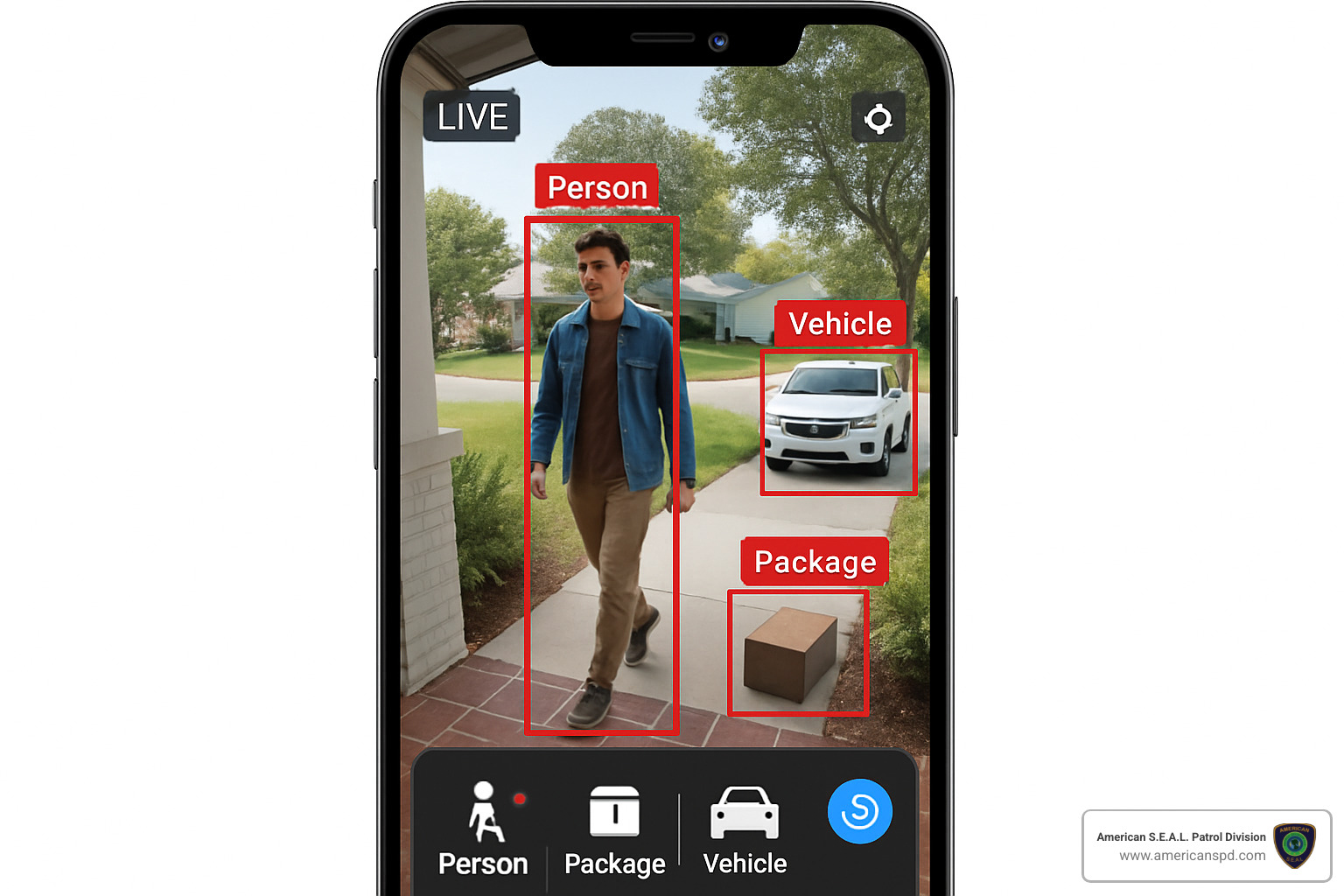
Don’t underestimate the power of sound in your security setup. Two-way audio lets you speak to visitors through your camera—whether greeting delivery drivers or warning potential intruders that they’re being recorded. Some cameras can detect unusual sounds like breaking glass and send alerts even when nothing appears on camera.
A built-in siren can be surprisingly effective at scaring off prowlers. As one of our clients told us, “The siren on my camera activated when someone tried to break in through my back door. They ran off immediately, and my neighbors were alerted too.”
Reliable connectivity keeps your home security cameras systems functioning properly. Dual-band Wi-Fi support gives you options for connecting to either 2.4GHz (better range) or 5GHz (faster speed) networks. For the most stable connection, Power over Ethernet (PoE) cameras use a single cable for both power and data transmission.
Battery-powered cameras offer flexible placement without worrying about nearby outlets, though you’ll need to recharge them periodically. Solar-powered options are gaining popularity for outdoor locations with good sun exposure, combining the freedom of wireless with sustainable power.
For complete peace of mind, consider systems with cellular backup that maintain connection during internet outages—especially important during storm season in Texas.
Your security cameras shouldn’t create new security risks. Look for tamper detection that alerts you if someone attempts to disable the camera. Privacy zones let you block recording in specified areas—perfect if your camera partially views a neighbor’s property.
End-to-end encryption secures your video data from camera to storage, preventing hackers from intercepting your footage. Two-factor authentication adds an extra layer of protection to prevent unauthorized access to your system.
How you store your footage affects both functionality and long-term costs of your home security cameras systems.
With local storage, your footage stays on your property. MicroSD cards built into cameras offer simple, subscription-free recording. For more comprehensive systems, a dedicated DVR or NVR with a hard drive stores footage from multiple cameras.
The biggest advantage? No monthly fees. You own your data completely, and recording continues even during internet outages. The downside is that physical storage can be stolen or damaged in the same incident you’re trying to document, and limited capacity means older footage eventually gets overwritten.
“Lorex security camera systems can store footage locally for days or weeks, with DVRs typically offering 1TB or more of storage, eliminating the need for monthly cloud fees,” notes our equipment specialist.
Cloud storage keeps your footage safe on remote servers, accessible from anywhere with an internet connection. Some services offer continuous 24/7 recording, while others save bandwidth by only uploading clips when motion or sound is detected.
The convenience is undeniable—access footage from any device, anywhere, with automatic backup. The trade-off is monthly subscription costs and reliance on your internet connection. Many of our Houston clients opt for cloud storage during hurricane season when local equipment could be damaged.
Many modern systems now offer hybrid approaches, combining local and cloud storage for the best of both worlds. You might keep recent footage on a local NVR while backing up important events to the cloud for safekeeping.
Consider how long you need to keep footage when choosing your storage solution. For most homes, 7-14 days is sufficient, while businesses or high-risk areas might want 30 days or more of retention.
Both wired and wireless home security cameras systems have their place, depending on your specific needs and property.
Wired systems shine when reliability is paramount. They provide stable connections without wireless interference, never need battery changes, and generally offer higher video quality with less compression. They’re also immune to Wi-Fi jamming techniques used by sophisticated burglars.
The downside? Installation is more complex, often requiring professional help to run cables through walls and ceilings. Once installed, they’re less flexible to reposition, and visible cables can be unsightly unless professionally concealed.
Wireless systems win on convenience and flexibility. They’re perfect for DIY installation—no drilling or cable running required. They’re easy to reposition as your needs change, and they maintain a cleaner aesthetic without visible wiring. For renters or those in temporary living situations, wireless is often the only practical option.
The trade-offs include battery maintenance (or finding nearby outlets), potential Wi-Fi interference or signal drops, and dependence on your network’s reliability. They also consume bandwidth, which can be an issue in homes with limited internet speed.
“For critical security areas like main entrances, wired cameras provide the most reliable coverage. Wireless cameras work well for supplementary locations or where running cables is impractical,” recommends our installation team at American S.E.A.L. Patrol Division.
When considering wireless systems, ensure your home internet can handle the added load. Each 1080p camera uses about 2 Mbps when streaming, while 4K cameras can use up to 8 Mbps each. Multiple cameras can quickly strain networks with limited upload capacity.
Walking through your home or property, you’ll quickly realize that different areas have unique security needs. Let’s explore the perfect camera match for each space in your world:
Best for: Living rooms, entryways, kitchens
Key features: Compact design, two-way audio, privacy shutters
Price range: $30-100
Indoor cameras are the friendly guardians of your interior spaces. They’re typically more compact and stylish than their outdoor cousins, designed to blend seamlessly with your decor while keeping watch. Many of our Houston clients love how these discreet devices provide peace of mind without screaming “security camera” to your guests.
Best for: Driveways, side yards, perimeters
Key features: Weather resistance, longer-range night vision, directional view
Price range: $80-200
There’s something instantly recognizable about bullet cameras—their distinctive cylindrical shape clearly announces “this area is monitored.” This visible deterrent effect is actually part of their security value! Home security cameras systems that include bullet cameras create a powerful psychological barrier that many potential intruders simply won’t cross.
“The best security camera is one that prevents a break-in from ever happening,” as we often tell our clients at American S.E.A.L. Patrol Division.
Best for: Garages, covered patios, large indoor spaces
Key features: 360° coverage, discreet appearance, motorized movement
Price range: $100-300
Dome cameras offer a more subtle approach while still providing excellent coverage. Their semi-spherical design makes it difficult for anyone to determine which direction they’re pointing—a psychological advantage that keeps potential intruders guessing. PTZ models take this a step further with remote-controlled movement, allowing you to scan large areas from your smartphone.
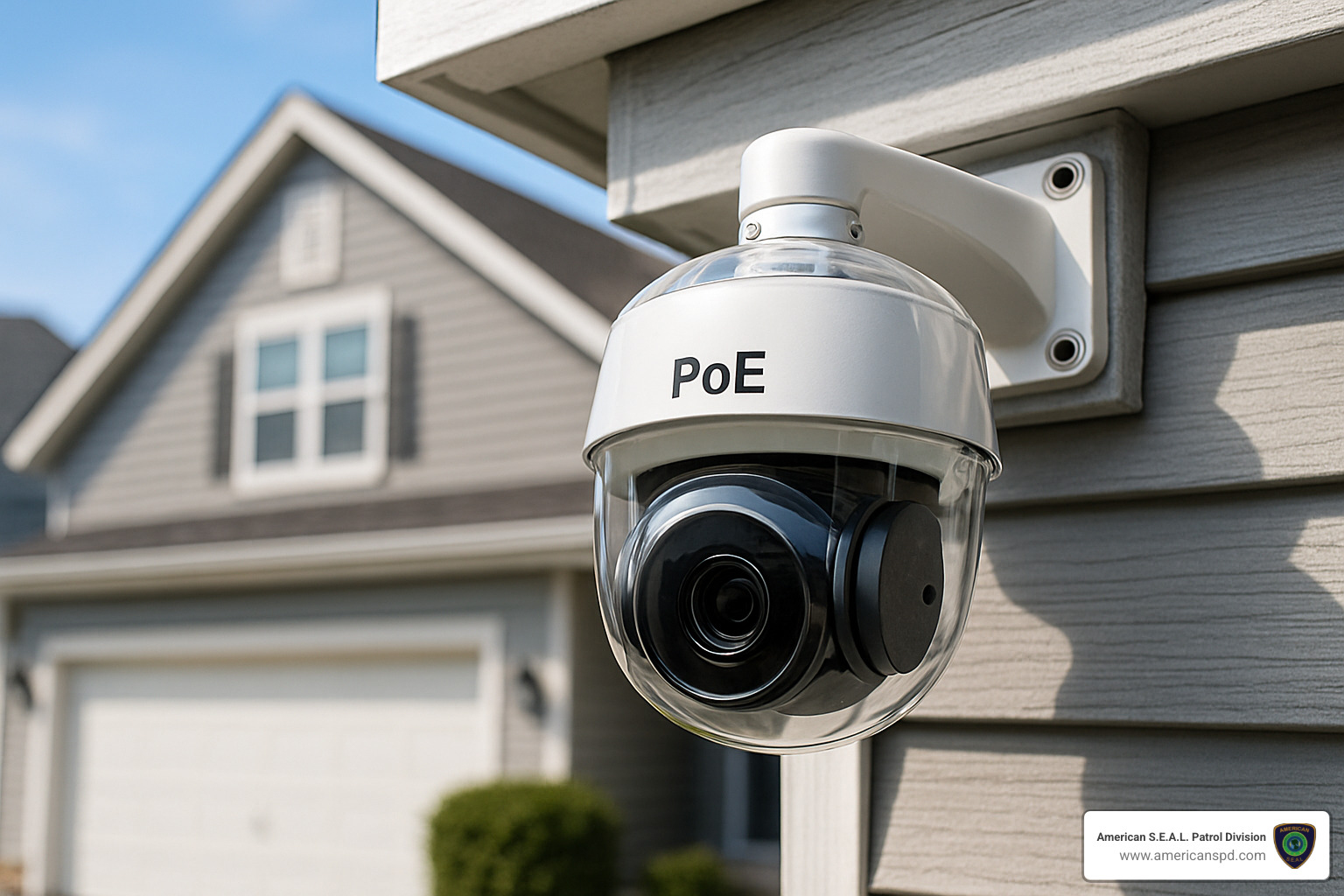
Best for: Front doors, package delivery areas
Key features: Motion detection, two-way audio, visitor identification
Price range: $100-250
The friendly face of home security cameras systems, video doorbells have revolutionized front door security. They allow you to answer your door from anywhere, chat with delivery drivers about package placement, or kindly ask solicitors to move along—all from your phone, whether you’re upstairs or across town. In Houston’s package theft hotspots, these have become essential first lines of defense.
Best for: Backyards, driveways, dark corners
Key features: Bright LED lights, siren, wide field of view
Price range: $150-300
Nothing says “you’ve been spotted” quite like suddenly being bathed in bright light. Floodlight cameras combine powerful illumination with security monitoring, creating a startling experience for unwanted visitors while capturing crystal-clear footage. The addition of a built-in siren gives you the option to sound an alarm that will have most intruders running for the hills.
Best for: Remote locations, areas without easy access to power
Key features: Sustainable power, wireless connectivity, weather resistance
Price range: $150-300
For those tricky spots where running power feels impossible, solar cameras offer an neat solution. They’re perfect for monitoring detached garages, gates, or remote corners of larger properties. The integrated solar panel keeps the battery topped up, eliminating both power cables and those annoying “battery low” notifications that always seem to come at the worst times.
Living in a Houston apartment or cozy home doesn’t mean compromising on security. In fact, smaller spaces have distinct advantages when it comes to camera placement:
Compact indoor cameras give you big protection in small packages, often at budget-friendly prices. The discreet designs won’t dominate your living space, and many feature privacy shutters that physically cover the lens when you’re home and want some alone time.
For renters, peel-and-stick installation options mean you can secure your space without losing your security deposit. These adhesive mounts hold cameras securely without damaging walls or requiring drilling.
Many of our apartment-dwelling clients in Houston love cameras with voice assistant integration, allowing them to check camera feeds with a simple “Hey Google, show me the front door” while cooking or relaxing.
Our recommendation for apartment dwellers is simple: start with a video doorbell to protect deliveries, then add one indoor camera covering your main living area. This minimalist approach provides essential coverage without overwhelming your space or your budget.
Sprawling Houston properties require a more strategic approach to security coverage:
Long-range IR night vision becomes essential when monitoring distant perimeters, with premium cameras offering clear visibility up to 100 feet in complete darkness. For maximum coverage with fewer devices, look for cameras with 180° field of view that can monitor entire sides of your property from a single mounting point.
Optical zoom capabilities let you focus on specific areas without losing image quality—unlike digital zoom which often results in pixelated images. For consistent coverage across larger properties, PoE NVR kits with 8+ channels provide rock-solid connections without wireless interference issues.
We’ve found that smart spotlights combined with cameras create an especially effective deterrent for larger properties. These motion-activated systems flood potential trouble spots with light while simultaneously recording, leaving nowhere for intruders to hide.
For our Houston clients with larger properties, we typically recommend a layered approach: perimeter cameras at property boundaries, floodlight cameras for dark areas, and a centralized NVR system with sufficient storage for at least 30 days of footage.
Tired of monthly fees eating into your budget? Several excellent home security cameras systems provide comprehensive protection without recurring costs:
Local HDD systems store everything on-site using a digital video recorder with a built-in hard drive. With storage capacities of 1TB or more, these systems can keep weeks of footage without requiring cloud subscriptions or internet connectivity to function.
Many standalone cameras support microSD card storage, allowing you to record directly to removable media. These systems typically use recycle recording, automatically overwriting the oldest footage when storage is full—ensuring you always have recent recordings available.
While the initial investment for subscription-free systems might be higher ($300-1000 for a complete setup), the absence of monthly fees means they often pay for themselves within 1-2 years compared to cloud-dependent alternatives.
“I love recommending local storage options to our Houston clients who value data privacy and want to avoid recurring costs,” shares our equipment specialist at American S.E.A.L. Patrol Division. “Once installed, these systems just work—no surprise bills or service interruptions to worry about.”
Let’s talk about what really matters when you’re planning to invest in a home security cameras system: the dollars and cents, getting everything set up properly, and making sure your privacy stays intact.
When I sit down with Houston homeowners to discuss security options, the first question is almost always about cost. And it’s a good question!
The truth is, home security cameras systems come with a range of price points. Individual cameras typically run between $30 and $200 depending on the features you want. If you’re looking at a complete system with multiple cameras and recording equipment, expect to invest anywhere from $300 to $1,500.
“The average cost of a home security camera is $168,” according to industry data I’ve reviewed, “but you can find basic models starting around $30 or premium options exceeding $200.” At American S.E.A.L. Patrol Division, we pride ourselves on finding solutions that match both your security needs and your budget constraints.
Don’t forget about the extras! You might need $50-200 more for mounting hardware, extra cables, and backup power supplies. And if you’re going the cloud storage route, most residential systems charge between $3-15 monthly for storing your footage securely online.
For those who want complete peace of mind, professional monitoring services typically run $20-50 monthly. This gives you 24/7 monitoring by security professionals who can respond to alerts even when you can’t.
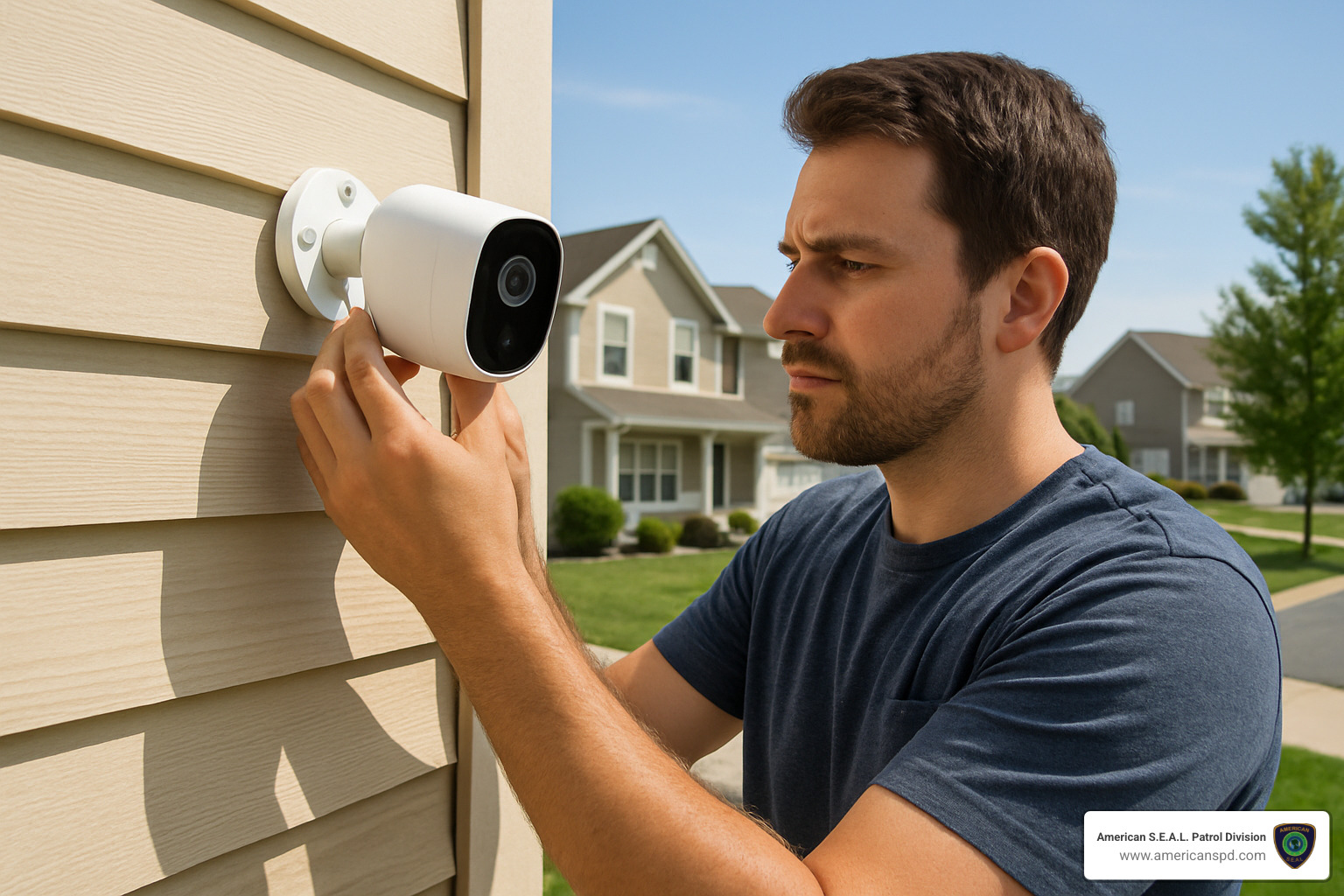
Before you start drilling holes in your walls, there are some important considerations to keep in mind. First, check your local building codes – some municipalities require permits for extensive wiring projects. If you live in an HOA community, review those covenants carefully. I’ve seen too many homeowners install an entire system only to be told it violates HOA rules!
Renters should always get written permission from landlords before installation. And regardless of whether you own or rent, position your cameras thoughtfully to avoid recording public areas or your neighbors’ private spaces.
From a technical standpoint, ensure your internet connection can handle the added load. A good rule of thumb is to have at least 1.5 Mbps of bandwidth available for each camera. That might mean upgrading your internet package if you’re planning a multi-camera setup.
Weather exposure is another critical factor for outdoor installations. Houston’s humidity and occasional severe weather can be tough on electronics, so proper weatherproofing is essential.
I’m often asked whether DIY installation is worth it. The answer depends on your comfort level with technology and basic home improvement skills.
DIY installation definitely saves money on labor costs. You’ll need some basic tools – a drill, screwdriver, and ladder – plus comfort working at heights for outdoor cameras. It’s perfectly doable for wireless systems with simple mounting requirements, and ideal for tech-savvy homeowners who enjoy these kinds of projects.
Professional installation, while more expensive upfront, offers significant advantages. Our technicians know exactly where to position cameras for optimal coverage, how to conceal cables professionally, and how to properly integrate your new system with existing home technology.
“I thought I could install my system myself to save money,” one Houston client told me recently, “but after watching your technician work, I realized there’s an art to proper camera placement that I wouldn’t have figured out on my own.”
Professional installation is particularly valuable for complex wired systems, multi-story installations, or when you want seamless integration with other home systems. It’s also perfect for busy homeowners who value their time more than the cost savings of DIY.
With home security cameras systems collecting sensitive footage of your home and family, data security isn’t just important – it’s essential.
Start with strong, unique passwords for all system accounts, and enable two-factor authentication whenever available. Regularly update your system’s firmware and software – those updates often contain critical security patches.
Your home network needs protection too. Secure your Wi-Fi with WPA3 encryption when possible, and consider placing your cameras on a separate network from your personal devices. Using a VPN for remote access adds another valuable layer of security.
“Data and video files should be encrypted and stored securely using advanced protocols,” our cybersecurity specialist always emphasizes. At American S.E.A.L. Patrol Division, we take both physical security and data protection seriously for all our Houston clients.
Don’t forget the privacy considerations that come with camera ownership. Position your cameras thoughtfully to avoid recording public sidewalks or neighbors’ properties. Many modern systems allow you to set up privacy zones that block recording of sensitive areas. It’s also good practice to inform visitors that cameras are in use – simple signage often suffices.
By carefully considering these budgeting, installation and privacy factors, you’ll create a home security cameras system that not only protects your property but also respects your finances, time, and privacy concerns.
The world of home security cameras systems has transformed dramatically over the years. What once started as basic recording tools have evolved into intelligent security solutions that not only document incidents but actively work to prevent them before they happen.
After exploring all the options and considerations, you might be wondering how to bring it all together. Let’s wrap up with some practical guidance:
First, focus on selecting features that address your specific security concerns. Whether it’s crystal-clear 4K resolution for identifying faces, color night vision for complete darkness, or AI-powered person detection to reduce false alarms—prioritize the capabilities that matter most for your unique situation.
Next, be strategic about matching camera types to different areas of your property. Your front door might benefit most from a video doorbell with package detection, while your backyard might need a floodlight camera with a wide field of view. Indoor spaces often work best with discreet dome cameras that blend into your décor.
Don’t overlook the importance of storage planning. Whether you prefer the subscription-free approach of local recording or the convenience of cloud access from anywhere, ensure your system can retain footage long enough to be useful—typically at least 7-14 days for most homes.
In today’s connected world, network security deserves serious attention. Protect your footage and privacy with strong passwords, two-factor authentication, and regular firmware updates. Your security cameras shouldn’t become a security vulnerability themselves!
While many homeowners successfully install their own systems, don’t hesitate to consider professional assistance. Here at American S.E.A.L. Patrol Division, our Houston-based team can ensure optimal camera placement, proper integration with existing systems, and comprehensive training so you get the most from your investment.
We’ve spent over 15 years helping Texas residents and businesses create custom security solutions that provide genuine peace of mind. Our approach combines cutting-edge technology with professional monitoring services, creating a security umbrella that protects what matters most to you.
The ideal home security cameras system should feel like a natural extension of your home—working quietly in the background while keeping watchful eyes on your property. With today’s technology becoming increasingly affordable, robust protection is within reach for virtually any budget.
For specialized security needs, we invite you to explore our resources on apartment security camera systems or reach out to our team for personalized recommendations custom to your property.
With the right system watching over your home, you can finally enjoy that peace of mind that comes from knowing your property remains protected whether you’re sleeping soundly upstairs, hard at work across town, or relaxing on a beach thousands of miles away.
Apartment CCTV systems are security camera setups specifically designed for rental properties, providing surveillance without permanent installation requirements. They help protect residents from package theft, break-ins, and unauthorized access.
If you’re looking for the best apartment CCTV systems in 2024:
| System Type | Best For | Key Features |
|---|---|---|
| Wireless Doorbell Cameras | Front door monitoring | No drilling, motion alerts, two-way audio |
| Indoor Cameras | Living spaces | Peel-and-stick mounting, night vision, privacy modes |
| Battery-Powered Outdoor Cameras | Balconies, patios | Weather-resistant, no wiring, solar options |
| Peephole Cameras | Non-invasive entry monitoring | Replaces existing peephole, no modification |
| Cloud-Based Systems | Renters who move frequently | Portable, remote access, no NVR hardware |
According to a 2023 survey, 66% of renters would choose an apartment with security cameras over one without. This isn’t surprising, given that residential properties account for 62.8% of all burglary offenses. For apartment dwellers, security concerns are compounded by factors like shared entries, package deliveries left unattended, and limitations on permanent security installations.
The average American moves 11.4 times in their lifetime, making portable, easy-to-install security systems essential for renters. Modern apartment CCTV solutions address these needs with flexible mounting options, wireless connectivity, and cloud storage that moves with you.
Whether you’re a tenant looking to protect your space or a property manager aiming to increase building security and tenant satisfaction, today’s apartment surveillance systems offer solutions that respect both security needs and rental agreements.
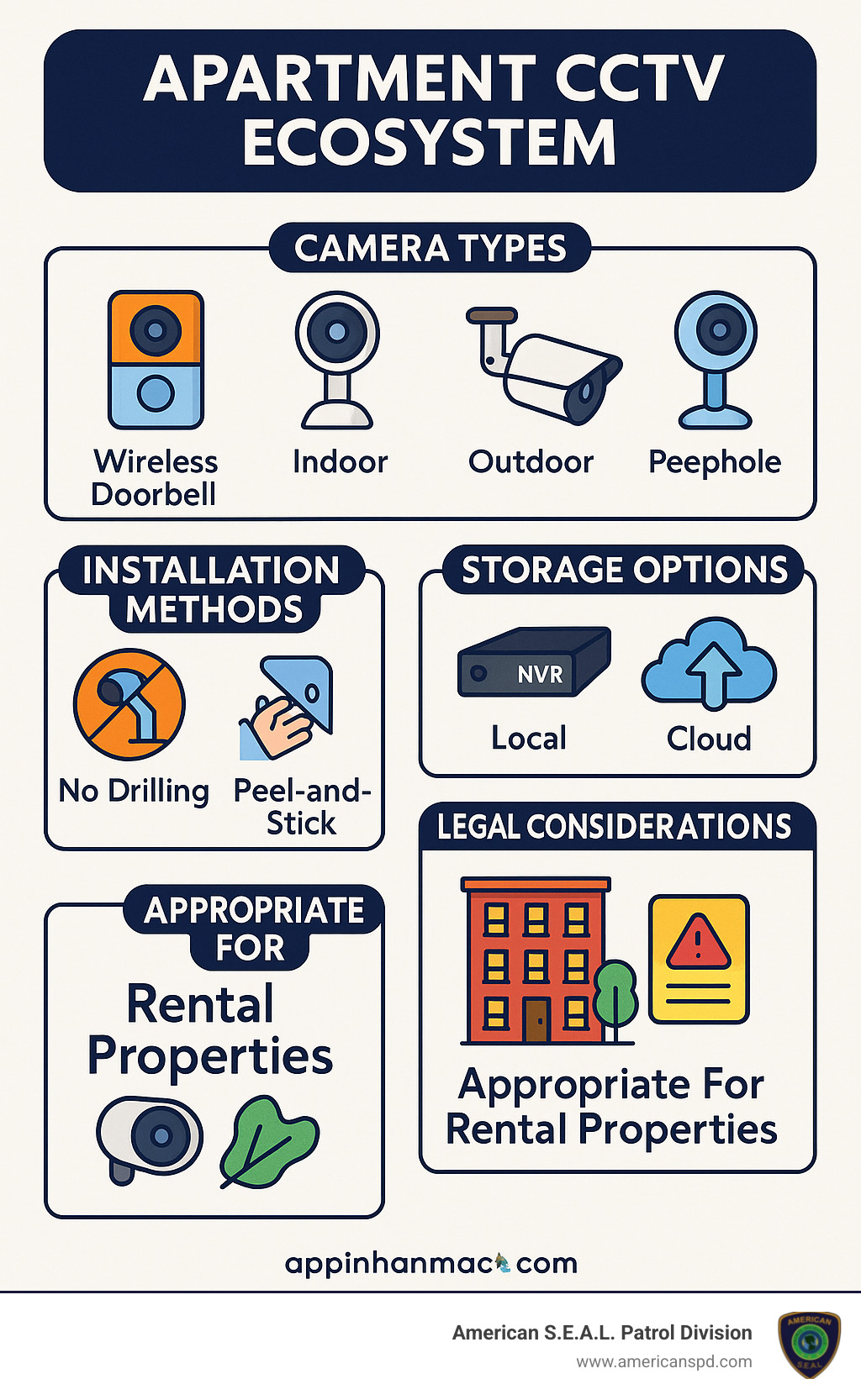
Let’s face it—apartment living comes with its own set of security challenges. The FBI’s Uniform Crime Reporting program tells us that a whopping 62.8% of all burglary offenses target residential properties. For apartment dwellers, this statistic hits particularly close to home. You can find more details in the latest research on residential crime.
Package theft has become the modern-day headache for apartment residents. In Canada, 23% of residents have fallen victim to “porch pirates,” with losses totaling an eye-watering $784 million. Here in the United States, those unattended apartment hallways and lobby areas might as well have a “free stuff” sign for opportunistic thieves.
But having Apartment CCTV systems does so much more than just keeping your Amazon deliveries safe.
When visible cameras are installed, potential intruders think twice. Research shows that about 60% of burglars will skip homes with security cameras—that’s more than half of potential break-ins prevented just by having cameras visible! And should the unthinkable happen, you’ll have valuable video evidence for both the police and your insurance company.
For frequent travelers (or just those of us who worry), the ability to check on your home remotely brings incredible peace of mind. Over 60% of homeowners consider this feature essential—and we completely understand why!
Your wallet will thank you too. Many insurance companies offer discounts between 5-20% for homes with security systems. The more comprehensive your coverage, the better your savings.
Property managers, take note: building-wide Apartment CCTV systems aren’t just security tools—they’re amenities that keep tenants happy and signing those lease renewals.
As security experts who’ve been protecting Texas properties for over 15 years, we at American S.E.A.L. Patrol Division have witnessed how Apartment CCTV systems provide that essential peace of mind that makes any rental truly feel like home.
Renting comes with its own unique reality: mobility. The average American moves 11.4 times throughout their lifetime, which creates a real challenge when it comes to security solutions.
Traditional security setups simply weren’t designed with renters in mind. They typically require drilling holes, professional installation, and permanent modifications that can kiss your security deposit goodbye.
Modern Apartment CCTV systems have completely changed this game. Today’s solutions are renter-friendly in every way:
No more worrying about damaging walls—adhesive mounts leave surfaces pristine when it’s time to move. Battery-powered cameras eliminate the need for electrical wiring, while wireless connectivity means no unsightly cable runs throughout your space. Perhaps best of all, cloud storage means your security footage moves with you from one apartment to the next.
For security-conscious renters who also care about their deposits, these non-invasive systems are nothing short of revolutionary. You can now have comprehensive protection without those awkward landlord conversations or deposit deductions when moving day arrives.
Shopping for an Apartment CCTV system can feel overwhelming with all the technical jargon out there. But don’t worry—I’m going to break down what really matters for your apartment security in plain English.
Think of resolution as the clarity of your security footage. It’s like the difference between watching an old TV and a modern flat screen:
For most of us in apartments, 1080p hits the sweet spot—clear footage without breaking the bank or filling up storage too quickly. That said, if you’re monitoring your parking area and need to catch license plates, stepping up to 2K might be worth it.
Since break-ins often happen after dark, good night vision isn’t optional—it’s essential. Standard IR night vision gives you basic black and white footage up to about 50 feet, which works for most apartment needs. If your balcony overlooks a larger area, look for improved IR with ranges up to 100 feet.
For those who want to see colors at night (helpful for describing a suspicious person’s clothing to police), color night vision uses ambient light to maintain color in low-light situations. The premium option—starlight technology—can capture color footage even in near darkness, though you’ll pay more for this feature.
Nothing’s more annoying than constant false alarms from your security system. Modern Apartment CCTV systems offer smart motion detection that can tell the difference between your cat and an actual intruder. Person detection significantly cuts down on false alarms, while zone setting lets you ignore high-traffic areas like your kitchen while still monitoring your front door.
The gold standard is AI detection, which can recognize specific activities—like someone dropping off a package versus someone lingering suspiciously near your door. This technology keeps getting smarter, making your security system more helpful and less annoying.
Where your footage gets saved matters almost as much as the camera itself:
| Storage Type | Pros | Cons |
|---|---|---|
| Local (SD Card) | No monthly fees, works offline | Limited space, thieves can steal it |
| Cloud Storage | Access from anywhere, safe if camera is stolen | Monthly costs, needs internet |
| NVR/DVR | Lots of storage, no internet needed | Extra hardware, stays in one place |
| Hybrid | Best of both worlds | More complex setup |
Many of our clients at American S.E.A.L. Patrol Division prefer cloud storage for its convenience—you can check your footage from work or vacation, and if someone steals your camera, they don’t get the evidence too.
Your camera’s connection determines how reliable it will be. Wi-Fi is perfect for most renters since it doesn’t require running cables. But if your internet is spotty, consider systems with cellular backup that keep working even when your Wi-Fi doesn’t.
Ethernet connections are the most stable but usually require cable routing—not ideal for most renters. If you’re building a smart home, look for cameras that support Z-Wave or Zigbee to integrate with your other devices.
What good is security footage if you can’t access it when you need it? Look for systems with user-friendly mobile apps, web access, and the ability to share access with roommates or family members. The best systems send real-time alerts to your phone and let you speak through the camera with two-way audio—perfect for telling delivery people where to leave packages or warning potential intruders they’re being recorded.
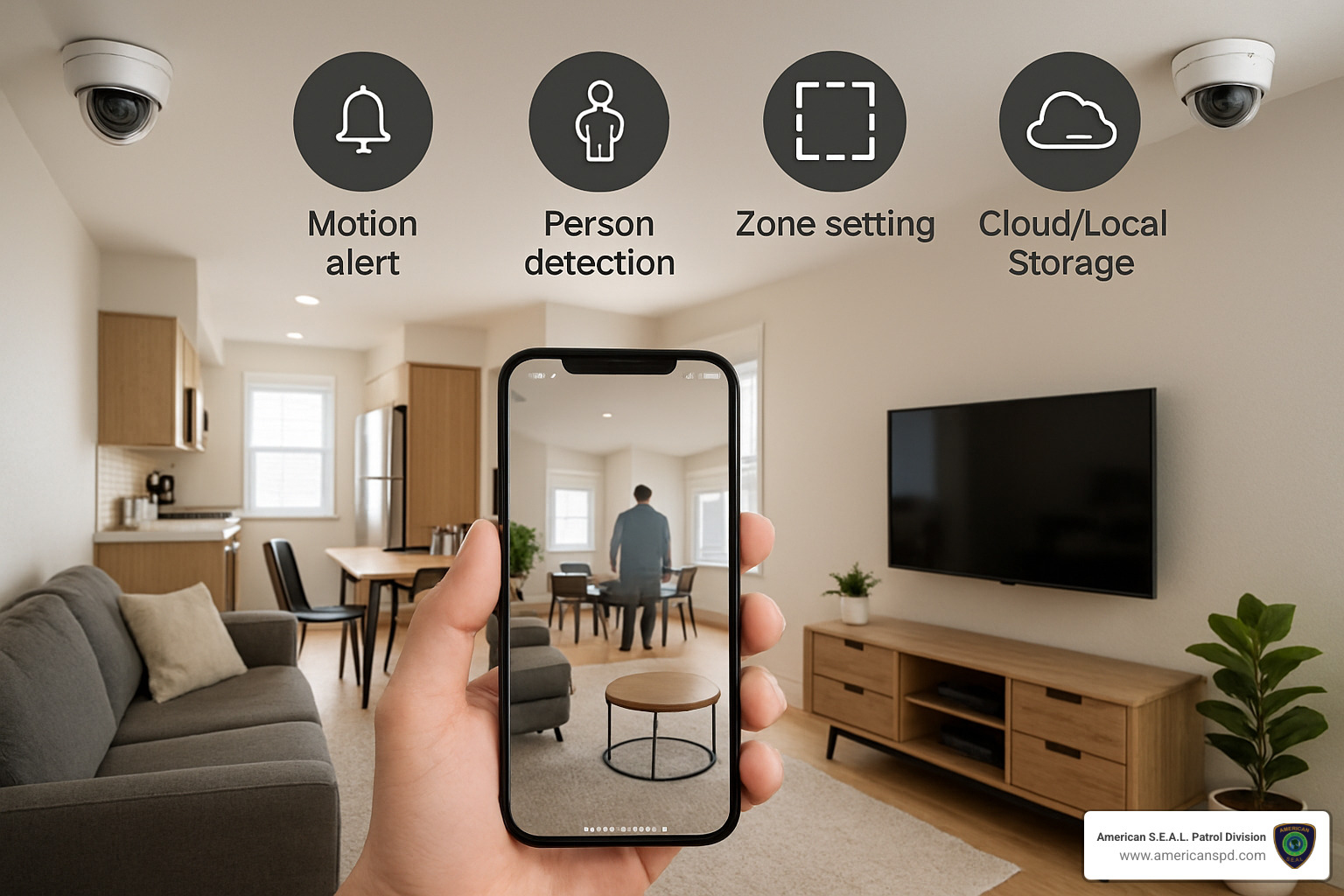
The eternal security camera debate: wired or wireless? For renters, this choice often comes down to practicality:
| Feature | Wired Systems | Wireless Systems |
|---|---|---|
| Installation | Requires cable routing, may need landlord permission | Simple DIY installation, no drilling required |
| Power Source | Constant power, no batteries to change | Battery-powered (requires charging) or outlet-powered |
| Reliability | More stable connection, no interference | May experience Wi-Fi interference or dropouts |
| Portability | Difficult to move to new locations | Easy to relocate when moving apartments |
| Cost | Generally higher upfront cost | Often more affordable for renters |
| Best For | Property managers, permanent installations | Individual renters, temporary installations |
As a renter, wireless systems typically make more sense—they’re easier to install without landlord issues and can move with you to your next place.
Apartment living means making the most of limited space. These features help maximize security without cluttering your home:
Wide-angle lenses are a game-changer in apartments. A single camera with a 130-180° field of view can cover an entire room from one corner, saving you money and wall space.
Doorbell cameras pull double-duty as both security and convenience. When someone knocks or rings, you can see who’s there without opening up. Many newer models use strong adhesives instead of screws—perfect for rental properties where drilling isn’t allowed.
Peel-and-stick mounts are a renter’s best friend. These industrial-strength adhesives hold cameras securely without damaging walls. When it’s time to move, they remove cleanly without losing your security deposit.
For those concerned about privacy, look for cameras with privacy modes that automatically disable recording when you’re home. This feature is especially popular with our clients who want security without feeling like they’re living in a surveillance state.
If you’re a property manager or live in a larger building, you might need more advanced features:
AI-powered analytics can distinguish between residents and strangers, reducing false alarms while catching actual security threats. Some systems can even detect suspicious behavior patterns, like someone testing multiple door handles.
Live guard monitoring combines technology with human expertise. At American S.E.A.L. Patrol Division, our monitoring professionals can verify alerts in real-time and even speak through the camera system to deter potential intruders—a powerful combination of AI and human intelligence.
For parking areas, license plate recognition cameras capture vehicle information automatically, helping identify unauthorized vehicles or providing evidence after hit-and-run incidents.
Multi-unit buildings benefit from scalable storage solutions that grow with your needs and multi-camera management interfaces that let security staff monitor all areas from a single dashboard.
By focusing on these key features, you’ll find an Apartment CCTV system that provides real security without breaking your lease or your budget. The best system is one that fits your specific needs and living situation.
After personally testing dozens of security cameras in real apartment settings, I’ve finded which Apartment CCTV systems truly deliver for renters. My selections balance practical features with renter-friendly installation—because security shouldn’t come at the cost of your deposit!
You don’t need to be tech-savvy to set up effective security in your rental. Today’s DIY options make it surprisingly simple.
Starter Kits for Renters have become my go-to recommendation for first-timers. These thoughtfully bundled packages typically include 1-2 indoor cameras, a doorbell or entry camera, and everything you need to get up and running in under 30 minutes. The best part? They use damage-free adhesive mounting that won’t jeopardize your security deposit. Most can be configured entirely from your smartphone—no computer skills required!
Battery-Powered Flexibility is a game-changer for renters. The latest models offer impressive 3-6 month battery life between charges, with some outdoor versions even supporting small solar panels for continuous power. I love that many now send low-battery alerts to your phone, so you’re never caught with a dead camera when you need it most. Quick-release mounts make recharging a breeze—just pop off, charge, and snap back into place.
Don’t let budget constraints leave you unprotected. Budget-Friendly Options now deliver surprisingly good quality starting around $30-$100 per camera. These affordable options still offer crisp 1080p resolution, basic motion alerts, and typically include either microSD storage or limited free cloud recording. While they lack the bells and whistles of premium systems, they provide solid protection without breaking the bank.
For those of us who move frequently, Portability Champions deserve special attention. These systems are designed with nomadic renters in mind, featuring tool-free installation, lightweight construction, and reusable mounting hardware that won’t lose its stickiness between apartments. The best options include quick setup wizards that make reconfiguring your system in a new space almost effortless.
Sometimes DIY isn’t enough, especially if you travel frequently or want maximum peace of mind. Professional monitoring takes your security to the next level.
AI-Improved Detection has revolutionized apartment security. These smart systems can tell the difference between your dog walking through the living room and an actual intruder, reducing false alarms by up to 95%. The best systems can even recognize package deliveries or suspicious behaviors like someone lingering too long at your door. This intelligence means you only get alerts that actually matter.
I’ve been particularly impressed with systems offering Live Audio Intervention. When suspicious activity is detected, trained security professionals can actually speak through your camera in real-time. Here at American S.E.A.L. Patrol Division, our monitoring team uses customized audio responses based on the situation—from a friendly greeting for a delivery person to a stern warning for potential intruders. The psychological deterrent of a real human voice is remarkably effective.
The true value of professional monitoring lies in its Rapid Response Protocols. When seconds count, having experts verify alarms through video before contacting authorities eliminates time-wasting false alarms. Professional monitoring centers can dispatch emergency services within 30 seconds of verification, provide video evidence to law enforcement, and simultaneously alert you via multiple channels. This comprehensive response typically costs $15-$30 monthly, with equipment often discounted when bundled with monitoring services.
Property managers and residents of larger buildings have unique security needs that individual cameras can’t fully address.
Multi-Camera NVR Systems provide the backbone for comprehensive property coverage. These Network Video Recorder systems support anywhere from 4 to 16+ cameras throughout a property, all feeding into a central recording hub. The best systems offer simultaneous viewing of all feeds and sophisticated search features that let you quickly find specific events—like that time someone scratched your car in the parking garage.
For maximum flexibility, Cloud VMS Solutions have become increasingly popular in multi-unit settings. These cloud-based Video Management Systems eliminate the need for on-site recording hardware while offering unlimited scalability as property needs evolve. They provide secure remote access for property staff and automatic software updates, removing the maintenance headaches of traditional systems.
The real power of enterprise-level systems comes from their Analytics Dashboards that transform raw footage into actionable insights. Property managers can view heat maps showing high-traffic areas, monitor occupancy in common spaces, and receive alerts about unusual activity patterns. These data-driven tools help identify security vulnerabilities before incidents occur and optimize camera placement for maximum coverage.
Setting up Apartment CCTV systems in your rental isn’t just about finding the right spot for your camera – it’s also about navigating the sometimes murky waters of tenant rights and privacy concerns. Don’t worry though, I’ll walk you through everything you need to know to stay secure, legal, and on good terms with your neighbors.
Before you start drilling holes or sticking cameras to walls, take a moment to check your lease. Many landlords are completely fine with tenants installing security cameras inside their units, but it’s always better to know for sure.
Your first steps should be to:
Review your lease agreement carefully for any mentions of modifications or security devices. Some leases have specific clauses about this, while others might be silent on the matter.
If your lease requires permission, get it in writing! A quick email confirmation can save you headaches down the road when it’s time to move out.
Laws vary by location, so what’s allowed in Dallas might not fly in Houston. When in doubt, a friendly conversation with your property manager can clear things up quickly.
If you’re planning to cover common areas with your cameras, you might want to consider liability insurance – just in case someone takes issue with being recorded.
The inside of your apartment is your castle, but those hallways and lobbies belong to everyone. Here’s the deal with common spaces:
Apartment CCTV systems that capture shared hallways typically need management approval. This isn’t just about rules – it’s about respecting the privacy expectations of your neighbors.
That cute balcony camera might be perfectly positioned to catch porch pirates, but if it’s also recording half the community pool, you might need to adjust your angle.
HOAs and apartment complexes often have their own policies about security cameras. Some accept them as added security, while others have strict guidelines about placement and usage.
When we work with clients at American S.E.A.L. Patrol Division, we always recommend checking with management first. It’s much easier than having to remove and relocate cameras later!
Strategic placement is key to effective security without crossing privacy lines:
Focus your Apartment CCTV systems on what matters most – your entry points. Front doors, windows, and balcony doors are the most vulnerable spots and should be your priority.
Be a good neighbor by avoiding camera positions that capture other residents’ doors or windows. Nobody wants to feel watched coming and going from their own home.
Many modern cameras offer privacy zone features in their software. These let you “black out” certain areas in the camera’s view – perfect for masking your neighbor’s doorway or window that happens to be in frame.
Consider using indoor-facing cameras if privacy concerns are significant. They’ll still alert you to break-ins but won’t record common areas.
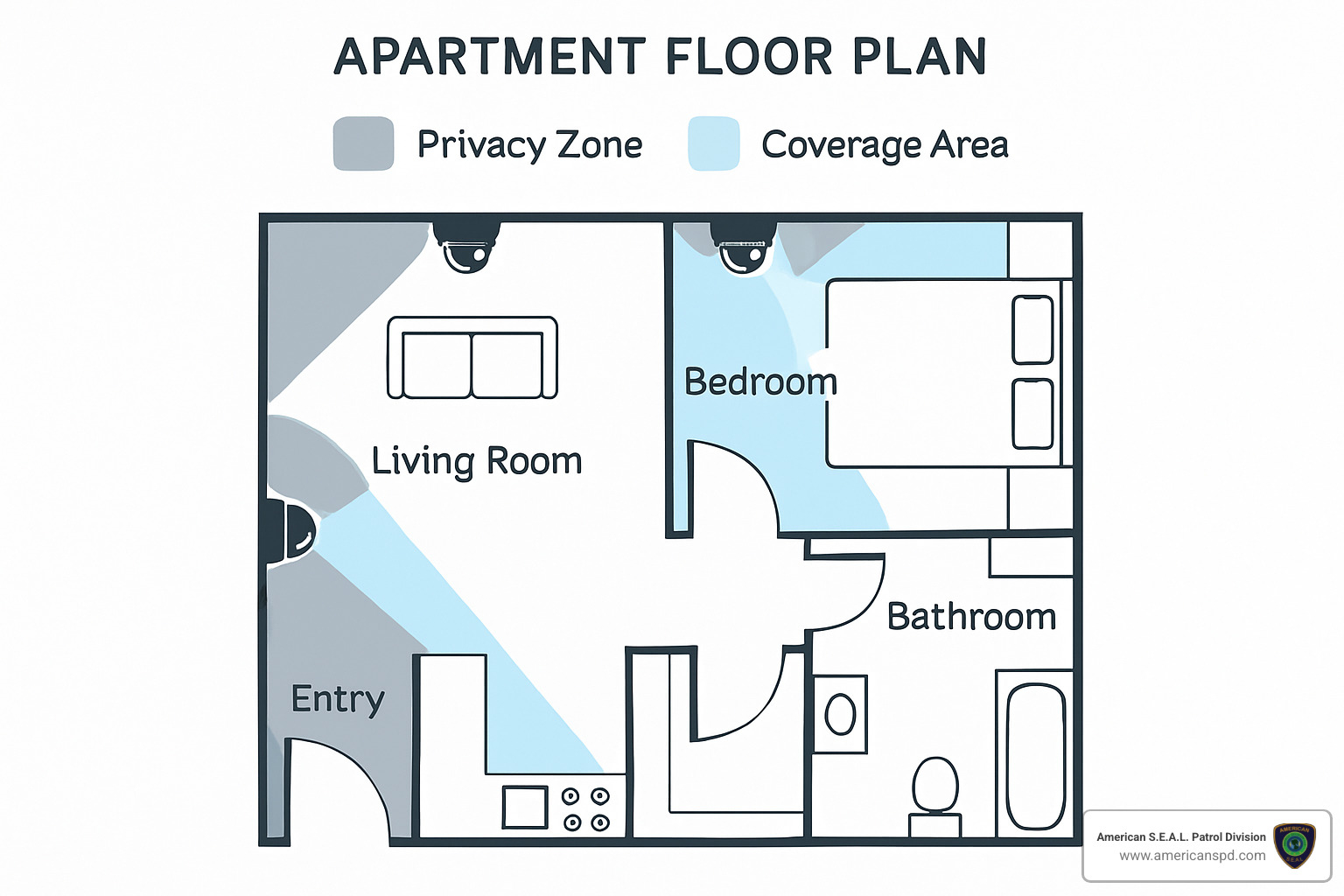
Your security deposit is precious! Here’s how to mount cameras securely without leaving a trace:
Command strips and adhesive mounts have come a long way – just be sure to check the weight ratings. Most indoor cameras are light enough for strong adhesives, but outdoor models might need more support.
Tension rods can be lifesavers for doorways and windows. They’re sturdy, adjustable, and leave zero damage.
Freestanding options like tripods or shelf mounts blend in nicely with your décor while providing stable camera placement.
Clamp mounts work wonders for attaching to bookshelves, tables, or railings without any permanent changes.
Magnetic mounts are perfect if you have metal surfaces available – some can even stick to refrigerators or metal door frames.
Your Apartment CCTV system is only as secure as its weakest link. Protect your footage with these simple but effective practices:
Use strong, unique passwords for all your security devices and accounts. “Password123” just isn’t going to cut it when it comes to protecting footage of your home.
Turn on two-factor authentication whenever it’s available. This extra step makes unauthorized access significantly more difficult.
Know how long your cloud provider keeps your footage. Some offer just a few days of free storage, while others might keep recordings for months.
Keep your camera’s firmware and apps updated. These updates often patch security vulnerabilities that could compromise your system.
If privacy is a major concern, consider local storage options that keep your footage entirely under your control.
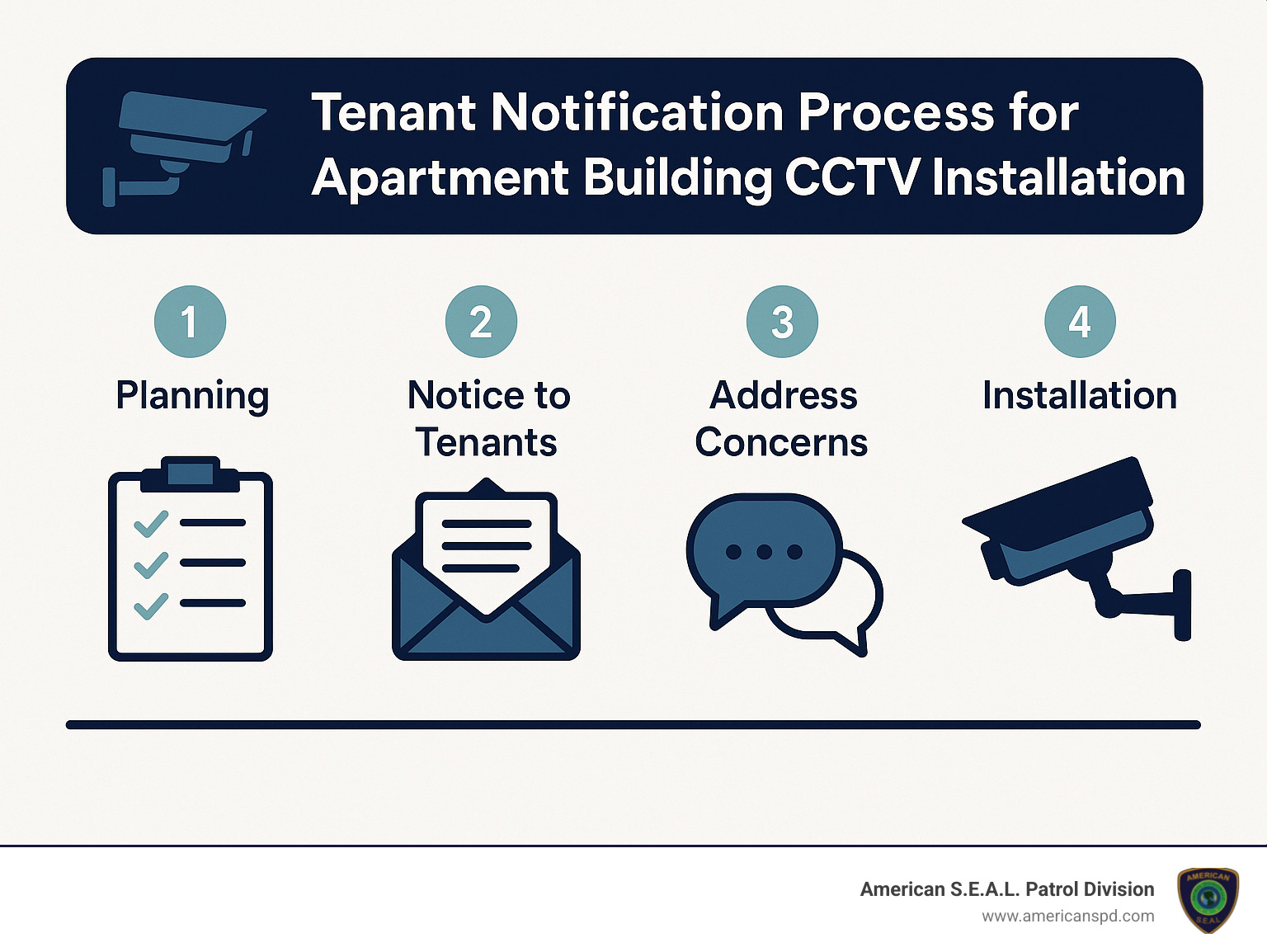
After helping hundreds of Texas renters set up their security systems, I’ve found these tips make installation day go smoothly:
Tools You’ll Need:
Your smartphone is your most important tool – you’ll need it to set up most wireless cameras. A stable stepladder helps for higher placements (please don’t stand on that wobbly chair!). Clean mounting surfaces thoroughly before attaching adhesives – dust is the enemy of a strong stick. A measuring tape ensures even placement, and some cable management supplies keep everything looking tidy if you’re using wired components.
Power Management Strategies:
Before you fall in love with a camera location, make sure you’ve got power nearby. Map out your available outlets and plan accordingly. Power over Ethernet (PoE) systems provide both power and data through one cable – super convenient if you have the right setup. For critical cameras covering main entry points, consider a UPS backup so they stay online during power outages. If you’re going battery-powered, ensure you can easily access the cameras for recharging.
Wi-Fi Optimization:
Nothing’s more frustrating than a camera that keeps dropping offline. Test your Wi-Fi signal strength at intended camera locations before installation – most camera apps include a signal strength meter during setup. If signal is weak in certain areas, consider a mesh Wi-Fi system to improve coverage. Sometimes simply repositioning your router can make a huge difference. For those stubborn dead zones, Wi-Fi extenders can bridge the gap.
Moving Day Protocols:
In our 15+ years at American S.E.A.L. Patrol Division, we’ve helped countless renters transition their Apartment CCTV systems from one home to the next. When moving day approaches:
Being a good security-conscious neighbor means balancing your safety needs with others’ privacy expectations:
Appropriate Signage:
A small notice about video surveillance at your entry serves two purposes – it deters potential wrongdoers and gives visitors a heads-up that they’re on camera. In some places, these signs aren’t just courteous – they’re legally required. Nothing fancy needed – a simple “Area Under Video Surveillance” does the job.
Neighbor Privacy:
Position your cameras thoughtfully to avoid capturing your neighbors’ private spaces. Most camera apps include privacy mask features that let you block out specific areas in the frame. If a neighbor expresses concerns about your camera, listen respectfully and be willing to make adjustments – good relationships with neighbors are an important part of security too!
Audio Recording Consent:
Audio recording laws are actually stricter than video in many states. In “two-party consent” states, everyone being recorded needs to agree to audio recording. When in doubt, consider disabling audio features unless absolutely necessary. Those handy two-way communication features (where you can speak through the camera) may fall under recording laws too. Always let visitors know if your system records audio.
Data Minimization:
You probably don’t need to keep weeks of footage showing an empty living room. Set up motion detection to record only when something’s happening. Many cameras offer privacy modes that automatically disable recording when you’re home. Only keep footage for as long as you reasonably need it – this is both good security practice and respectful of anyone captured on your cameras.
Yes, absolutely! Modern apartment CCTV systems offer several no-drill mounting options that are perfect for renters worried about their security deposits.
Those adhesive mounts have come a long way—today’s versions can hold cameras weighing up to 7 pounds securely on most wall surfaces. I’ve seen tension rods work wonders in doorways and windows, creating instant mounting points without a single hole.
If you’re really concerned about wall damage, freestanding options that sit on bookshelves or countertops provide great flexibility. You can simply move them around as needed or take them with you when you relocate.
Door peephole cameras are another clever solution—they simply replace your existing peephole with a smart camera version. And don’t overlook clamp mounts that can attach to furniture edges or shelving for a damage-free installation.
Just a friendly tip from our security experts at American S.E.A.L. Patrol Division: when using adhesive solutions for heavier cameras, always check the weight rating and consider using industrial-strength removable strips specifically designed for the task. Your future move-out inspection will thank you!
When clients ask me about cloud security, I always tell them that not all services are created equal. The good news is that reputable providers have robust protections in place.
The best cloud storage services for apartment CCTV systems encrypt your video data from end to end, meaning even if someone intercepted it, they couldn’t view your footage. Two-factor authentication adds another crucial layer of protection—like having both a lock and an alarm on your door.
Look for providers that maintain SOC 2 compliance (that’s an independent audit of their security practices) and operate from secure data centers with physical protection measures. Their privacy policies should also clearly explain how your data is used—and not used.
To keep your cloud footage as secure as possible:
While cloud storage protects your footage if someone steals your camera, it does introduce some cybersecurity considerations. It’s all about finding the right balance for your situation.
In our 15+ years of securing Texas homes, we’ve found that most one-bedroom apartments can be effectively covered with just 2-3 strategically placed cameras.
Start with an entry camera or video doorbell watching your front door. This is security priority number one—monitoring visitors, package deliveries, and unfortunately, potential intruders.
Add a living room camera with a wide-angle lens to cover your main living space and potentially multiple entry points like windows and balcony doors. Today’s cameras with 130-180° viewing angles can often monitor an entire room from a single corner.
If you have particularly valuable items or secondary entry points in your bedroom, a third camera there might make sense. But for many apartments, two well-placed cameras provide excellent coverage without feeling intrusive in your personal space.
The layout of your apartment should guide your decision. Focus your cameras on vulnerable areas: entry points that could be accessed from outside, spaces where you keep valuables, and areas visible through windows. With thoughtful placement, you can achieve comprehensive security without turning your cozy apartment into surveillance central.
Apartment CCTV systems have transformed the security landscape for renters, offering smart solutions that respect both your safety needs and your lease agreement. Gone are the days when renters had to choose between security and their deposit – today’s technology delivers protection without permanent modifications.
Finding your perfect security match is all about understanding your unique situation. If you’re a hands-on renter who values simplicity, wireless cameras with peel-and-stick mounting might be your best bet. Craving more comprehensive protection? Professional monitoring services with AI detection can give you that extra layer of security. And for property managers, investing in scalable security solutions not only protects your property but also boosts tenant satisfaction and retention.
The numbers tell a compelling story – with residential burglaries making up 62.8% of all break-ins and package theft becoming increasingly common, apartment security has shifted from luxury to necessity. There’s something profoundly comforting about knowing your space is protected whether you’re cooking dinner or traveling across the country.
Here at American S.E.A.L. Patrol Division, we’ve spent over 15 years helping Texans create safer living environments. Our experience has taught us that even modest security investments can dramatically reduce risk and transform how you experience your home. We’ve seen how the right security setup can help renters feel truly at home, even in temporary living situations.
Ready to upgrade your apartment security? Contact our team today for personalized recommendations custom to your specific needs. Whether you’re looking for equipment guidance, installation tips, or professional monitoring services, we’re here to help you build a security solution that moves with you throughout your renting journey.
Remember – in today’s world, good security isn’t just about protecting your stuff. It’s about creating that foundation of safety that lets you fully relax and enjoy your home, whether you’re staying for six months or six years. Your peace of mind is worth the investment.
Gate attendant services are specialized security and customer service personnel who manage access points at residential communities, commercial properties, government facilities, and recreational areas. They serve as the first point of contact for visitors while maintaining security protocols.
| What Gate Attendant Services Provide |
|---|
| ✓ Visitor registration and screening |
| ✓ Access control and monitoring |
| ✓ Fee collection (at recreational sites) |
| ✓ General information and directions |
| ✓ Security presence and rule enforcement |
| ✓ Emergency protocol implementation |
Gate attendants function as the critical human element in your property’s security ecosystem. Whether stationed at a government campground collecting fees, monitoring a residential community entrance, or managing access to a commercial facility, these professionals blend hospitality with security to create a positive first impression while maintaining safety standards.
The U.S. Army Corps of Engineers alone employs gate attendants across more than 400 lake and river projects in 43 states, where they serve as the primary point of contact for millions of annual visitors. In gated communities and commercial settings, gate attendants provide peace of mind through consistent access control and visitor screening.
“In many ways, your frontline customer service and security personnel are the face of your organization,” notes one industry expert, highlighting the dual role these professionals play in both protection and representation.
When considering gate attendant services for your property, you’ll need to evaluate whether you need on-site personnel, remote monitoring capabilities, or a hybrid approach that leverages both human interaction and technology.
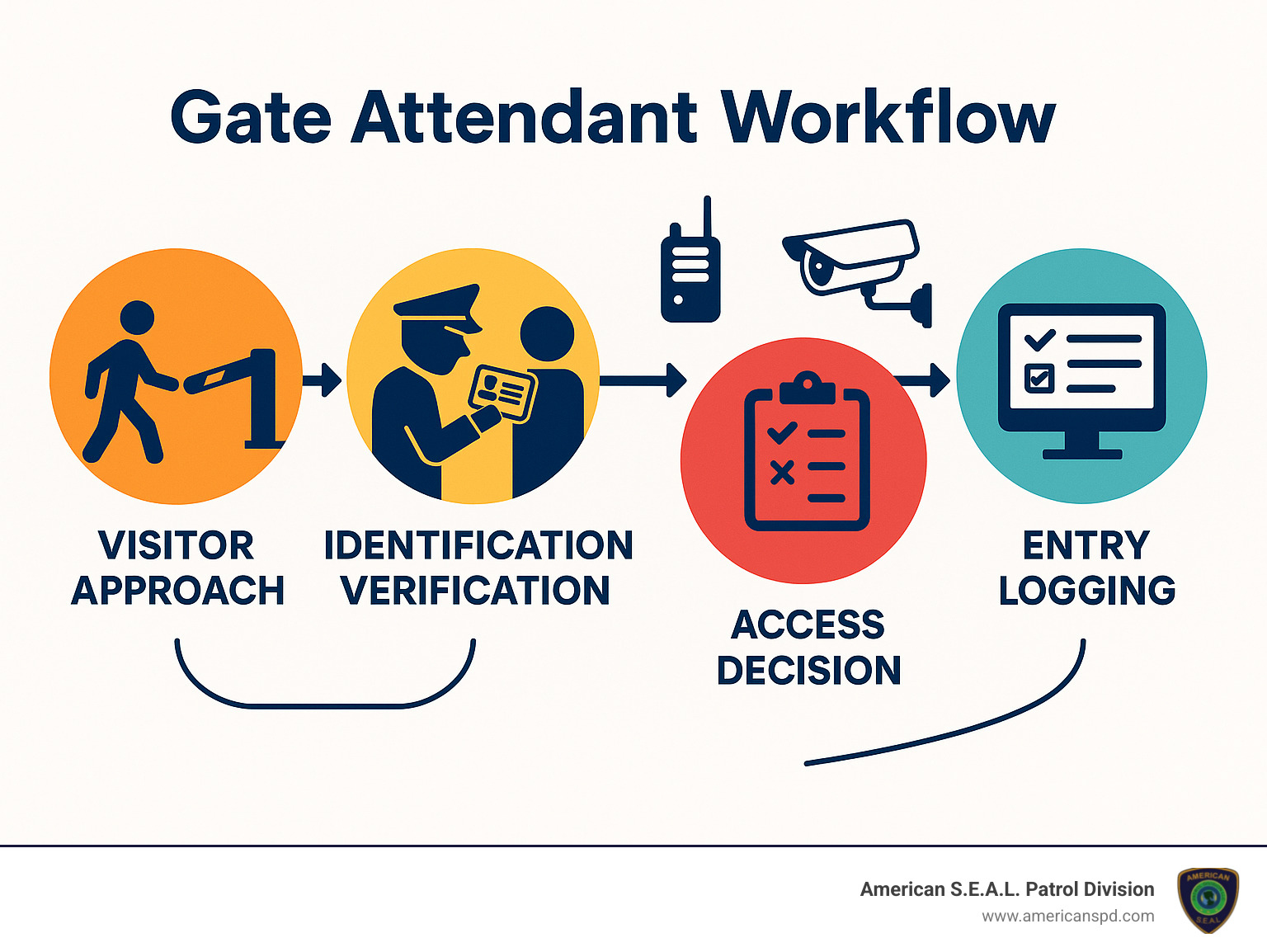
Welcome to gate attendant services – where security meets hospitality at the threshold of your property. These friendly professionals do much more than simply open and close gates; they’re the smiling faces that create first impressions while keeping your property secure.
At campgrounds across America, gate attendants often enjoy a unique work-life arrangement, living on-site in their own RVs with utilities provided by the facility. This arrangement creates a true community presence that improves security through familiarity. Using specialized tools like the National Recreation Reservation Service (NRRS) software, these attendants seamlessly manage everything from visitor check-ins to fee collection.
What makes gate attendant services special is the perfect blend of safety and hospitality they provide. They’re trained to spot potential security concerns while also making visitors feel genuinely welcome – a balance that technology alone simply cannot achieve.
Your gate attendants serve as the heartbeat of your entrance operations, handling a variety of essential tasks throughout each day.
They warmly register guests upon arrival, collect any necessary fees with a smile, and carefully post reservation information to keep everything running smoothly. Beyond the gatehouse, they regularly patrol entrance loops, ensuring security extends beyond just the check-in point.
Gate attendants also take pride in maintaining clean, professional-looking entrance areas through light cleaning duties. When incidents occur – from minor rule violations to more serious security concerns – they carefully document everything in detailed logs, creating a paper trail that helps identify patterns and improve security over time.
The importance of these services can’t be overstated. The U.S. Army Corps of Engineers alone relies on gate attendants to manage more than 370 million visits annually across their parks nationwide. That’s 370 million opportunities to create positive experiences while maintaining security – a responsibility our team at American S.E.A.L. Patrol Division takes very seriously.
Providing quality gate attendant services requires individuals who meet specific qualifications. The basics include being at least 18 years old, passing a thorough background check (no felony convictions), and holding a valid driver’s license.
Beyond these fundamentals, the best gate attendants possess strong people skills, basic computer proficiency, and the ability to handle cash accurately. They’re natural problem-solvers who can think on their feet while maintaining a warm, professional demeanor.
For government contracts, particularly with agencies like the U.S. Army Corps of Engineers, the requirements become more structured. You’ll need a DUNS Number (that unique nine-digit identifier from Dun & Bradstreet) and proper registration in the System for Award Management (SAM) to receive your Trading Partner Identification Number (TPIN). A CAGE Code (Commercial and Government Entity code) is also essential for tracking purposes.
Many government campground contracts specifically require a two-person team to ensure continuous coverage during all operating hours. This buddy system not only improves security but also prevents burnout during busy seasons.
At American S.E.A.L. Patrol Division, we’ve spent over 15 years helping our Texas clients steer these requirements. We ensure all our gate attendants exceed these qualifications and assist with the sometimes complex registration process for government contracts, making implementation seamless for our clients.
Choosing the right gate attendant services for your property doesn’t have to be overwhelming. At American S.E.A.L. Patrol Division, we’ve helped countless Texas properties find their perfect security solution over our 15+ years in business. Let’s walk through the most effective service models we’ve implemented, with real benefits we’ve seen firsthand.
| Service Model | Key Features | Best For | Technology Used | Approximate Cost |
|---|---|---|---|---|
| On-Site Attendants | 24/7 physical presence, face-to-face interaction, immediate response | High-traffic areas, luxury properties, locations requiring personalized service | Basic access control systems, CCTV monitors, intercom | $$$$ |
| Remote Monitoring | Virtual attendants, video/audio communication, lower cost | Secondary entrances, overnight coverage, budget-conscious properties | HD cameras, two-way audio, VOIP intercom, LPR | $$ |
| Hybrid Model | On-site during peak hours, remote during off-hours | Properties with variable traffic patterns | Combination of remote and on-site technologies | $$$ |
| Concierge-Style | Premium service, assistance beyond security, package handling | Luxury residential, high-end commercial | Visitor management software, package tracking systems | $$$$$ |
| Security-Focused | Armed or specialized training, emphasis on protection | High-risk areas, facilities with valuable assets | Advanced surveillance, panic buttons, incident reporting software | $$$$ |
We’ve found that most properties benefit from a customized approach that borrows elements from multiple models. After all, your property’s needs are as unique as your fingerprint!
There’s something special about the role gate attendants play at government campgrounds. Having staffed numerous U.S. Army Corps of Engineers (USACE) sites across Texas, we’ve seen how these professionals become the friendly faces that welcome millions of visitors to America’s outdoor treasures.
Government campground attendants typically live right on-site in their own RVs, with the government providing a campsite complete with water, electric, and sewer hookups. It’s a unique arrangement that creates a genuine community feel – attendants aren’t just working there, they’re living the experience alongside visitors.
These attendants become masters of the National Recreation Reservation Service (NRRS) computer system, managing everything from campsite bookings to fee collection. They maintain those helpful status boards showing which sites are available, occupied, or reserved – saving campers from the disappointment of driving around looking for spots that aren’t actually available.
Most contracts run seasonally during peak camping months, making these positions perfect for retirees and outdoor enthusiasts who enjoy combining work with a nature-filled lifestyle. The government provides all necessary fee collection supplies and technology, while attendants bring their customer service skills and attention to detail.
When it comes to gated communities, gate attendant services strike that perfect balance between neighborhood security and southern hospitality. Our Texas communities particularly value that personal touch – a friendly face who knows the residents and keeps a watchful eye on who’s coming and going.
Modern gated community attendants are far more sophisticated than the gate guards of yesteryear. They now use driver’s license OCR technology to quickly verify visitors while carefully complying with privacy regulations. In Florida, for example, Statute 322.143 specifically prohibits scanning personal data from the back of licenses – a detail our attendants are trained to respect.
Many communities now employ what we call the “best of both worlds” approach – on-site attendants during busy daytime hours, supported by our remote Security Operations Center during quieter periods. This hybrid model maintains security while controlling costs, something HOA boards particularly appreciate.

Our attendants become experts at queue management during those busy times – like Monday morning work traffic or Saturday afternoon visitor rushes. They know exactly when to activate secondary lanes to keep traffic flowing smoothly. Many of our communities also value package acceptance services, especially with the explosion of online shopping in recent years.
As one community board president told us, “Remote guards avoid physical altercations and mitigate litigation risks.” This insight reflects the growing trend toward technology-improved security that maintains the human touch residents expect.
For businesses, gate attendant services do double-duty – they’re both security professionals and brand ambassadors. Your gate attendant might be the very first person clients meet when visiting your facility, making that first impression critically important.
Commercial facilities often benefit from what we call our “concierge blend” approach. These specially-trained attendants serve as lobby hosts who verify access while also providing those little extras that make visitors feel welcome – offering directions, coordinating with meeting hosts, and representing your company culture from the moment someone arrives.
Many of our commercial clients use sophisticated employee access tracking, including biometric time-clock options that ensure accurate attendance records. When implementing these systems, we always ensure compliance with relevant privacy regulations, including providing the proper Biometric Data Notice to employees.
For businesses with multiple locations, we’ve developed centralized management systems that ensure consistent security protocols across all facilities. This standardization is particularly valuable for companies with locations throughout Texas, as it creates a seamless experience regardless of which facility an employee or visitor might be accessing.
The most successful commercial gate attendant programs we’ve implemented combine cutting-edge technology with warm, professional personnel. As we like to say at American S.E.A.L. Patrol Division, technology catches issues, but people solve problems. That human touch remains irreplaceable, even in our increasingly digital world.
Navigating gate attendant services doesn’t have to be complicated, but it does require attention to certain key details. Whether you’re looking to hire a trusted provider like American S.E.A.L. Patrol Division or establishing your own program, understanding the right qualifications will set you up for success.
Think of certifications and registrations as your entry ticket to providing professional services. For those interested in federal contracts, you’ll need the full alphabet soup: a DUNS number (your business’s unique identifier), SAM registration (your passport to government contracting), and a CAGE code (which helps the government track your business). These might sound intimidating, but they’re actually straightforward to obtain with a bit of guidance.
Insurance coverage is non-negotiable in this field – most properties require at least $1 million in liability coverage to protect everyone involved. While not always mandatory, additional certifications in security operations, customer service, or first aid can significantly improve your service quality and give you an edge when bidding for contracts.
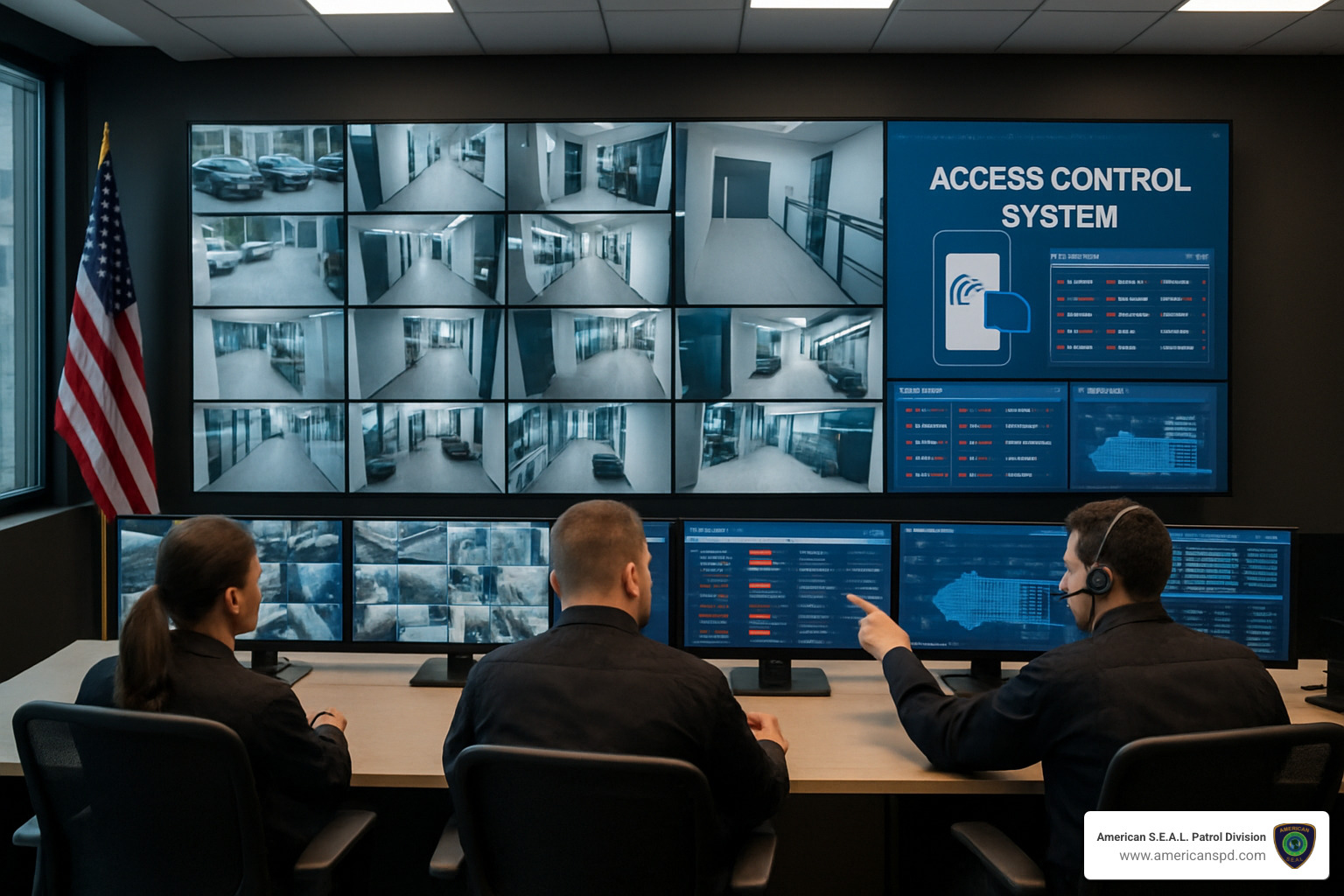
When it comes to equipment, communication is king. Two-way radios or mobile devices keep your team connected and responsive. For locations that collect fees, secure cash vaults and proper accounting systems aren’t just nice-to-have – they’re essential for protecting both funds and reputations.
The technology side of gate attendant services has evolved dramatically in recent years. Depending on your specific needs, you might employ RFID readers that can detect authorized vehicles from a distance, license plate recognition cameras that work even in challenging lighting conditions, or driver’s license scanners that quickly verify visitor information. Two-way audio intercoms with VOIP functionality and HD surveillance cameras round out the modern gate attendant’s toolkit.
Don’t forget the smaller details – at campground locations, attendants typically bring their own cleaning supplies and personal equipment. It’s a small consideration that can have big implications for day-to-day operations.
Compliance matters can’t be overlooked either. Today’s gate attendant services must steer a complex landscape of privacy regulations, especially when scanning IDs or capturing biometric data. Your access points must accommodate individuals with disabilities (ADA requirements), and your attendants should be trained to provide appropriate assistance with dignity and respect. If you’re processing credit card payments, PCI compliance standards are another essential consideration.
At American S.E.A.L. Patrol Division, we’ve spent years perfecting these systems throughout Texas, ensuring our clients can focus on their properties while we handle the complexities of proper gate security.
Breaking into federal contracts for gate attendant services follows a clear pathway that, while detailed, is completely manageable with the right approach:
First, obtain your DUNS Number by contacting Dun & Bradstreet (1-800-335-0505). This nine-digit identifier is your business’s unique fingerprint in the federal system.
Next, create your profile on the System for Award Management (SAM.gov) website. This comprehensive registration requires attention to detail, but it’s your gateway to government opportunities.
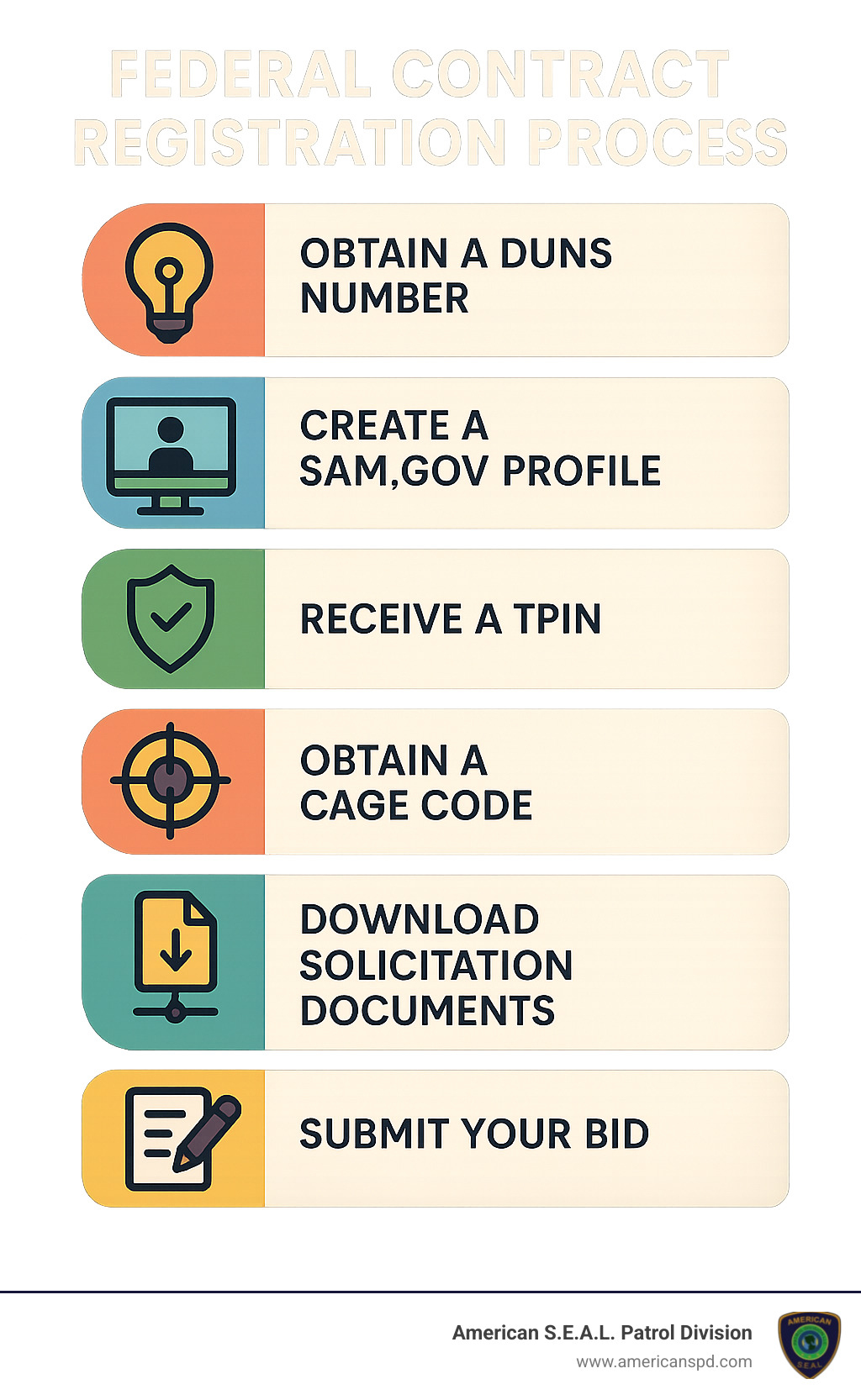
Through the SAM registration process, you’ll receive your Trading Partner Identification Number (TPIN) and your CAGE Code. These might seem like just more acronyms, but they’re actually valuable credentials that verify your business’s legitimacy for government contracting.
With your registrations in place, you can start searching for relevant opportunities on SAM.gov. Download the solicitation documents, which contain the complete requirements and specifications. Pay careful attention to submission deadlines – in government contracting, late simply means disqualified.
Finally, prepare your bid with all required registration codes, detailed qualifications, relevant experience, and your competitive price point. Submit everything before the deadline, and you’re officially in the running for federal gate attendant contracts.
At American S.E.A.L. Patrol Division, we’ve guided many clients through this process, turning what could be bureaucratic headaches into straightforward steps toward valuable government partnerships.
The human element remains the heart of exceptional gate attendant services. Technical skills matter, but it’s the soft skills that truly distinguish outstanding gate attendants from merely adequate ones.
Active listening tops the list of essential professional skills. When a gate attendant truly focuses on what visitors are saying – concentrating, understanding, responding appropriately, and remembering details – they create both a positive impression and a more secure environment. This skill proves invaluable when recording visitor information or addressing concerns.
Conflict de-escalation techniques are equally crucial. Even the most upscale properties occasionally face challenging situations, and a gate attendant’s ability to calmly defuse tension without compromising security protocols can prevent minor disagreements from becoming major incidents.
Gate attendants must also understand how to provide ADA assistance with dignity and respect. This includes knowing how to appropriately help visitors with disabilities while maintaining their independence and privacy.
For those collecting fees, accurate cash handling skills ensure proper processing of payments, correct change, and balanced records. This financial integrity protects both the property and the attendant.
Uniform standards might seem superficial, but a professional appearance instantly communicates competence and authority, setting the right tone for all interactions.
As our training director at American S.E.A.L. Patrol Division often reminds new team members: “Even in a safe, family-focused community, peace of mind starts with proactive protection delivered with courtesy.” This philosophy underscores how security and hospitality aren’t competing priorities – they’re complementary aspects of exceptional service.
Gate attendants serve as the literal and figurative “face” of the property, creating first impressions that reflect on the entire organization or community. Their ability to deliver consistent, friendly greetings while initiating security procedures, explain rules clearly without creating unnecessary friction, demonstrate cultural sensitivity, solve unexpected problems while maintaining protocols, and communicate calmly during emergencies – these are the qualities that transform a security checkpoint into a welcoming gateway.
Let’s talk about what it’s really like to operate gate attendant services day in and day out. After providing these services throughout Texas for over 15 years, we’ve seen both the rewards and problems that come with managing property access points.
The benefits of professional gate attendants extend far beyond simply checking IDs. Properties with staffed entrances experience notably lower rates of property crime – that visible human presence makes a powerful difference in deterring unwanted activity. Well-trained attendants also create that crucial positive first impression for your visitors while maintaining necessary security protocols.
One of the biggest advantages of modern gate attendant services is flexibility. Today’s solutions can blend on-site staff with remote monitoring capabilities, giving you cost-effective 24/7 coverage without breaking the budget. Plus, your attendants gather valuable data about visitor patterns that can help you make smarter decisions about security resources.
For those working as campground gate attendants, the perks are particularly attractive. Most enjoy a free campsite with all utilities included, flexible seasonal scheduling that allows for personal time, and the chance to interact with the public in beautiful outdoor settings. As one of our attendants put it, “I get paid to help people enjoy their vacations – what could be better than that?”
Of course, real-world operations come with their challenges too. In Texas, our attendants face everything from scorching summer heat to unexpected winter freezes, making appropriate shelter and climate control essential. High traffic periods can create pressure-cooker situations where security and efficiency must be balanced carefully. Technology integration presents another ongoing challenge – finding that sweet spot between human interaction and automated systems requires continuous training and adaptation.
After-hours coverage remains one of the trickiest puzzles to solve. How do you maintain consistent security overnight without excessive staffing costs? At American S.E.A.L. Patrol Division, we’ve developed hybrid staffing models that effectively address these challenges while ensuring your property remains secure around the clock.
When considering your options for entrance management, it’s helpful to understand how gate attendant services compare to other security and customer service roles.
While there’s some overlap with traditional security officers, gate attendants typically focus more narrowly on access control rather than broad security patrols. They place greater emphasis on visitor assistance and customer service skills, creating a more welcoming atmosphere. This specialized focus often means gate attendants require less extensive security training and certification than full security officers, making them a more cost-effective option for many properties.
Unlike pool monitors or lifeguards who concentrate on safety within a specific recreational area, gate attendants control access to your entire property. They typically manage more complex visitor screening responsibilities and operate sophisticated technology systems from a fixed position rather than circulating through an area.
We’ve found that the most effective approach often involves what we call a “customer-first” focus. This blends traditional gate attendant security duties with concierge-style service. When you position your gate attendants as service professionals rather than just security personnel, you’ll see improvements in both security outcomes and visitor satisfaction.
As one of our clients recently told us, “Our residents used to see the gate as a hassle. Now they see it as a service – the difference is night and day.”
Even the best-designed gate attendant services face challenges in day-to-day operations. Here are the most common headaches we’ve encountered and how we solve them:
After-hours visitor surges can catch your property off-guard when staffing is minimal. We address this by implementing a hybrid model with remote guard assistance that can be activated during unexpected busy periods. This gives you consistent coverage without maintaining full on-site staffing during typically quiet times.
Technology outages happen to everyone eventually. When access control systems fail, both security and visitor experience suffer. We develop clear manual backup procedures and ensure all our gate attendants are thoroughly trained in these protocols. We also implement redundant systems where possible and maintain regular preventative maintenance to minimize downtime.
Fee disputes can create uncomfortable confrontations, particularly in recreational settings. To minimize these incidents, we recommend clear signage about fee structures, accepting multiple payment methods, and training attendants in conflict de-escalation techniques. Detailed documentation of all transactions provides protection for both the property and visitors.
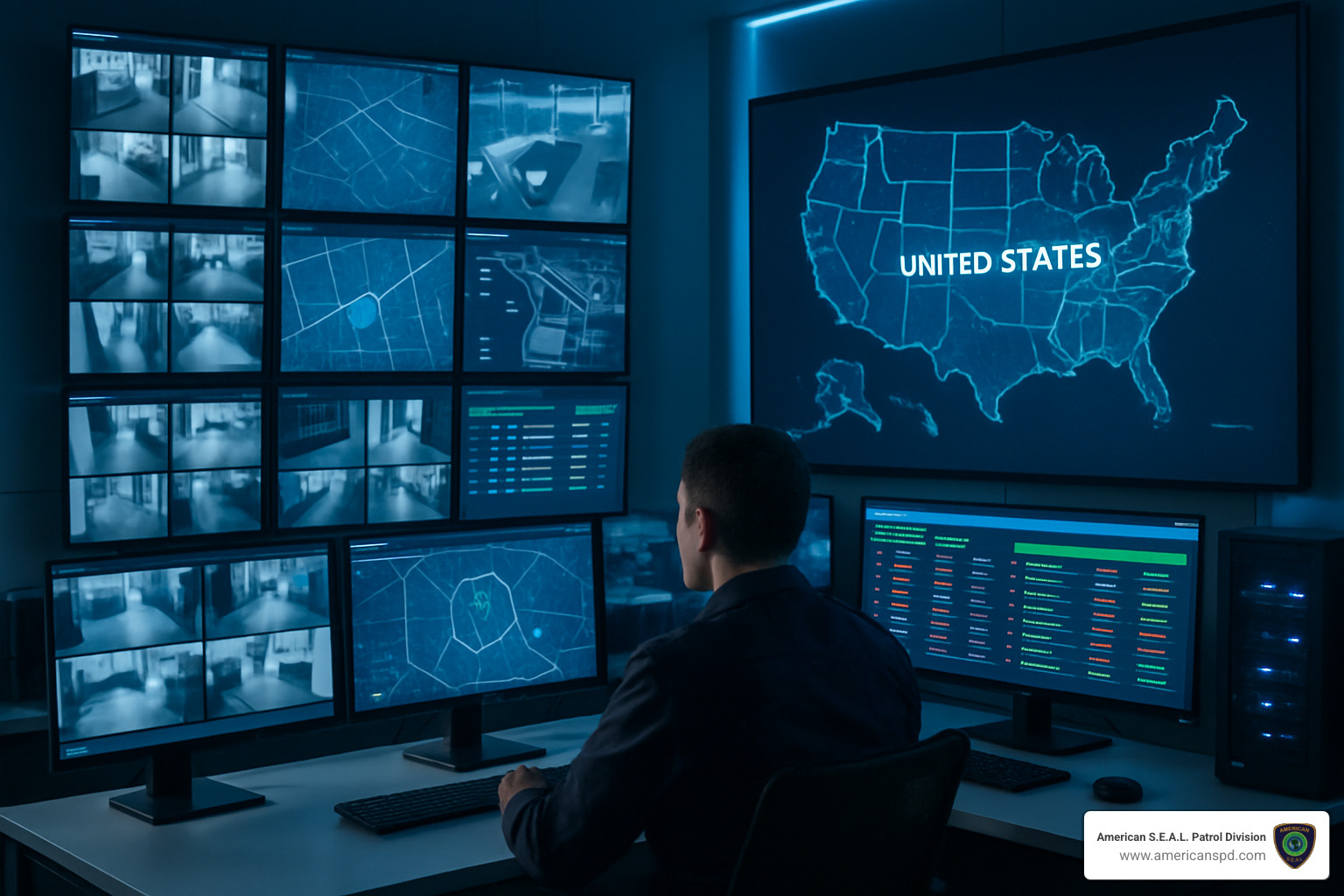
Traffic management during peak hours presents another common challenge. Nobody wants a line of cars backing up onto public roads! We design entry points with backup lane capabilities that can be activated during high-traffic periods. Our remote monitoring helps identify traffic patterns and trigger lane openings before significant backups occur.
Weather-related challenges are particularly relevant in Texas, where conditions can range from hurricane-force winds to blistering heat. We design gate structures with appropriate climate control, weather protection, and equipment shielding to keep both personnel and technology functioning properly year-round.
Communication gaps between shifts can lead to security vulnerabilities and service inconsistencies. We implement digital logging systems that ensure all incidents, special instructions, and pending issues are properly documented and reviewed during shift transitions. This creates a seamless experience for your visitors regardless of when they arrive.
By anticipating these common operational issues, we help property managers design resilient gate attendant programs that maintain security and service quality even during challenging situations. After all, the true test of any security system isn’t how it performs when everything goes right – it’s how it handles the unexpected.
Wondering about compensation for gate attendant services? The numbers can vary quite a bit depending on where you’re working, what you’re responsible for, and whether you’re an independent contractor or direct employee.
For government contracts with organizations like the U.S. Army Corps of Engineers, you’re typically looking at seasonal arrangements lasting between 3-9 months. These contracts generally value between $20,000-$50,000 for the season when you’re working as a two-person team. One nice perk? You’ll usually get a free campsite with all utilities included. Just remember that as a contractor, you’ll handle your own taxes and benefits.
If you’re working in private residential communities, the pay structure looks a bit different. Hourly wages typically fall between $12-$20, with rates varying based on your location and responsibilities. Full-time positions often come with benefits packages, and contracts generally run for a year with options to renew. Some communities even sweeten the deal with housing allowances or on-site accommodations.
Commercial properties tend to offer the highest hourly rates, ranging from $14-$25 depending on your responsibilities and location. These contracts typically extend 1-3 years with regular performance reviews, and some even include performance bonuses tied to security metrics.
At American S.E.A.L. Patrol Division, we make sure our gate attendants receive competitive compensation that reflects the important role they play in our clients’ security operations.
Fee collection is often a key responsibility for gate attendant services, especially at recreational facilities. Handling money requires careful procedures to ensure everything stays secure and accounted for.
Our gate attendants use several secure payment methods. Cash payments go into secure cash drawers with regular deposits to minimize on-site cash. For those who prefer plastic, we process credit and debit cards through PCI-compliant systems that protect sensitive information. We’ve also acceptd the digital age with mobile payment options through approved platforms, and yes, we still accept checks with proper verification procedures.
Keeping accurate records is just as important as collecting the fees. Our attendants perform daily reconciliations of all transactions, maintain detailed activity logs that match visitors to payment records, and participate in regular audits to ensure everything adds up. All financial documentation is stored securely according to industry best practices.
Technology plays a big role in modern fee collection. Government facilities typically use the National Recreation Reservation Service (NRRS) computer system to track reservations and payments. Private facilities often have their own visitor management systems with built-in payment processing. We’re also big fans of digital receipts – they’re better for the environment and provide an electronic record of transactions.
Security measures are layered throughout the process: camera coverage watches over transaction areas, dual-control procedures ensure no single person handles large amounts of cash alone, secure safes protect overnight funds, and clear documentation maintains the chain of custody.
At American S.E.A.L. Patrol Division, we take financial handling seriously. Our comprehensive training programs and regular audits ensure our gate attendants follow all procedures to the letter.
When it comes to staffing your gate attendant services, the requirements really depend on your facility type, operating hours, and specific contract needs.
For government contracts, particularly with the U.S. Army Corps of Engineers, a two-person team is typically required for campground gate attendant positions. This requirement ensures you can cover all operating hours while still allowing reasonable time off for each team member. Both individuals need to meet all qualification requirements – no cutting corners here.
Private residential communities have more flexibility in their staffing models. The approach varies based on gate hours and traffic volume. Gates that operate 24/7 naturally require multiple attendants working in shifts. We’ve seen great success with hybrid models that place on-site attendants during busy hours and switch to remote monitoring overnight – a smart way to balance security with budget considerations.
Commercial properties determine staffing based on their operating hours and security requirements. High-security facilities often need multiple attendants even during standard business hours. Some properties create an effective security ecosystem by combining gate attendants with roving security officers for comprehensive coverage.
While a single attendant might seem cost-effective, it comes with limitations: restricted coverage hours, no backup during emergencies or breaks, and potential fatigue during long shifts. This approach might work for low-traffic entry points, but it’s rarely ideal for busy facilities.
At American S.E.A.L. Patrol Division, we conduct thorough site assessments to determine the perfect staffing model for each client. We consider factors like traffic patterns, security requirements, and budget constraints to create a solution that provides optimal protection without unnecessary expense.
Gate attendant services represent the critical first line of defense and the welcoming face of your property. As we’ve explored throughout this guide, these services blend security expertise with customer service excellence to create safe, accessible environments for authorized visitors while deterring unauthorized access.
At American S.E.A.L. Patrol Division, we bring over 15 years of experience providing specialized security solutions throughout Texas. Our approach combines cutting-edge technology with expertly trained personnel to deliver gate attendant services that meet the unique needs of each property we protect.
Key Takeaways:
Customized Solutions: The most effective gate attendant services are custom to your specific property type, traffic patterns, and security requirements.
Technology Integration: Modern gate attendant services can leverage advanced systems like remote monitoring, license plate recognition, and visitor management software to improve security while improving efficiency.
Professional Standards: Whether for government contracts, residential communities, or commercial properties, gate attendants require specific qualifications, training, and a customer-first mindset.
Operational Flexibility: Hybrid models combining on-site attendants with remote monitoring offer cost-effective 24/7 coverage with the ability to scale during peak periods.
For Houston-area properties seeking to improve their entry security, American S.E.A.L. Patrol Division offers comprehensive gate attendant services backed by our commitment to excellence and our deep understanding of local security challenges.
Ready to secure your entry points with professional gate attendant services?
Contact our security experts today for a personalized consultation and site assessment. We’ll help you determine the optimal gate attendant solution for your property’s unique needs, ensuring both security and a positive visitor experience.
Our team is standing by to answer your questions and provide the peace of mind that comes with knowing your property’s first line of defense is in capable hands.
CCTV camera installation Houston services are in high demand as property crime rates continue climbing. With Houston residents facing a 1-in-24 chance of property crime—nearly double the Texas average—professional security camera systems have become essential for protecting homes and businesses.
Professional CCTV Installation Benefits:
– Expert Installation – Professional-grade equipment and strategic placement
– Same-Day Service – Quick installation available for urgent security needs
– Comprehensive Coverage – Protects residential and commercial facilities
– Family-Owned Service – Personalized attention and strategic camera placement
– Experienced Technicians – Years of experience in commercial and residential installations
Quick Installation Facts:
– Cost Range: $1,200-$2,500 for 4-camera system
– Installation Time: Same-day service available
– Features: 130° viewing angle, 65+ foot range, AI analytics
– Monitoring: $15-$40/month for 24/7 professional monitoring
Houston’s sprawling layout and diverse neighborhoods create unique security challenges. From downtown high-rises to suburban family homes, each property needs customized camera placement and professional-grade equipment to maximize protection.
The University of North Carolina found that 25% of criminals skip homes with visible security systems without checking further. This deterrent effect, combined with crystal-clear evidence recording, makes professional CCTV installation a smart investment for any Houston property owner.
Whether you manage rental properties, own a business, or want to protect your family, choosing the right installer ensures your system works reliably when you need it most.

Let’s be honest—Houston is an amazing city, but it comes with some serious security challenges. With over 2 million residents calling this sprawling metropolis home, the sheer size creates opportunities for criminals that smaller cities simply don’t face.
The reality check? Houston residents have a 1-in-24 chance of becoming victims of property crime—nearly double the Texas state average. That’s not a statistic anyone wants to be part of, which explains why smart property owners are turning to professional CCTV camera installation Houston services for protection.
But here’s what makes this even more concerning: research shows that 86% of burglars target homes when no one is around. They’re looking for easy targets—properties without visible security measures or signs of monitoring.
The good news? Professional security camera systems offer benefits that go way beyond just catching bad guys in the act.
Your wallet will thank you when insurance companies offer premium discounts up to 20% for properties with professional monitoring systems. You’ll also see reduced losses from theft and vandalism, plus increased property values that make cameras a smart long-term investment.
Business owners love the operational benefits like employee productivity insights, package delivery verification, and the ability to monitor multiple locations remotely. No more wondering if that expensive shipment actually arrived or worrying about what happens when you’re out of town.
Families get incredible peace of mind knowing they can check if the kids made it home safely, keep an eye on elderly relatives, or verify who’s at the door before answering. Some parents even use cameras to make sure their pets aren’t throwing parties while they’re at work!

Here’s something that might surprise you: visible security signage alone makes 25% of criminals move on to easier targets, according to a University of North Carolina study. They don’t even bother checking if your system is real—they just see the signs and decide your property isn’t worth the risk.
Think of it like putting a “Beware of Dog” sign in your yard. Even if you have a friendly golden retriever, most troublemakers will think twice about hopping your fence.
When prevention fails and crimes do happen, modern CCTV systems become your star witness. High-resolution cameras capture crystal-clear footage that helps the Houston Police Department identify suspects, record license plates, and document exactly what happened. This evidence often makes the difference between a solved case and a cold file.
Professional installers know exactly where to place cameras and signage for maximum deterrent effect while keeping everything privacy-compliant. They eliminate those sneaky blind spots where criminals like to lurk and approach undetected.
The real game-changer is rapid response capability. When your motion detection triggers an alert, trained monitoring specialists can assess the situation in real-time and contact authorities immediately. Sometimes they catch criminals red-handed before any damage is done—now that’s what we call being proactive about security.
Choosing the right security camera system for your Houston property doesn’t have to feel overwhelming. Think of it like buying a car—you want something reliable that fits your needs and budget, with features that actually make your life easier.
The good news? Today’s camera technology has come a long way from those grainy, black-and-white monitors you might remember. Modern systems deliver crystal-clear footage, smart alerts, and the peace of mind that comes with knowing your property is protected 24/7.
| System Type | Best For | Pros | Cons | Cost Range |
|---|---|---|---|---|
| Wired | Permanent installations | Reliable, no signal interference | Installation complexity | $200-400/camera |
| Wireless | Rentals, quick setup | Easy installation, flexible | Battery maintenance, signal issues | $150-300/camera |
| IP Network | High-resolution needs | 4K quality, remote access | Higher bandwidth requirements | $250-500/camera |
| Analog | Budget-conscious | Lower cost, simple | Limited resolution, upgrade path | $100-250/camera |
Wired systems are like the reliable pickup truck of security cameras. Once they’re installed, they just work—day after day, year after year. Professional installers run cables through your walls and attic spaces, keeping everything hidden and tamper-proof. You’ll never worry about dead batteries or weak signals interrupting your protection.
These systems shine for permanent installations where you want rock-solid reliability. The cables carry both power and video signals, which means consistent performance regardless of weather or wireless interference from your neighbor’s WiFi network.
Wireless systems offer the flexibility that busy Houston homeowners love. Perfect for rental properties or situations where running cables would mean tearing up beautiful hardwood floors. Modern wireless cameras deliver impressive video quality and can be repositioned easily if your security needs change.
The trade-off? You’ll need to stay on top of battery maintenance or invest in solar panels for continuous power. Most homeowners find this minor inconvenience worth it for the installation simplicity.
IP network cameras represent the cutting edge of CCTV camera installation Houston technology. These smart cameras connect directly to your internet network, delivering stunning 4K resolution that captures every detail. You can zoom in on footage and actually read license plates or see faces clearly—something that seemed impossible just a few years ago.
The smartphone apps that come with IP systems are genuinely user-friendly. Check your cameras while stuck in Houston traffic, get instant alerts when someone approaches your front door, or review footage from your vacation in Colorado.
Analog systems still have their place, especially for budget-conscious property owners who need basic coverage. Think of them as the reliable sedan of security cameras—they won’t win any awards for fancy features, but they’ll get the job done at a price that won’t break the bank.
The beauty of analog systems? You can always upgrade to IP cameras later without replacing all the wiring. It’s like having a clear path to better technology when your budget allows.

Here’s where security cameras get exciting. Today’s features would have seemed like science fiction just a decade ago, but they’re now standard equipment that makes your system dramatically more effective.
Wide-angle coverage means fewer blind spots around your property. Professional cameras capture a 130-degree field of view—imagine standing in your driveway and seeing almost everything around you without turning your head. Compare that to basic cameras that only see a narrow 45-degree slice, and you’ll understand why coverage matters.
Extended detection range of 65+ feet lets your cameras spot trouble before it reaches your front door. Whether it’s someone checking car doors in your driveway or suspicious activity near your business entrance, early detection gives you time to respond appropriately.
Color night vision has revolutionized after-dark security. Instead of those old black-and-white images that made everyone look like a ghost, modern cameras maintain color accuracy even in low light. When you need to identify someone for police reports, being able to describe their red jacket or blue car makes all the difference.
Two-way audio turns your cameras into communication devices. Talk to delivery drivers, warn off potential intruders, or simply let your kids know you can see them playing in the backyard. It’s surprisingly handy for everyday family life, not just security situations.
AI-powered analytics eliminate the frustration of false alarms. Your system learns the difference between your neighbor’s cat, delivery trucks, and actual security concerns. No more rushing home because a tree branch triggered your motion detector during a windy afternoon.
Mobile app integration puts control in your pocket. Modern apps are intuitive enough that your teenager can figure them out, but powerful enough to manage complex commercial systems. Live viewing, instant playback, and system control work seamlessly whether you’re across town or across the country.
Cloud backup ensures your footage survives even if someone damages your recording equipment. It’s like having an automatic insurance policy for your security investment.
Let’s talk numbers—because protecting your property shouldn’t require a second mortgage. CCTV camera installation Houston costs have become surprisingly reasonable as technology has improved and competition has increased.
Equipment pricing starts around $150-250 for basic cameras that handle everyday security needs. Step up to professional-grade cameras at $250-350 each, and you’ll get features like advanced night vision and weather resistance that perform reliably in Houston’s challenging climate.
Premium cameras with AI capabilities run $350-500 each, but they’re worth considering if you want the latest smart detection features. The recording system (DVR or NVR) adds another $200-800 depending on how many cameras you’re connecting and how much storage you need.
Professional installation typically costs $50-120 per hour, with most 4-camera home installations taking 6-8 hours. This includes running cables, mounting cameras, setting up your recording system, and training you on the mobile app. Complex commercial projects may run $100-150 per hour due to additional planning and compliance requirements.
Total investment for a basic 4-camera home system ranges from $1,200-1,800, while a professional system with advanced features typically runs $1,800-2,500. Commercial installations with 8-16 cameras generally cost $3,500-8,000, depending on property size and feature requirements.
Ongoing costs include optional professional monitoring at $15-40 per month, cloud storage for $5-15 monthly, and annual maintenance contracts around $100-300. Many Houston families find that insurance discounts offset these monthly costs, making professional monitoring essentially free.
Financing options make professional systems accessible for any budget. Many installers offer 0% interest plans and package deals that bundle equipment, installation, and monitoring services. When you consider the peace of mind and potential insurance savings, professional CCTV camera installation Houston becomes an investment that pays for itself.
When it comes to CCTV camera installation Houston, you’re facing a decision that goes beyond just saving money upfront. The choice between doing it yourself and hiring professionals can make or break your security system’s effectiveness.
Let’s be honest—DIY security cameras have come a long way. Those plug-and-play kits you see online can get you up and running quickly, and there’s definitely satisfaction in setting up your own system. But here’s the thing: a security system isn’t like assembling furniture. When your family’s safety is on the line, “good enough” might not be good enough.

DIY installations shine when affordability matters most. You’ll save on labor costs and can start protecting your property immediately. There’s no waiting for appointments or coordinating schedules—just unbox, mount, and connect. For tech-savvy homeowners with straightforward layouts, DIY can work well.
But here’s where things get tricky. Those warranty gaps can cost you big time if something goes wrong. Many manufacturers void warranties when cameras aren’t installed by certified professionals. Plus, improper setup creates security vulnerabilities that criminals can exploit.
The biggest DIY challenge? You don’t know what you don’t know. Professional installers spot potential blind spots, interference issues, and code compliance problems that might not be obvious to homeowners. That camera angle that looks perfect might miss the exact spot where someone could hide.
Limited support becomes frustrating when you’re troubleshooting at midnight because your system went offline. DIY means you’re on your own when technical problems arise—and they always seem to happen at the worst possible times.
Professional CCTV camera installation Houston follows a proven process that eliminates guesswork and delivers reliable results. Here’s how it actually works when you choose experienced installers:
The journey starts with a genuine consultation, not a sales pitch. Licensed technicians visit your property to understand your specific concerns. Are you worried about package theft? Want to monitor elderly parents? Concerned about break-ins? They design systems around your actual needs, not just what’s in stock.
Free estimates include detailed site surveys where professionals identify the best camera locations, check for Wi-Fi dead zones, and plan hidden wiring routes. They’ll also verify permit requirements and ensure your system meets local codes—something DIY installers often miss.
Installation day runs like clockwork with same-day setup available for urgent situations. Certified technicians arrive with commercial-grade tools and complete installations efficiently. They hide wiring inside walls and attics, creating clean, professional appearances that won’t advertise your security system to potential intruders.
Testing and mobile app training ensures you’re confident using your new system. Technicians verify camera angles capture exactly what you need, test recording quality, and walk you through live viewing and playback features. No confusing manuals—just hands-on training until you’re comfortable.
Ongoing 24/7 support means you’re never alone when issues arise. Professional companies monitor system health remotely and provide rapid response for problems. They also handle future upgrades and maintenance, keeping your investment protected long-term.
Most Houston installations wrap up in a single day, with background-checked technicians who carry full insurance and guarantee their work. That peace of mind simply isn’t available with DIY installations, making professional service worth the investment for most property owners.
Finding the right CCTV camera installation Houston professional can feel overwhelming, but knowing what to look for makes the process straightforward. The difference between a skilled installer and an amateur can mean the difference between a system that protects your property and one that creates more problems than it solves.

Your installer should carry current Texas state licensing and comprehensive liability insurance. This isn’t just paperwork—it’s your protection if something goes wrong. Licensed professionals understand local codes and regulations that DIY enthusiasts often miss.
Background-checked technicians are non-negotiable when you’re inviting someone into your home or business. Reputable companies screen their employees thoroughly and proudly share this information with potential customers.
Look for companies with customer reviews averaging 4.8+ stars across multiple platforms. Read the actual reviews, not just the ratings. Happy customers usually mention specific details about installation quality, customer service, and ongoing support.
Experience with NDAA-compliant equipment shows the installer stays current with federal security standards. This matters more than you might think—non-compliant cameras can create legal issues for government contractors and security-conscious businesses.
Your installer should demonstrate solid knowledge of Houston privacy laws and homeowner association requirements. They’ll position cameras to avoid recording neighbors’ properties and install appropriate warning signage without you having to ask.
Watch out for door-to-door sales tactics and requests for full payment upfront. Legitimate installers provide detailed written estimates and reasonable payment schedules. If someone pressures you to sign immediately or offers prices far below market rates, trust your instincts and keep looking.
Professional installers ensure your system complies with Houston’s privacy regulations by programming privacy zones that blur or block sensitive areas while maintaining security coverage. They understand these requirements instinctively and configure systems accordingly.
Smart installers think beyond today’s needs. They use high-quality cabling and plan infrastructure that supports future upgrades. When you want to add cameras or upgrade to 4K resolution later, proper initial installation makes expansion simple and cost-effective.
At American S.E.A.L. Patrol Division, we’ve spent over 15 years perfecting security installations across Texas. Our team combines cutting-edge technology with expert personnel to deliver comprehensive protection solutions that work reliably when you need them most. More info about security services.
What permits are needed in Houston?
Most residential CCTV installations don’t require permits unless you’re adding new electrical circuits or modifying your main panel. It’s refreshingly simple compared to other home improvement projects.
Commercial installations might need permits depending on system complexity and building codes. Professional installers handle permit applications and ensure compliance with all local requirements, so you don’t have to steer city bureaucracy.
Can I upgrade my old analog system to IP?
Absolutely! Your existing analog system can often be upgraded to IP cameras using the same cabling infrastructure. It’s like giving your old system a brain transplant—same body, much smarter operation.
Hybrid DVR/NVR systems support both analog and IP cameras during transition periods, so you can upgrade gradually instead of replacing everything at once. Professional installers assess your current wiring and recommend the most cost-effective upgrade path that fits your budget.
How long does installation take for an average home?
A typical 4-camera residential installation takes 6-8 hours, including thorough system testing and training. Most of this time involves careful cable routing and precise camera positioning—details that make the difference between amateur and professional results.
Complex installations with extensive wiring or multiple buildings may require 1-2 days. Same-day service is available for urgent security needs, and most Houston installers offer flexible scheduling to work around your availability.

Houston’s challenging security landscape makes CCTV camera installation Houston services more than just a smart investment—they’re becoming essential for protecting what matters most. With property crime affecting 1 in 24 residents and rates nearly double the Texas average, professional security cameras offer the reliable protection Houston families and businesses need.
The benefits extend far beyond crime prevention. Professional installation ensures your system delivers maximum value through expert camera placement that eliminates blind spots, quality equipment that withstands Houston’s weather extremes, and ongoing support when you need it most. Insurance savings, increased property values, and genuine peace of mind make these systems pay for themselves over time.
Many Houston property owners find that waiting to install security cameras was their biggest mistake. Crime doesn’t follow schedules, and the “it won’t happen to me” mindset leaves families and businesses vulnerable to preventable losses.
At American S.E.A.L. Patrol Division, we’ve dedicated over 15 years to protecting Texas properties with the perfect combination of cutting-edge technology and expert personnel. Our 24/7 monitoring and rapid response capabilities mean your security system works around the clock, not just when you remember to check your phone.
We understand that every Houston property faces unique security challenges. From downtown condos to suburban family homes, from small retail shops to large commercial facilities, our experienced team creates customized solutions that fit your specific needs and budget.
The next step is simple: secure your property today with professional CCTV installation that actually works when you need it. Our team provides comprehensive security solutions designed specifically for Houston’s unique environment and security challenges.
Ready to join thousands of Houston property owners who sleep better knowing their security is handled by professionals? Contact us for a free consultation and find how the right security cameras can transform your property’s protection. More info about security services.